

Question
Stuck on loading screen for HTML5 published training in Captivate 8
Hello –
In Captivate 8, we’re currently trying to publish two trainings to HTML5, but the published presentation gets stuck on the loading screen (in both IE11 and Google Chrome v. 43). The loading screen just appears to be loading endlessly.

Both presentations work normally when published in SWF format (for Flash Player 10).
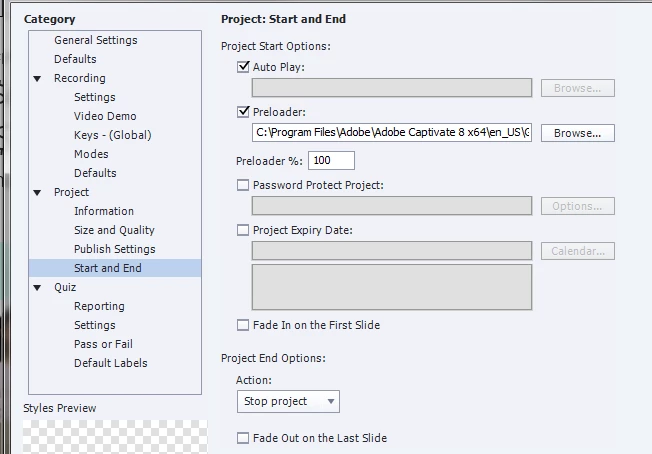
From other forum postings, I’ve tried turning on and off Autoplay and Preloader, but this this troubleshooting has not fixed the issue. Currently, the settings have both Autoplay and the Preloader turned on:
LMS:Internal Server is enabled for quiz reporting.
Is there any way to get the projects to work in HTML5?
 AdChoices