
Question
'Submit All' message in HTML5
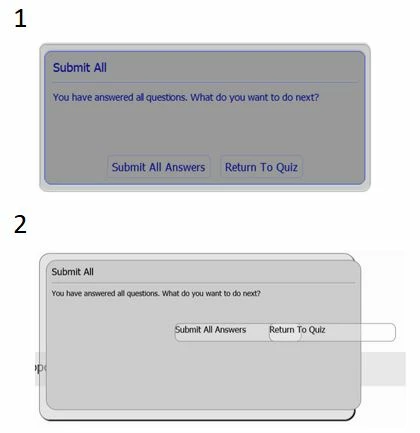
I'm creating a quiz using Captivate 2019, I'm using the 'Submit All' funcion. I have published in HTML5, after completing the quiz and clicking the 'Submit All' button, on some computers the message is displayed correctly as shown in image 1, yet on some other computers, the message looks like image 2. Even if I publish on a computer where the messge is displayed correctly as in image 1, as soon as I upload the file to our LMS (Totara) it looks like image 2. Does anyone know how to correct this?


 AdChoices