
Rumbalotte
Known Participant
November 14, 2016
Question

SVG Import not working in CP9

  • November 14, 2016
  • 4 replies
  • 416 views

The SVG import is not working with my Captivate 9 (latest Version (9.0.2.437), PC, Win7 64).

The SVG is shown as preview in the library but not on the stage.
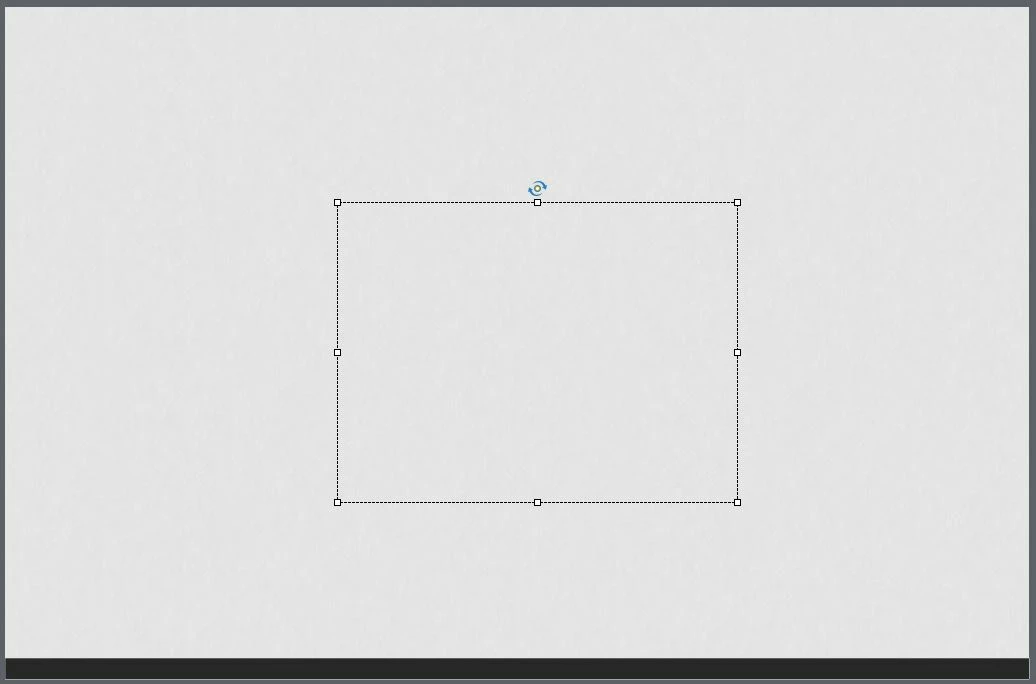
It's allways like this. Empty object with allways the same size. What's wrong?

This topic has been closed for replies.

4 replies

Rumbalotte
Known Participant
November 15, 2016

First thanks for all your support. The SVG is created with illustrator and I considered all the settings I found with this issue.

If my colleague import into their Cativate SVG and send me, it's not a problem. It's not a problem to display a SVG. Only the Import on MY System.

Participating Frequently
November 14, 2016

I have one more suggestion as this happened to me.

The file may be offset from the artboard.

open your svg file in illustrator and ensure your image is placed on the artboard    . 

resave the file and import in to captivate.

should show up then.

Lilybiri
Legend
November 14, 2016

Did you use Preview in Browser (F12) or Preview HTML in Browser (F11)? How was that SVG created? I know that the size is always the same (logged that as a bug when CP9 was released), you can resize but of course that is difficult if you do not see the image.

Participating Frequently
November 14, 2016

Try using firefox or windows 8 or above

Firefox 48.0.1 or 49.0.1

or Internet Explorer       11.0.9600

Rumbalotte
Known Participant
November 14, 2016

I'm talking about the stage (editing) in Captivate.

Lilybiri
Legend
November 14, 2016

I understood but wanted to know if it ever shows up. Also asked how SVG was created, no answer.