


danielb51742821
Inspiring
May 26, 2022
Question

SVG State view is not allowing me to resize

  • May 26, 2022
  • 1 reply
  • 226 views

I have an SVG being used as a button.

In state view I would like the rollOver state to enlarge, however the everything under Properties/Options/ Transform is grayed/unresponsive, in fact sizes do not even appear as an option if they were active.....

How can I adjust the size of other states of an SVG?
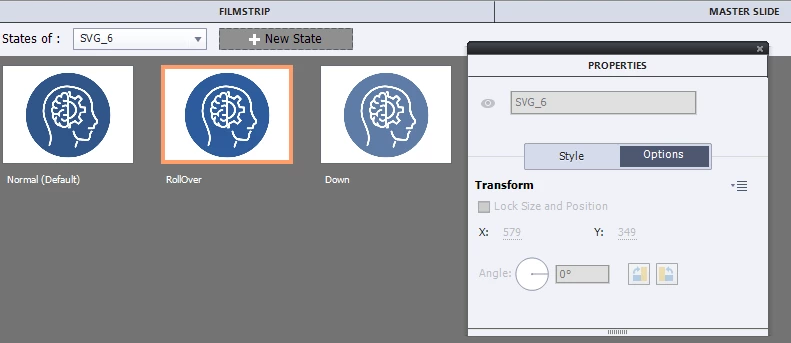
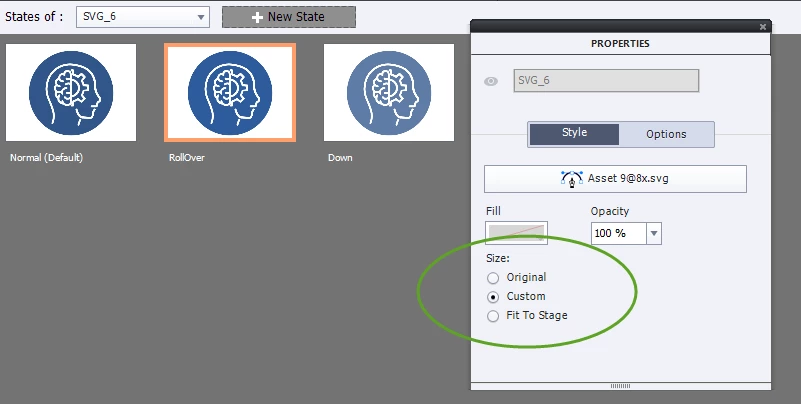
Also, In properties / Style there are Size options that I dont see make any achanges. What are these Size options for?
Thanks!


    This topic has been closed for replies.

    1 reply

    Lilybiri
    Legend
    May 26, 2022

    If you have a bitmap image or SVG defined to be used as button, the size and position of the Rollover and Down state are locked to the Normal state, same as for other types of buttons. Did you look at the SVG button on the stage? Like all buttons,  it normally has a lock icon in Rollover and Down state like this:

    This is the same for all buttons, not only for SVGs used as button. You can edit its color (as shown above), you can replace the SVG by another SVG but the size (bounding box) and the position will be locked.


    Possible workaround? Set the opacity in the Rollover (or Down) state to 0% and add the bigger SVG as extra object:


    danielb51742821
    Inspiring
    May 26, 2022

    I didnt know you could add another SVG in the rollover state. I will try that. Thanks,

    Lilybiri
    Legend
    May 26, 2022

    You can add as many objects as you want to any state. Only the basic button has the size and position locking on. I often even start with an empty Normal state for a button to avoid several restrictions. Have a look at:

    Rotating button? - eLearning (adobe.com)