Question
.swf Compilation Error for Mac Users
Cp 9 with Hot Fix Installed
OSX 10.10.5 Yosemite
When I preview project in anything other than HTML5 in Browser for a blank project, I receive a .swf compilation error. Please see the image.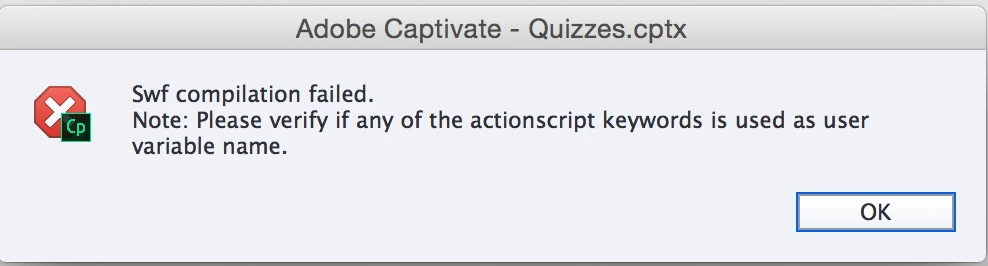

Cp 9 with Hot Fix Installed
OSX 10.10.5 Yosemite
When I preview project in anything other than HTML5 in Browser for a blank project, I receive a .swf compilation error. Please see the image.
Already have an account? Login
Enter your E-mail address. We'll send you an e-mail with instructions to reset your password.
 AdChoices