Participating Frequently
January 14, 2014
Question

SWF Compilation Failure Error - Captivate 6, Windows 7

  • January 14, 2014
  • 1 reply
  • 801 views

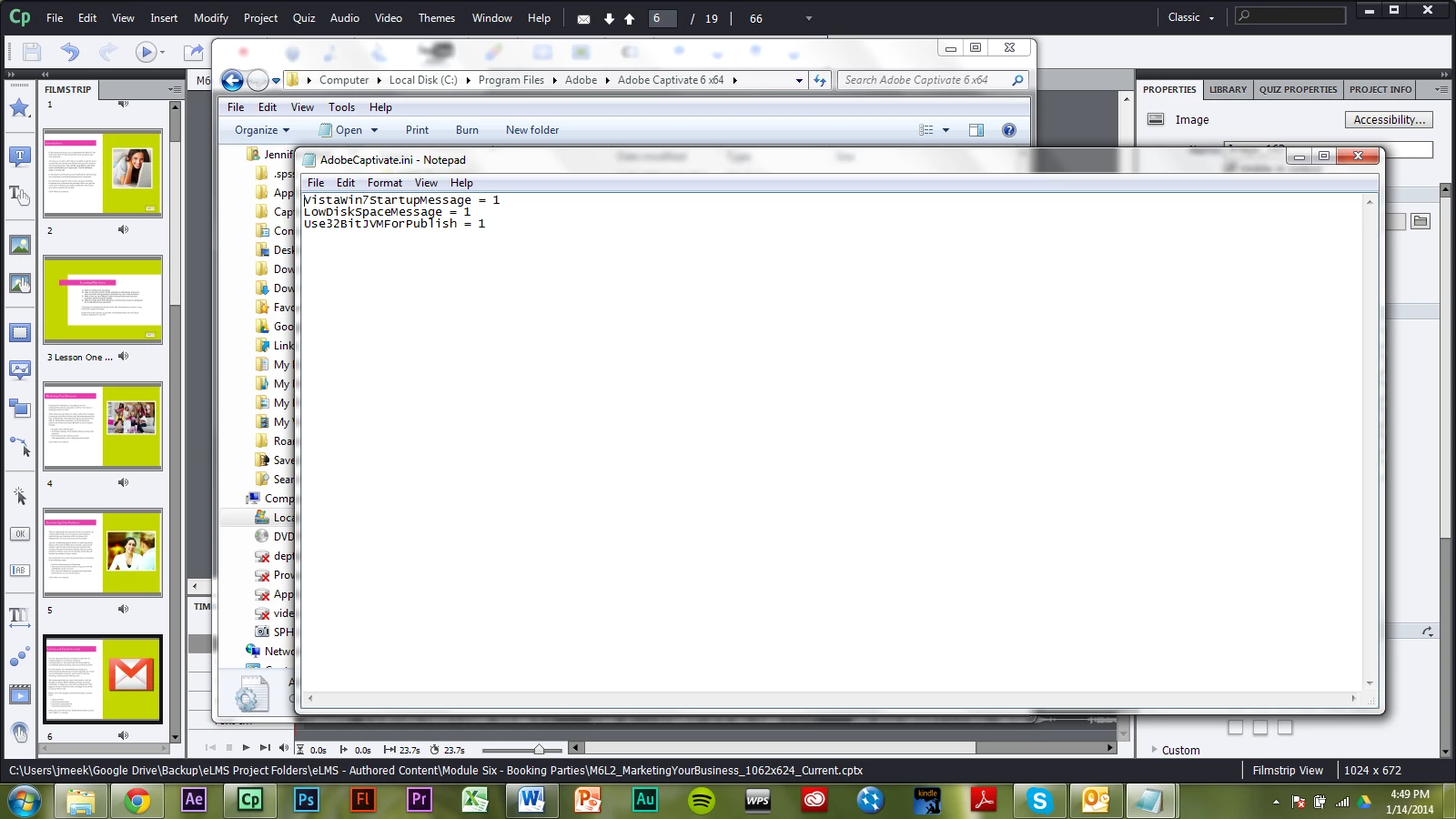
I've tried all the suggestions in the community, including, "Add  Use32BitJVMForPublish = 1  in AdobeCaptivate.ini  file."

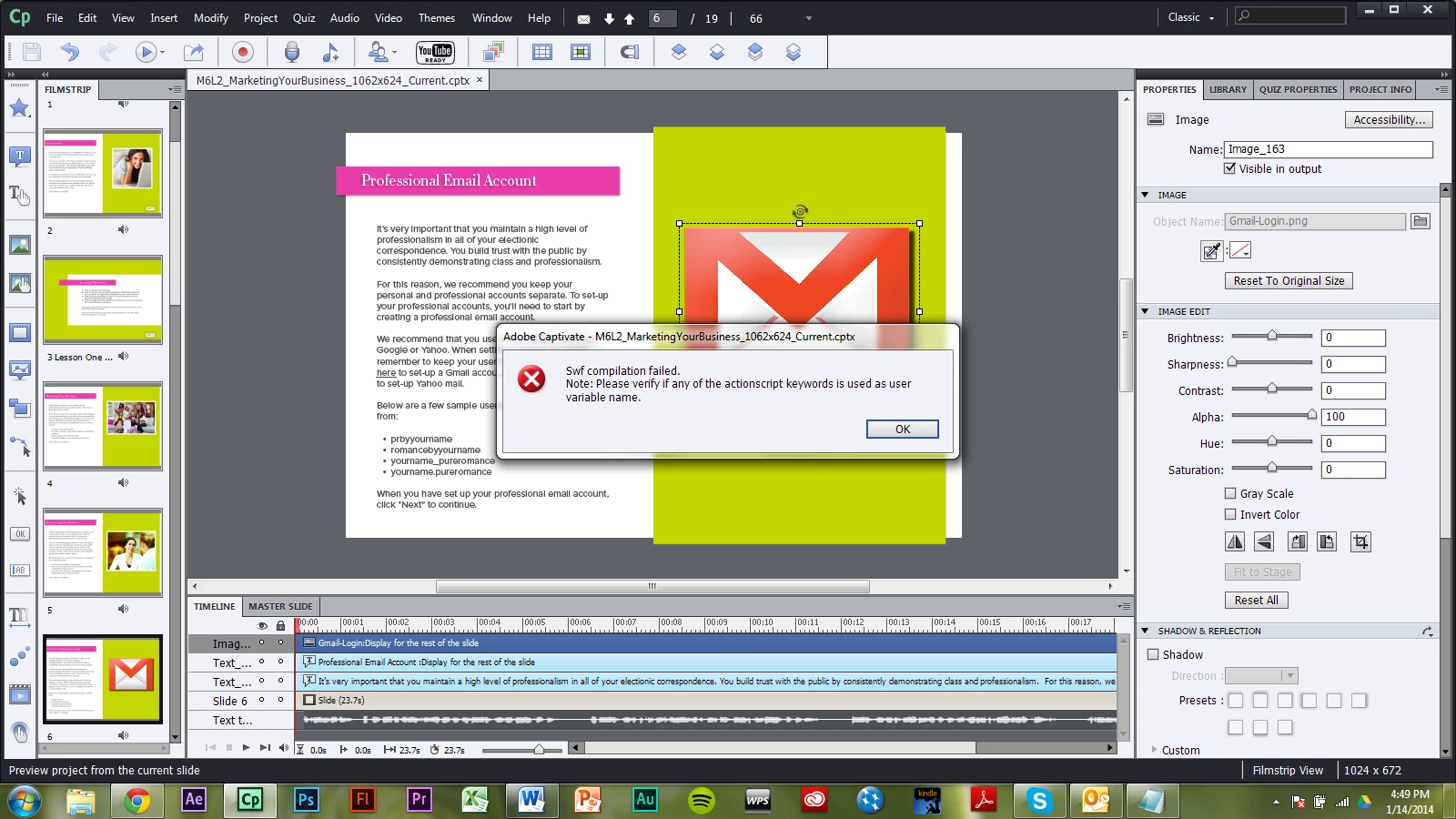
None of my Adobe Captivate files will preview. All give this message. What can I do?
This topic has been closed for replies.

1 reply

Lilybiri
Legend
January 14, 2014

Are you low on disk space? Did you clear the cache? Is CP installed on your system and the Documents folder to which the projects and cache are saved as well?

Which version of 6?

meekjr_prAuthor
Participating Frequently
January 14, 2014

Yes, yes, and yes. I am clearing some disk space now to see if that will help. Professional?

RodWard
Community Expert
Community Expert
January 15, 2014

Check the troubleshooting tips here on this post:

http://www.infosemantics.com.au/adobe-captivate-troubleshooting/basic-troubleshooting-techniques

You can usually use the process of elimination to narrow down the slide where the issue is located.  Once you know the slide, you can narrow down to the object, etc.