Participant
September 9, 2014
Question

Table widget won't display in Captivate 8

  • September 9, 2014
  • 2 replies
  • 1472 views

Hi

Having problems with the Table Widget learning interaction in Captivate 8.

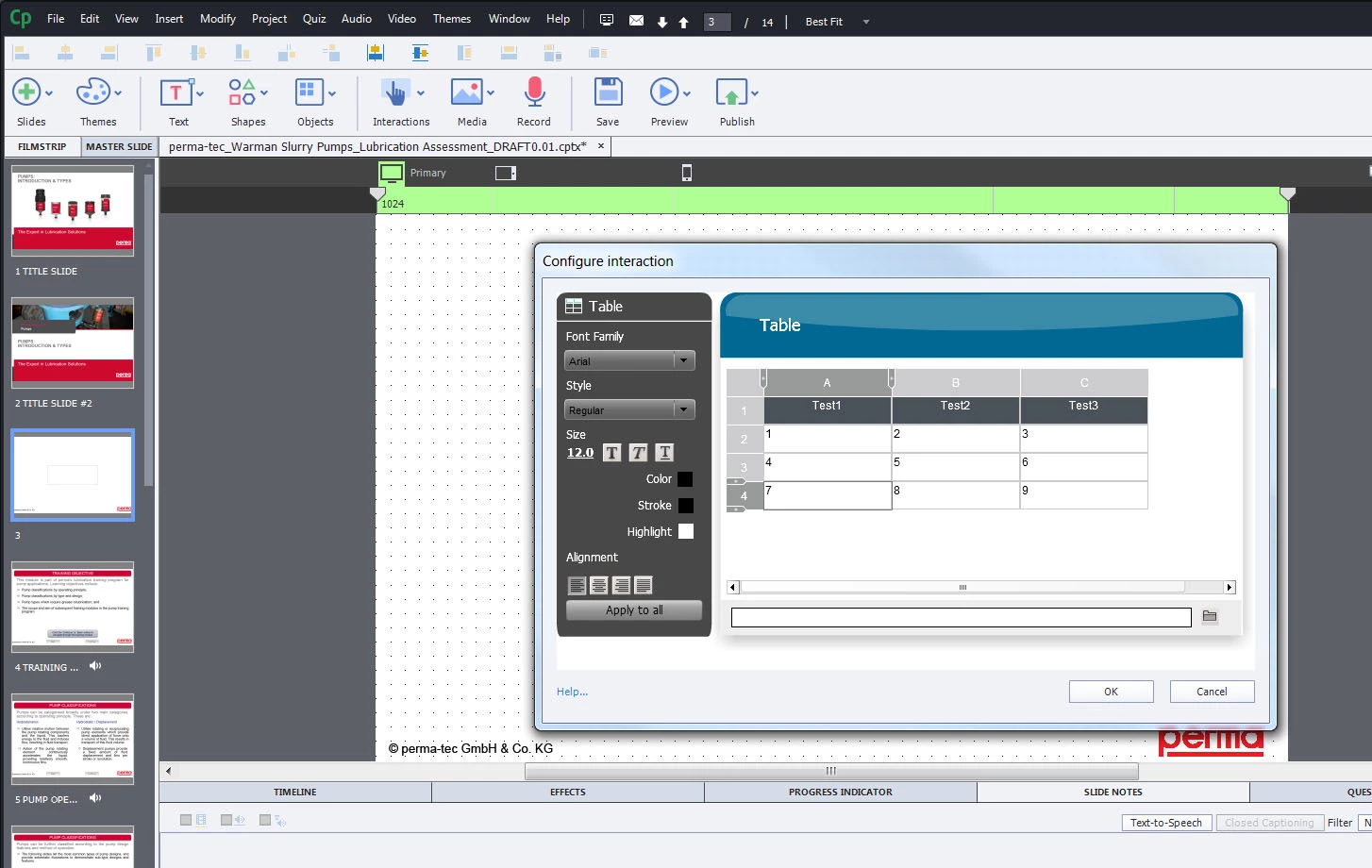
I can select the interaction, type and modify table contents and properties in the 'configure interaction' window, and it displays properly. See Image below:
When I click OK to finalise the interaction it will not display properly on the project page. See appearance in image below:
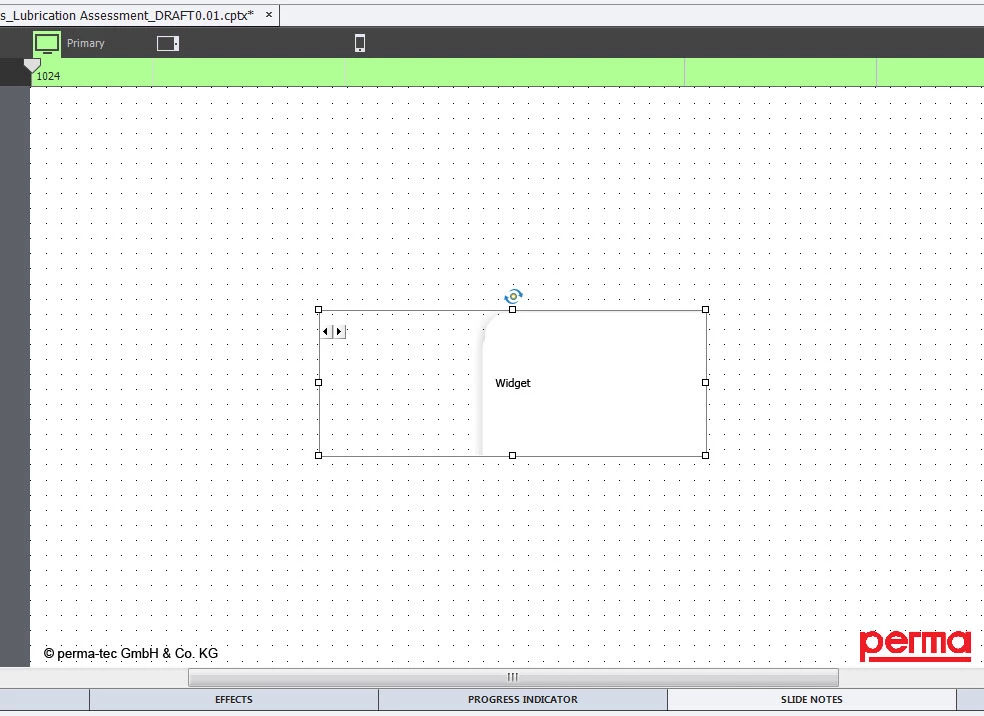
I am using in a responsive project, but will also do this in a blank project.

The other learning interaction widgets appear to display correctly on the page within captivate, only seems to be the table widget. When I publish for devices and view in a browser, the table appears to display as it should.

Any suggestions would be appreciated.

Cheers

    This topic has been closed for replies.

    2 replies

    Known Participant
    June 8, 2015

    I'm having the exact same issue.

    RodWard
    Community Expert
    Community Expert
    June 8, 2015

    Forget about trying to Preview any Responsive or HTML5 project in Captivate.  ALWAYS test from a web server and on the actual device where it will be viewed by users.  That's really the ONLY way you'll reliably know what the final result will look like.

    Known Participant
    July 22, 2015

    Following on from this I have a related problem I think with my table widget. I have a single column with 21 rows of numbers.

    And at this point I can't get a consistent accurate display. When I play the slide in the project, the table doesn't appear. when I choose "preview slide" it appears (but it shows only the first 10 rows). When I publish the project and play from the index.html file it doesn't appear at all and seems to disrupt the flow of the playback (I get a message saying "loading" and the slide with the widget appears grey, then when it finally does appear, the table doesn't appear at all.

    I'm loathe to do this by doing a table in powerpoint and pasting it in as an image as you have informed me that it won't automatically resize for mobile and tablet.

    So what to do?

    Lilybiri
    Legend
    September 9, 2014

    More learning interactions (think you are speaking about a learning interaction, not a widget) only have a placeholder on the stage; to see the result you'll have to preview (in browser) and after publishing everything will be OK.

    It is certainly not only the table interaction that has such a behavior, did you try out all the interactions?

    Known Participant
    November 11, 2014

    I am trying to use the exact Learning Interaction. Yes, in authoring it does not preview but even in preview the display is not correct and there doesn't seem to be any way to resize it in order to fix it.