


Template has been corrupted?
Captivate 2019 version 11.5.1.499
Updates controlled by corporate admins
(running Windows 11 w/ 11th gen Intel i7-1185G7 @3.00 GHz/1.8 GHz and 16 GB RAM [15.7 GB usable]
I have a template that I am using to create several modules for (deadline in two weeks). This morning,
I initally opened successfully and attempted to make adjustments to a template that I have four or five projects underway in. When I tried to save, I got an error message saying the file was corrupt w/"retry" and "cancel" options, but either one just opened a "50% compression window" whic remained hung up on the screen. I had to close Captivate through Task Manager as this window hung up the whole computer and I couldn't leave the Captivate application.
Now I can't even open the template at all. It won't allow me to create a "New Project from Template" using the template, and when I try to open the template, both from from file explorer from the Captivate start screen, I now get the following message:
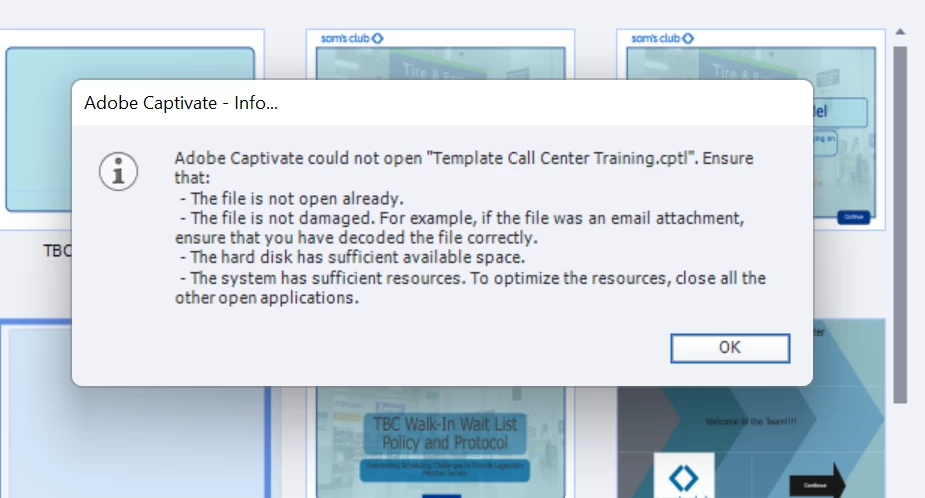
Is there anyway I can recover this template, and if I do will I be able to edit and save, so that future modules will be created in the new saved template?

 AdChoices