
Answered
Text Box cannot wordwrap ?? where is it hiding ??
I just created a text box in Captivate 2019. A simple text box and typed some text, it scrolled till the end.
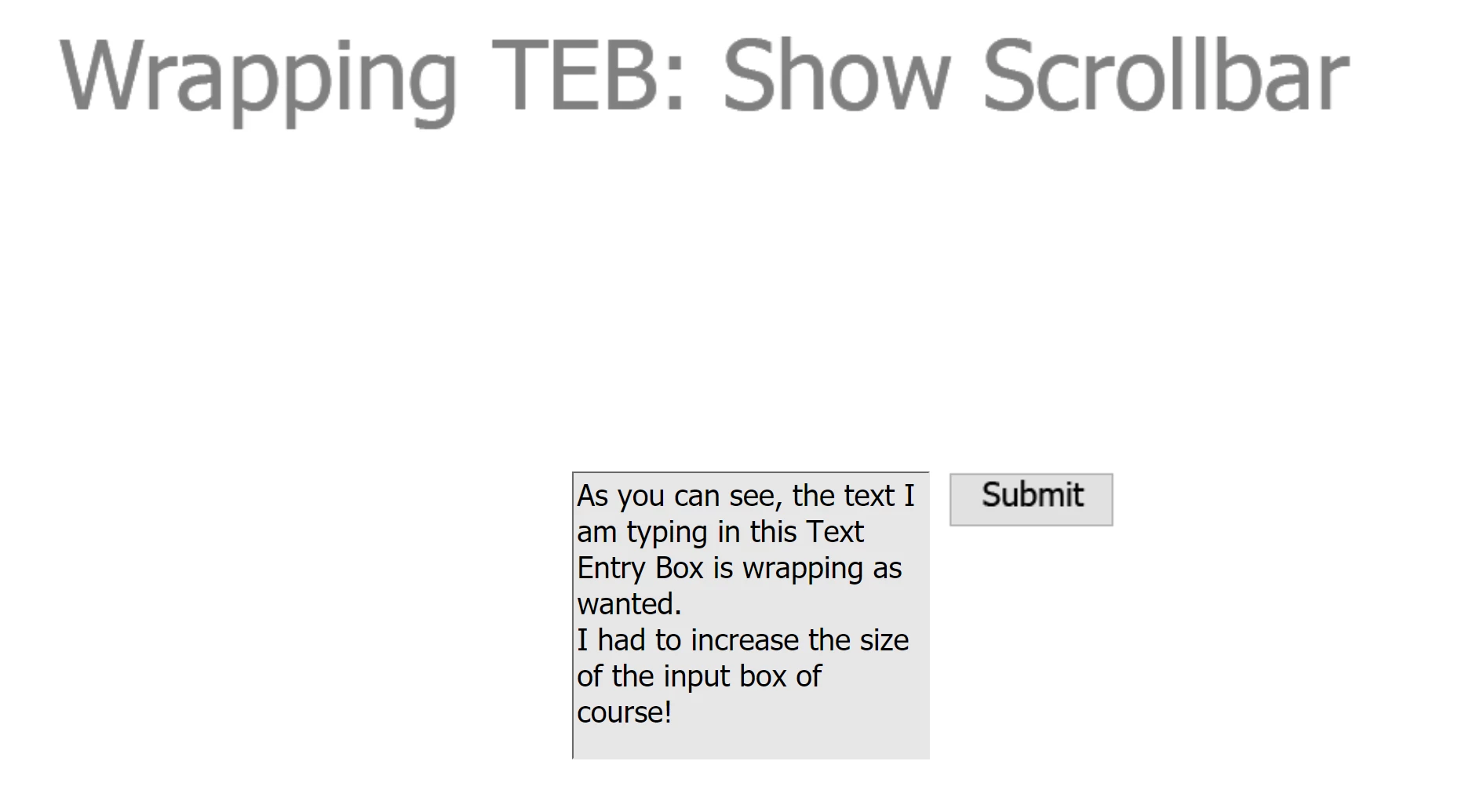
I want it to word-wrap the text box to fit into my pane. However, there seems to be no feature for this!!
I seems like I can't word-wrap text in a simple text box !! The properties of this text box have every other feature under the sun from x co-ordinate to y co-ordinate to locking positions and even adding a shadow !! Yet either I don't see this basic feature (word-wrap) there. Is it hiding somewhere I can't see?


 AdChoices