Meanwhile, this just in from the "more than one way to kill a shapely cat" department...
If you are happy with the way the "tail" looks on any of the captions, you can fairly easily accomplish this by inserting two captions. First, one with a callout pointer. Then overlay that one with a copy of the same Caption type but where the caption is a basic rectangle.
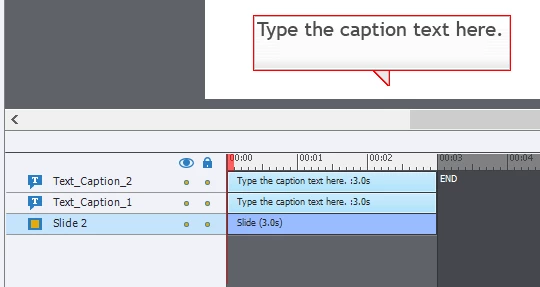
Cheers... Rick 
For all those wondering about this thread or wanting a centered tail on captions as well, here it is:
- This is what I needed:
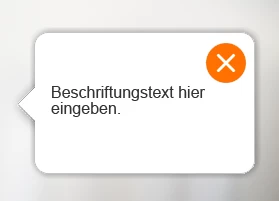
- The "must haves" were:
- centered tail (always looking the same)
- round corners
- drop shadow and 1px border around complete caption - So I created a customized text caption without tail and an extra image for the tail:
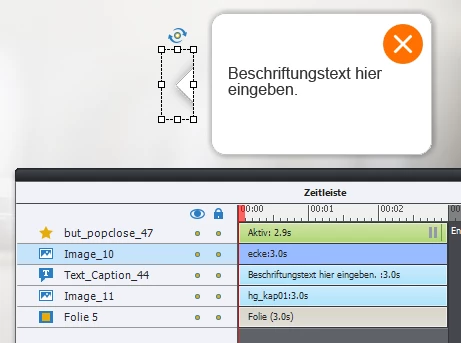
This way I can place the tail above the text caption on every side it´s needed, align both and finally group all elements.
Hints: The drop shadow for the text caption is set in the properties, the drop shadow on the tail is inside the image. Therefore I made a squared caption in captivate an copied into Photoshop ;-)

 AdChoices