



Answered
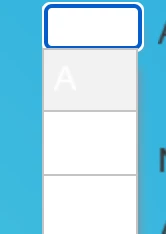
Text of the dropdown of Matching Questions remains white on white when published in html5
I've changed the text color in the Properties Panel as well as in the Object Style Manager but the text is still white on white. I've got the latest version of Captivate with the latest update. Is there a way to fix this?

 AdChoices