

Question
The java folder existed
Hi
My admin team raised below question while installing Adobe captivate kindly give me the solution for this issue to proceed .
Please note Installing Adobe captivate the java folder existed in the below path
C:\Program Files\Adobe\Adobe Captivate 2019 x64\JVM\bin\javaws.exe
C:\Program Files\Adobe\Adobe Captivate 2019 x64\JVM32\bin\javaws.exe
as per my organization packaging management guideline we are not accepting any applications with JRE/JWS embedded in it.
We will use ORCPJREX64_180201_00 as dependency and we will remove the java folder from the location
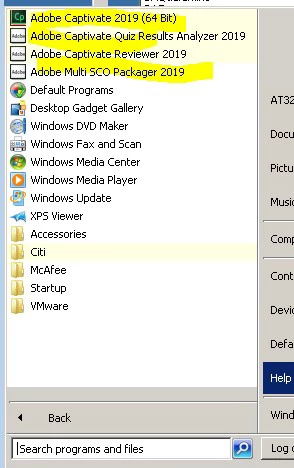
please confirm whether the folders the java are required or not for the proper functionality of the application. And also shortcut is creating under start menu.
Thanks
Parthi


 AdChoices