


Theme not working in Captivate for dropdown text font
I went into "Edit Theme" > "UI Components" > "Dropdown" and updated the font for all the states of the dropdown menu to the font that I want to use for it. It shows up in the theme the way I want it.
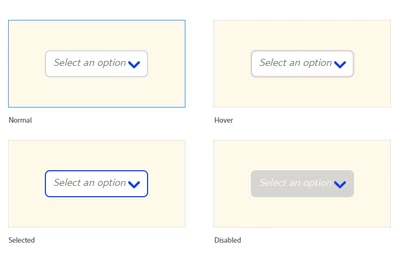
After I clicked Apply, I went to the slide where I had updated it, and in "Normal", "Hover" and "Disabled" it shows up correctly.
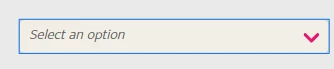
However, when I click on the dropdown menu and it switches to "Selected" state, the font reverts to what had been the default previously (Times New Roman).
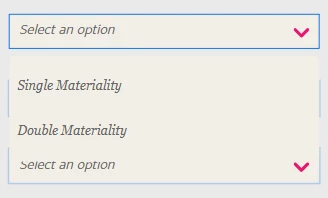
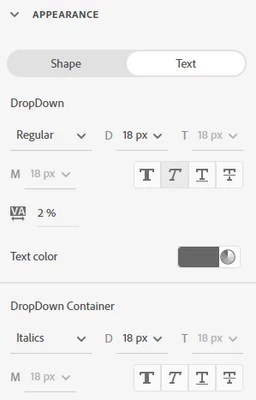
When I tried changing the font of the other states that I have control over (Normal and Hover), and then went and re-applied the Theme, they didn't update. Only the "Disabled" state seems to be controlled by the Theme. Neither "Selected" nor "Disabled" allow you to change the font. In Appearance, where the Normal and Hover states can change font types, the Appearance for the other two states only allows this:
I am using Captivate Version 12.3.0.12
 AdChoices