
j81garza
Participant
December 16, 2019
Question

Theme Properties

  • December 16, 2019
  • 1 reply
  • 146 views

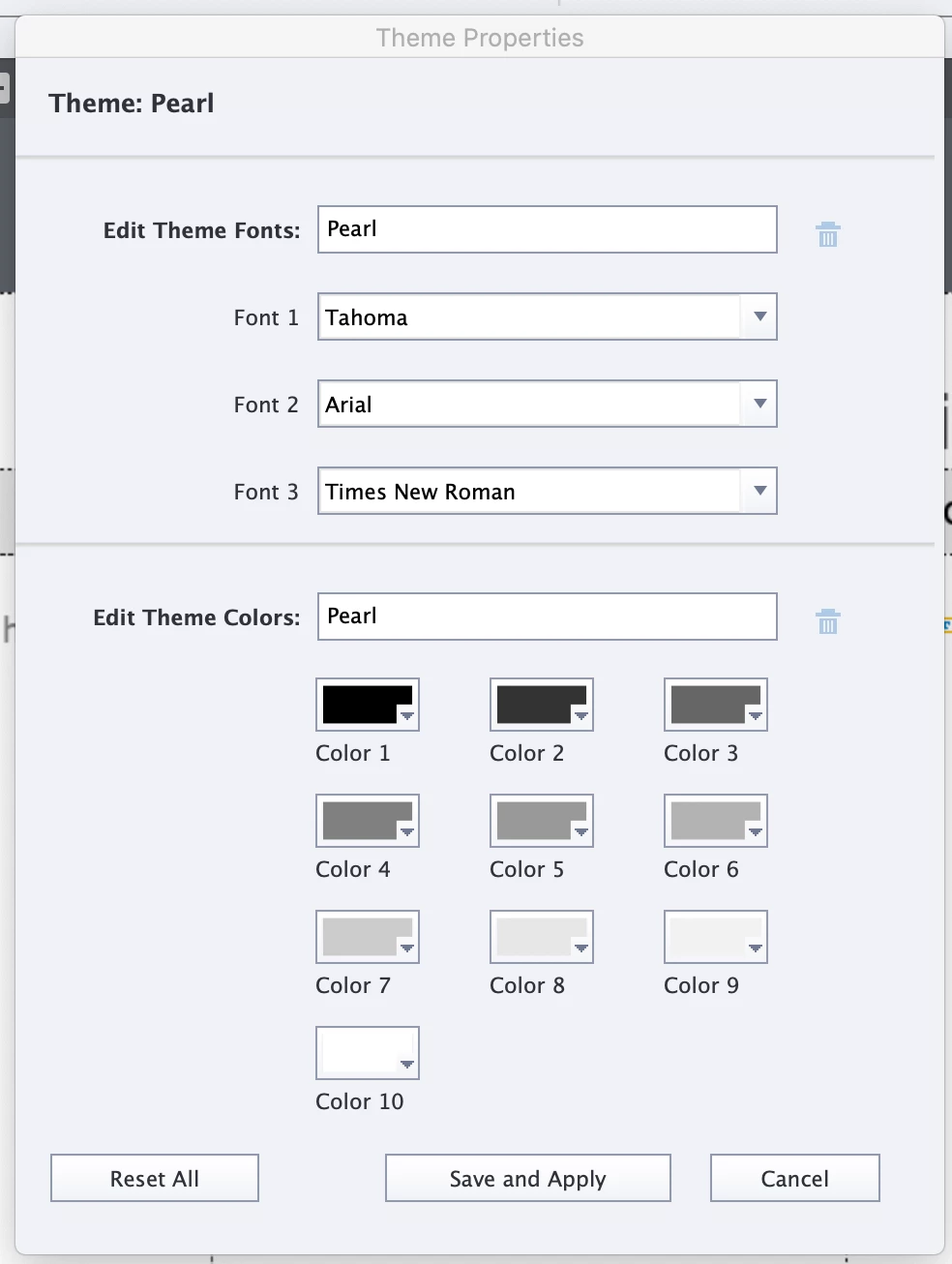
Hi, New Captivate user here looking for some tips.  If I go to Themes> Theme properties > Edit. My color swatches are listed as color 1,2,3 etc. Is there a preference I can set so they say Title, Sub-title, Text 1, Text 2? Any info is appreciated.
 

This topic has been closed for replies.

1 reply

Lilybiri
Legend
December 16, 2019

No, that is not the way the Theme Colors palette is working at all. There used to be names on the colors, and I begged to take them off because the 'Title' color was not used for titles in the packaged themes, same for the other colors.

I have posted quite a lot of articles about Themes, and their use, which is one of the topics rarely treated in manuals, books, training (same as Timeline, another of my favourite topics). I even postd a reference document with all the links to those posts in the eLearning Community. Have a look at:

https://elearning.adobe.com/2019/11/theme-resources/