

martian73
Inspiring
June 21, 2021
Question

"This project has expired"

  • June 21, 2021
  • 1 reply
  • 343 views

Hello,


My license is active, these projects were published, live online and were working fine. Now we are getting this message:
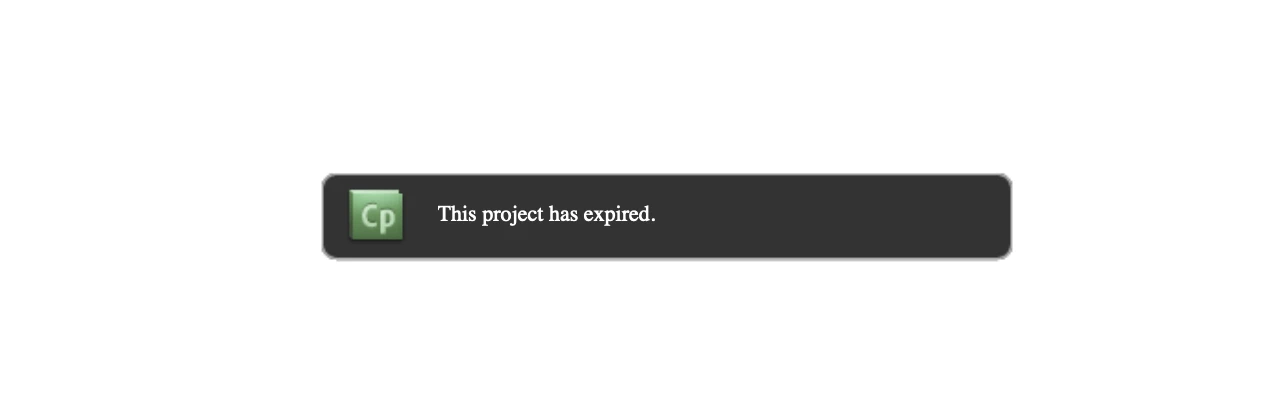
 How can we get these back online?

 

    This topic has been closed for replies.

    1 reply

    Paul Wilson CTDP
    Community Expert
    Community Expert
    June 21, 2021

    I've never seen this message because I've never been in the two situations that I can think of that would result in this message. 

    1. the first situation is that when you published your project you were still under the 30-day trial. This means that when you publish a project within the 30-day trial you have another 30 days to preview the published project.
    2. You can set an expiry date for you project.
      1. Click on the Edit dropdown menu
      2. Select Preferences...
      3. Navigate to the Project / Start and End subcategory
      4. Select Project Expiry Date: (or if this is your case uncheck this option)
      5. Click on Calendar... to select a date to expire a project
      6. Click on OK and OK again.
      7. Publish your project (or in your case republish your project)


    Hope this helps. In all likelyhood you were simply not signed in with your Adobe ID associated with your fully licensed account. I can't imagine you would accidentally set an expiry date but thought I would include these instructions just in case.


    Paul Wilson, CTDP
    martian73
    martian73Author
    Inspiring
    June 22, 2021

    Thanks Paul, I am guessing it was just because it was published during the trial period as we did not set an expiry. Heopfully it doesnt expire now as we do not need an expiration date on it.