Question
Timeline Playbar Missing
I just started using Captivate 2017. The play bar which normally displays at the bottom of the Timeline window is missing. How do I get it to reappear?
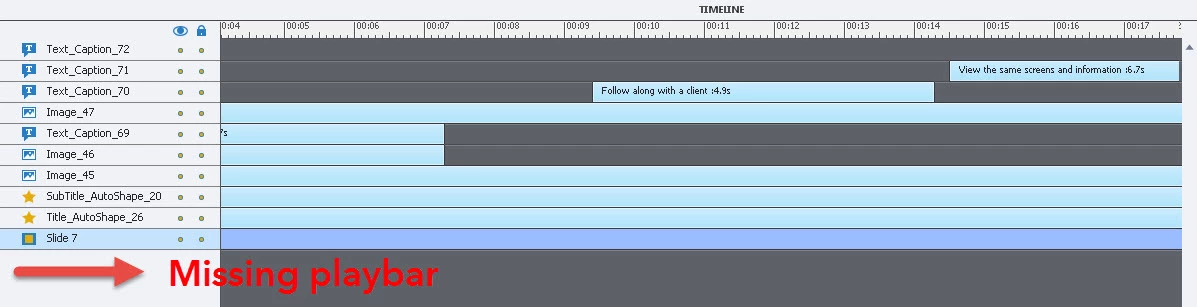

I just started using Captivate 2017. The play bar which normally displays at the bottom of the Timeline window is missing. How do I get it to reappear?
Already have an account? Login
Enter your E-mail address. We'll send you an e-mail with instructions to reset your password.


 AdChoices