
julmer40
Known Participant
June 5, 2015
Question

Timeout from e-learning modul

  • June 5, 2015
  • 2 replies
  • 796 views

Hallo all,

I have a little special question. We test at the moment a new learning module. In the module are different short mp4 Videos. I export the course to SCORM 2014 zip file and import it

to our ILIAS LMS system. When I was after 30 - 45 min and the end of the course and go back to a slide with a Video file. Comes the message at the place from the video clip:

"Authentication failed. Please click here to continue."
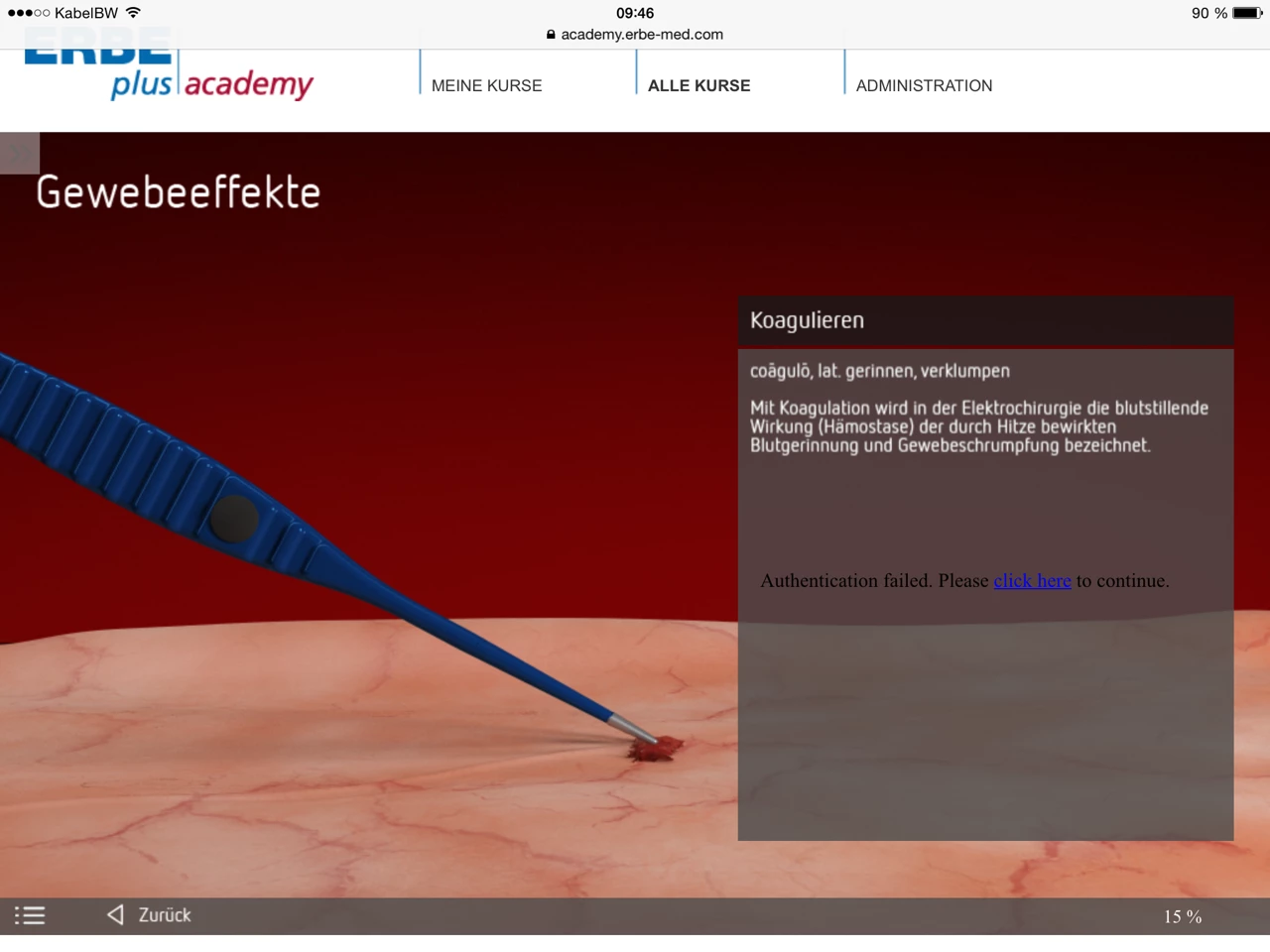
When I click "continue" comes this message:
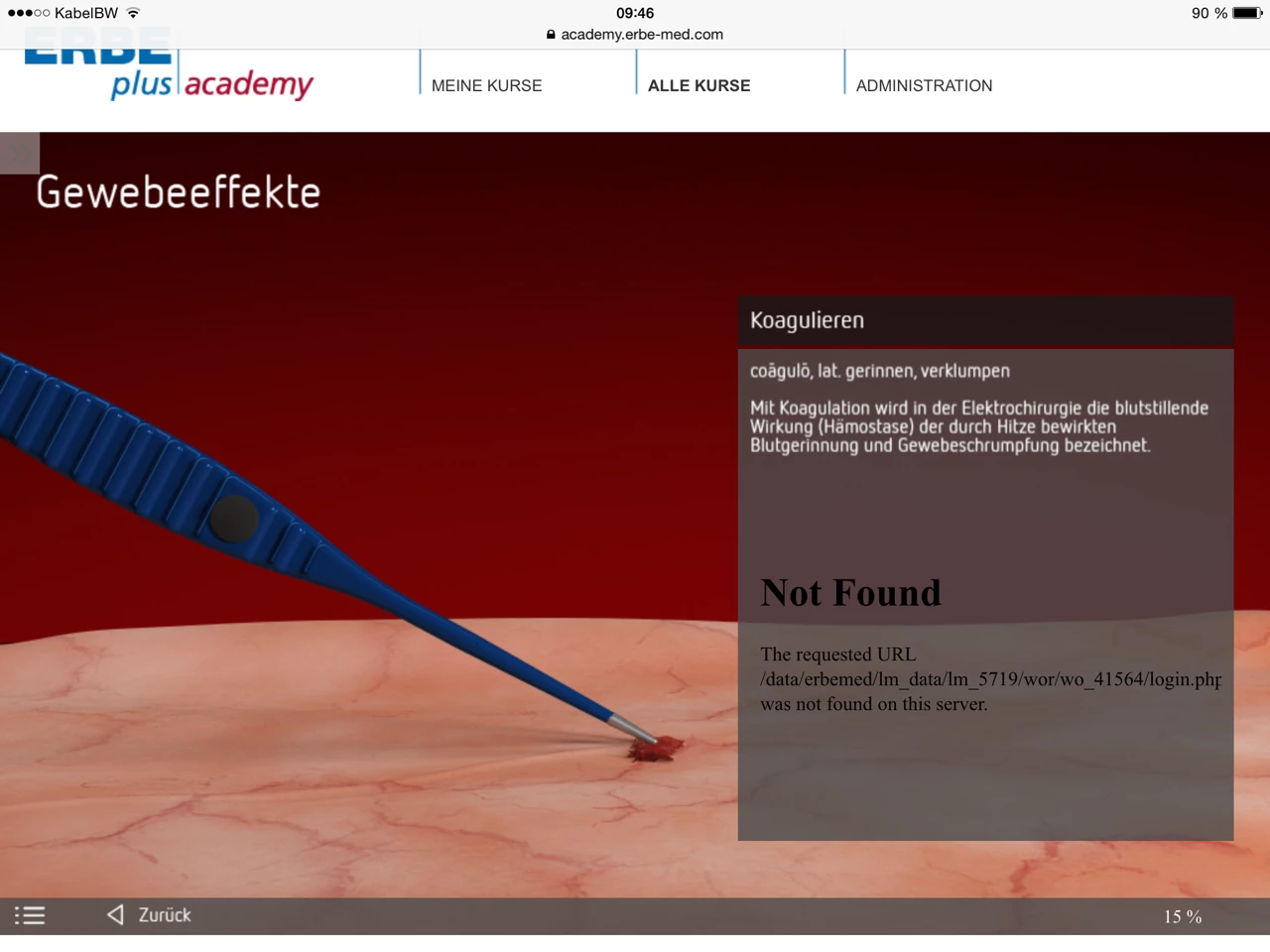
I don´t know what the problem is. Is it possible that the problem comes from the Ilias server?

Best Regards,

Jochen

    This topic has been closed for replies.

    2 replies

    RodWard
    Community Expert
    Community Expert
    June 5, 2015

    It's possible that this error is caused by the way the LMS handles requests for videos.  A video typically takes up quite a bit of server memory and some LMSs actually copy requested files into a temporary folder before linking to them so that they can delete the files from that location once they have been played, thus freeing up memory.  (The actual course files are NOT stored in a folder that can be directly accessed in the open web area of the site because this would potentially allow unauthorised access by people that get hold of the direct link.  So the files are stored in folders OUTSIDE the WWW or htdocs folders of the site and only copied to the accessible temp folder when there is a legitimate request.  This can cause some issues with Captivate courseware at times.  Moodle is one LMS that works this way.)

    If your LMS happens to work this way, then by the time you hit the back button to replay the video slide, the video file may no longer be in that temp folder anymore.

    I suggest you get in touch with your LMS vendor and ask to talk to their technical people to find out whether or not the scenario I outline is possibly the cause of your issue.

    TLCMediaDesign
    Inspiring
    June 5, 2015

    Are these video's in WebObjects on another site?

    julmer40
    julmer40Author
    Known Participant
    June 5, 2015

    The videos are *oam.file from Edge Animate. After this I import the files with Captivate 8. After this there are integrated in the SCORM zip file.

    The videos are saved at the e-learning module folder from the course:

    I will use the course also on the iPad and Desktop PC.

    Lilybiri
    Legend
    June 5, 2015

    OAM are not video but HTML animations. Did you convert them to mp4 or import directly in Captivate?