
Timing effects look wonky when previewing a project
Hi all again,
There's something wrong with my timing effects for my quiz slides. They are aligned right and when you just simply preview a slide within Captivate everything looks fine but as soon as I preview in HTML5 in a browser or on the SCORM cloud everything goes wonky.
This is how the slide ends up when I set him to ease up in the timing effects.
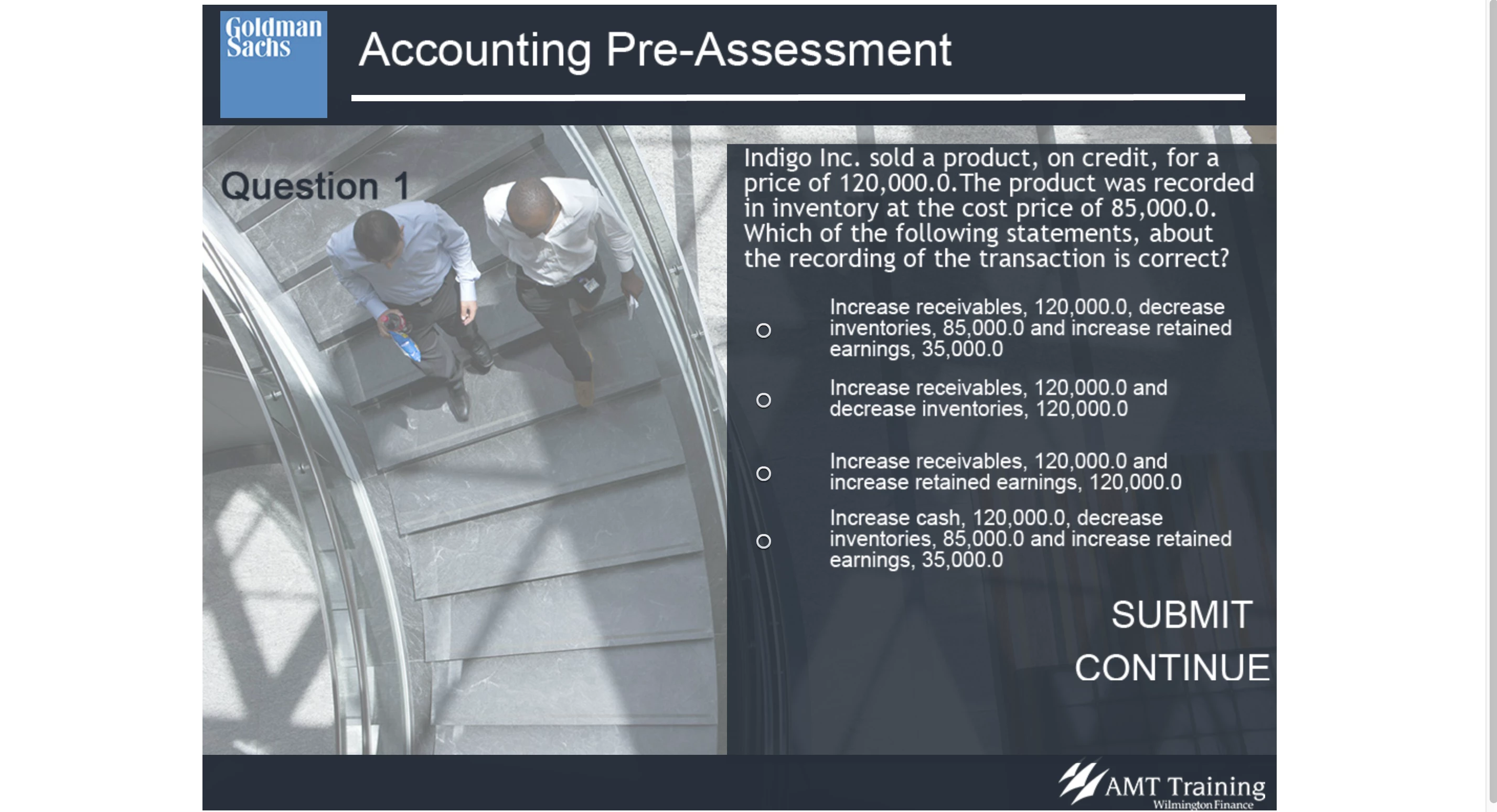
After you click on an option and press "SUBMIT" (still haven't figured out how to change having to click the SUBMIT button twice to move to the next slide, it's incredibly counter-intuitive) the rest of the objects and text boxes jut up into their correct positions, see below;
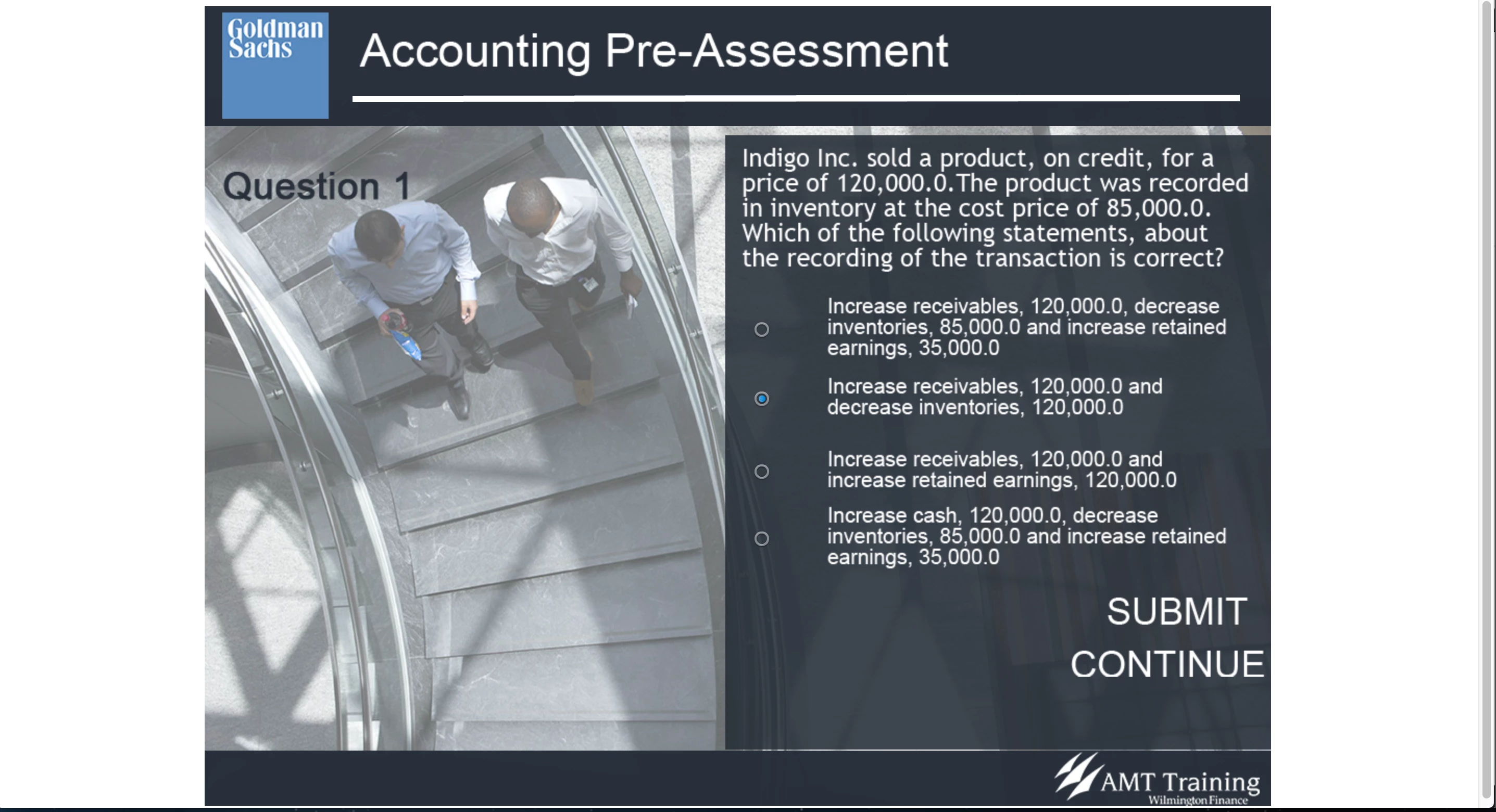
Strangely enough the difference with how high up the objects move are much worse when previewing on the SCORM cloud or previewing it in HTML5 on a browser than if you do a standard preview on a browser using Flash, I presume.
Anybody got any ideas what's going on?


 AdChoices