yeamunaxm33648285
Known Participant
March 9, 2018
Question

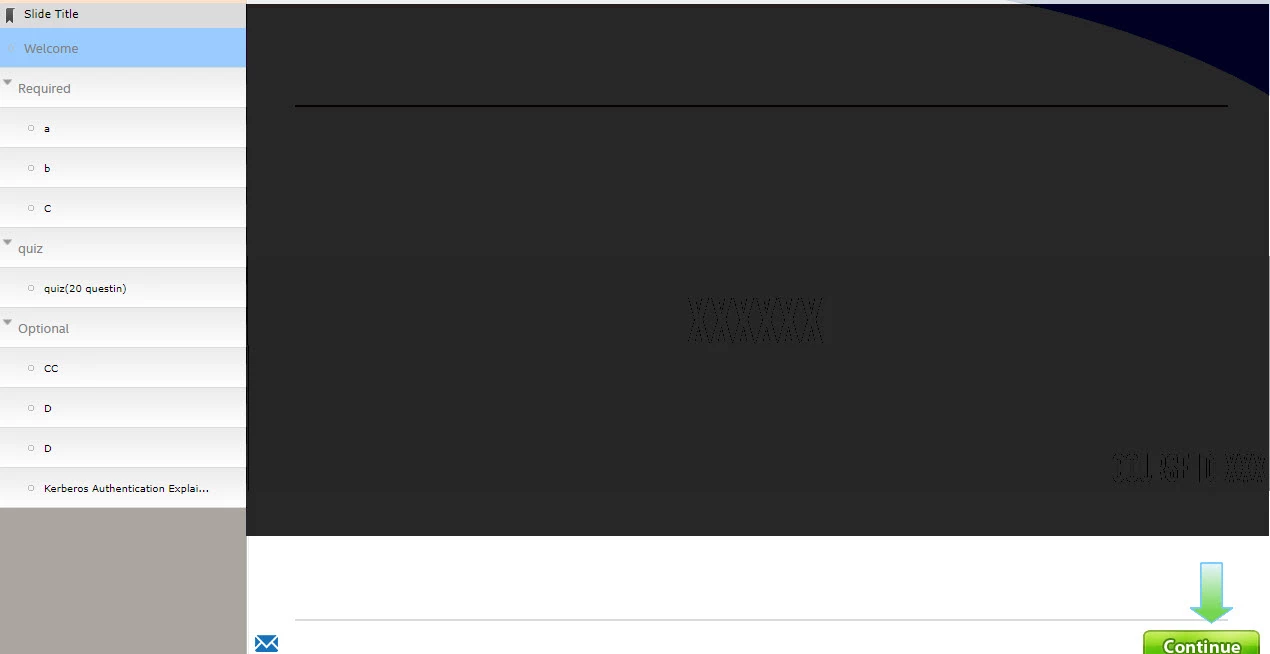
TOC Navigation.

  • March 9, 2018
  • 2 replies
  • 548 views

Hello,

Could anyone please help me on this TOC settings.

Below are the requirements:

The learner must click on every Required (complete the a,b and c ) before moving to Quiz. -

After passing the Quiz , learner can click at any points on Optional.

Is this possible?Please advise me.
    This topic has been closed for replies.

    2 replies

    David Burnham HBA
    Inspiring
    March 9, 2018

    Based on your further information, you could initially lock the TOC on enter the course and force the learner to use the buttons on your slide to navigate. Once the learner has scored a pass value for your quiz you could unlock the TOC allowing for full navigation. (I am assuming you have a retry on your quiz result slide.)

    Lilybiri
    Legend
    March 9, 2018

    Some details are missing:; is the TOC separate or in overlay? Do you have a playbar enabled or not?

    yeamunaxm33648285
    Known Participant
    March 9, 2018

    Im using TOC separate and disabled the Playbar (cause I have include Back and Continue ) on all the pages.

    Lilybiri
    Legend
    March 9, 2018

    You can lock the TOC, although I don't like such a user experience, because that means that user cannot navigate using the TOC before passing the quiz. You will have to explain after the quiz that navigation is possible by TOC, and not only with the custom navigation buttons which allow only movement slide per slide. I would have preferred a TOC in overlay. You oudl have enabled the functionaltiy 'Navigate to visited slides only' (also before taking the quiz), hide the Quiz slides in the TOC, make it disappear and lock it while on the quiz slide, and releasing it again when the quiz is passed. Looks to be much more firendly, because the explanation about navigation can be given at the start, not after the quiz.