atomikdog
Inspiring
January 17, 2019
Answered

tocIcon vertical positioning

  • January 17, 2019
  • 1 reply
  • 263 views

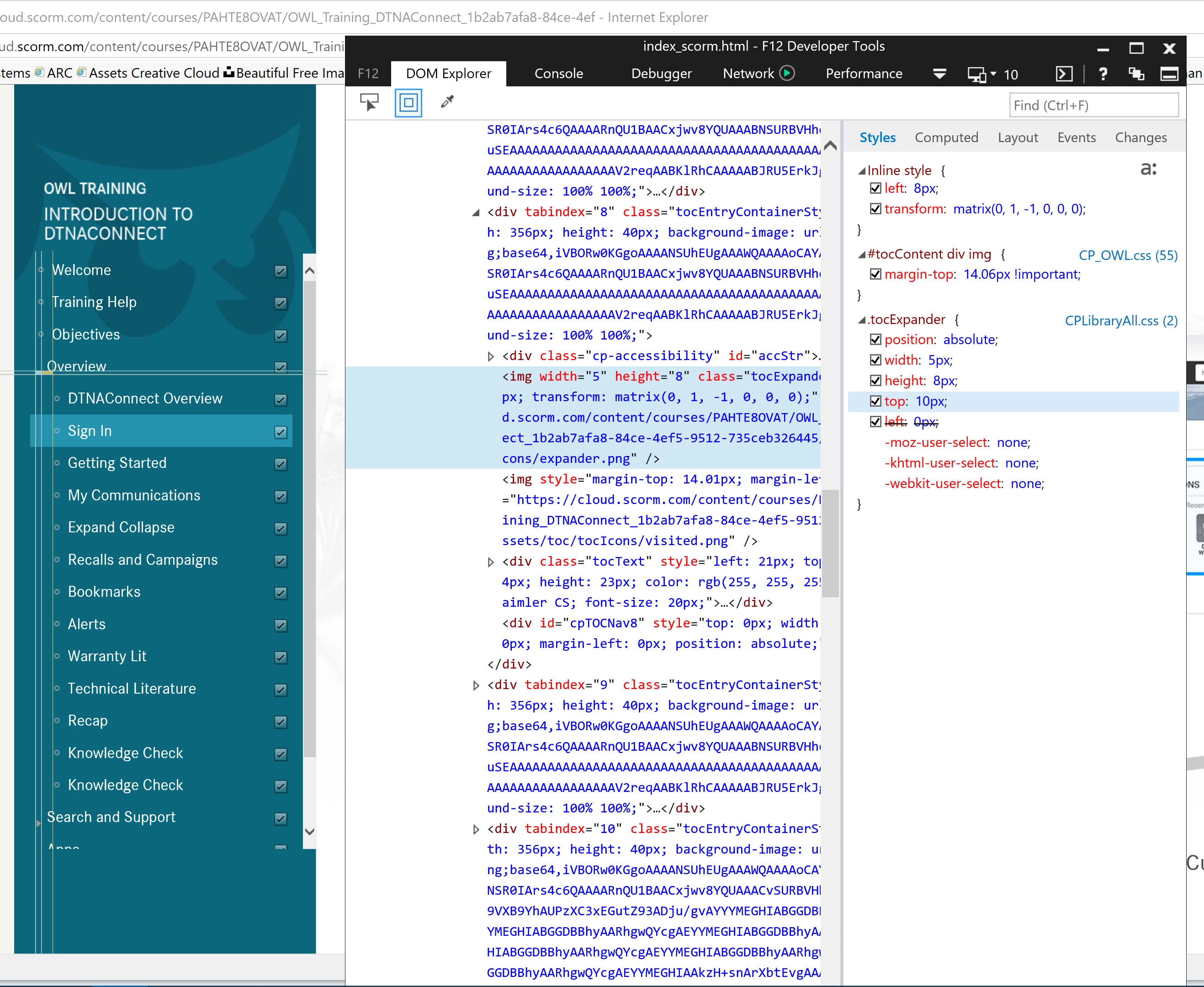
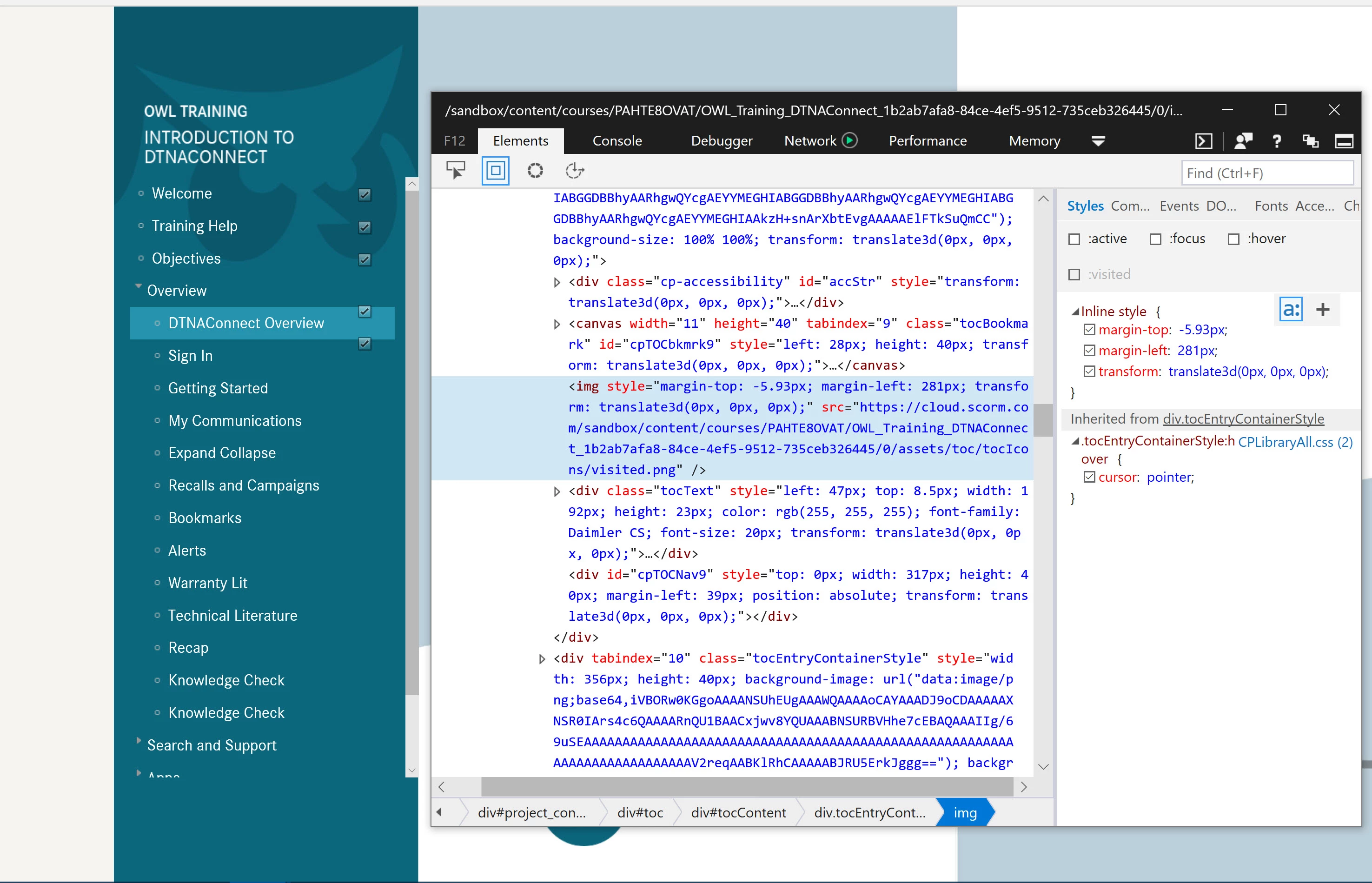
I have a custom TOC. Doing a few things to it via css and js. Only issue right now is the vertical positioning of the visited.png of an inset TOC item. Somewhere an inline style is changing the margin-top from the standard 14px to -5.93px. I'm trying to overwrite it with stuff like:

#tocContent div img {

margin-top: 14.06px !important;

}

or

div.tocEntryContainerStyle img {

margin-top: 14.06px !important;

}

No luck so far. Any ideas out there?
This topic has been closed for replies.
Correct answer atomikdog

After further experiments, it looks like #tocContent div img is successfully pushing the indented visited icons back down to where they should be. This also misaligns the expand/collapse arrow associated with the class "tocExpander", which is an easy fix. Just set .tocExpander { top: -4px !important;}. Tested, fixed.

1 reply

atomikdog
atomikdogAuthorCorrect answer
Inspiring
January 17, 2019

After further experiments, it looks like #tocContent div img is successfully pushing the indented visited icons back down to where they should be. This also misaligns the expand/collapse arrow associated with the class "tocExpander", which is an easy fix. Just set .tocExpander { top: -4px !important;}. Tested, fixed.