

Question
Trouble with States not displaying properly...
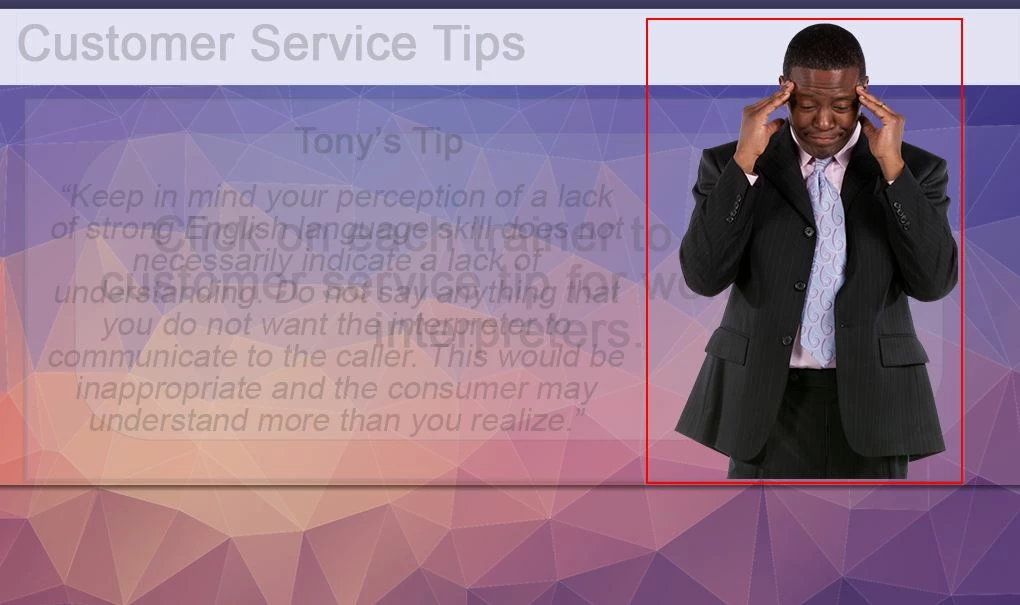
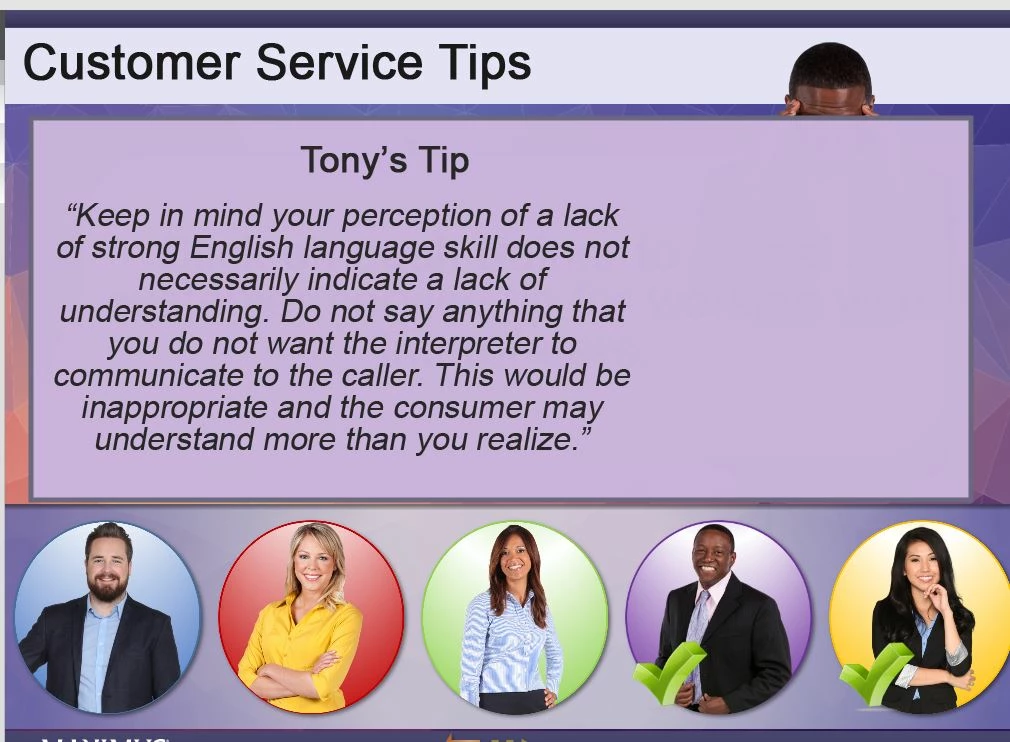
Working on a project slide - where I have designed a panel format that reveals some tips. I worked from one of the Captivate sample projects and made my edits. I am using a character that has several states. However - when my advance action changes the state - the character appears BEHIND my smartshape - and not in front like it is supposed to. I have checked the timeline and everything is layered correctly. The only solution that seems to work is going into the character state view and "redoing" the state - which then makes it appear as it is supposed to on the project. I know there has to be a better way to fix this. Anyone have any ideas?


 AdChoices