

Unable to change the smart shape (used as button) size via javascript
Hey there,
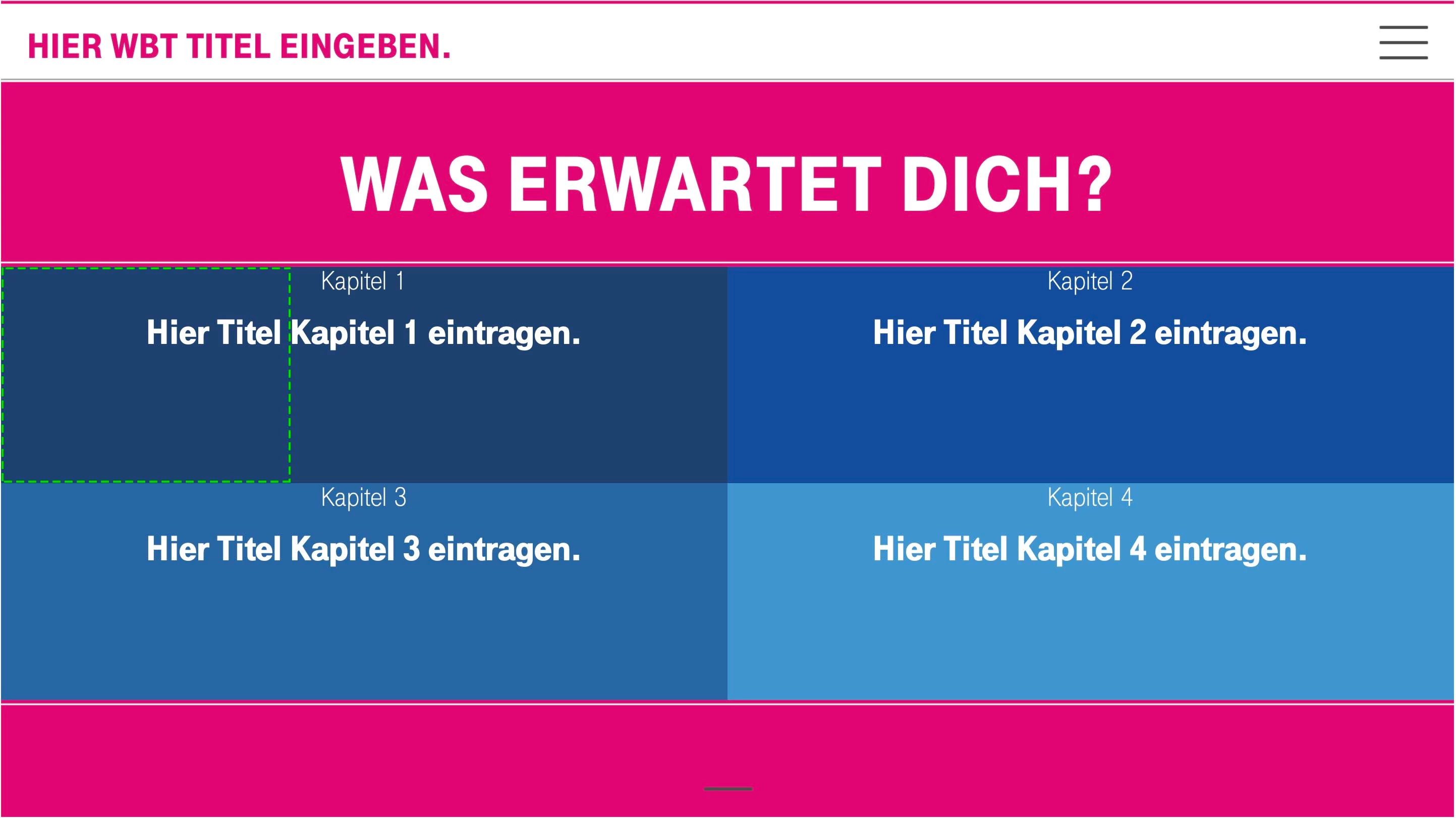
I am trying to manipulate the size of some buttons. I am able to change the complete design stuff at runtime, but I can't find a way to change the area that recognizes the mouse events like mouse over or mouse down.
The original smart shape has the dimension of the green rectangle and this is the area where the mouse events fire as well. But in the rest of the dark blue object nothing happens.
Hopefully someone of you can help me to solve my problem!
Thank you!
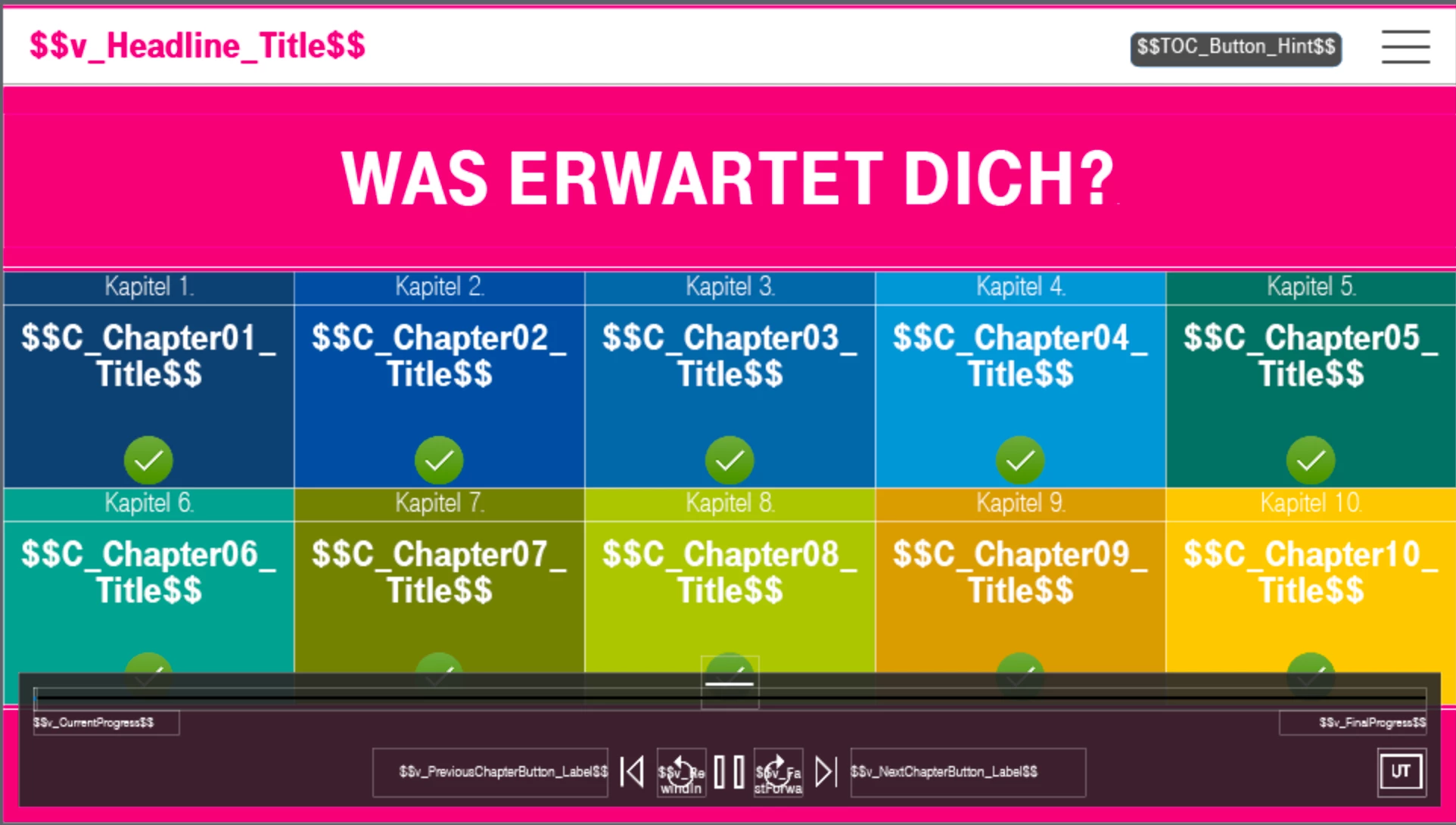
To prevent questions like: "Why you don't do the whole stuff in Captivate?" - I've added a second screensot of my Captivate project. I'm trying do create a template that allows the not advanced captivate user to create an overview slide by filling some variables like - how many chapters (like in my example screensot 4 chapters) - and the rest will be created automatically at runtime.


 AdChoices