


Participant
July 17, 2024
Answered

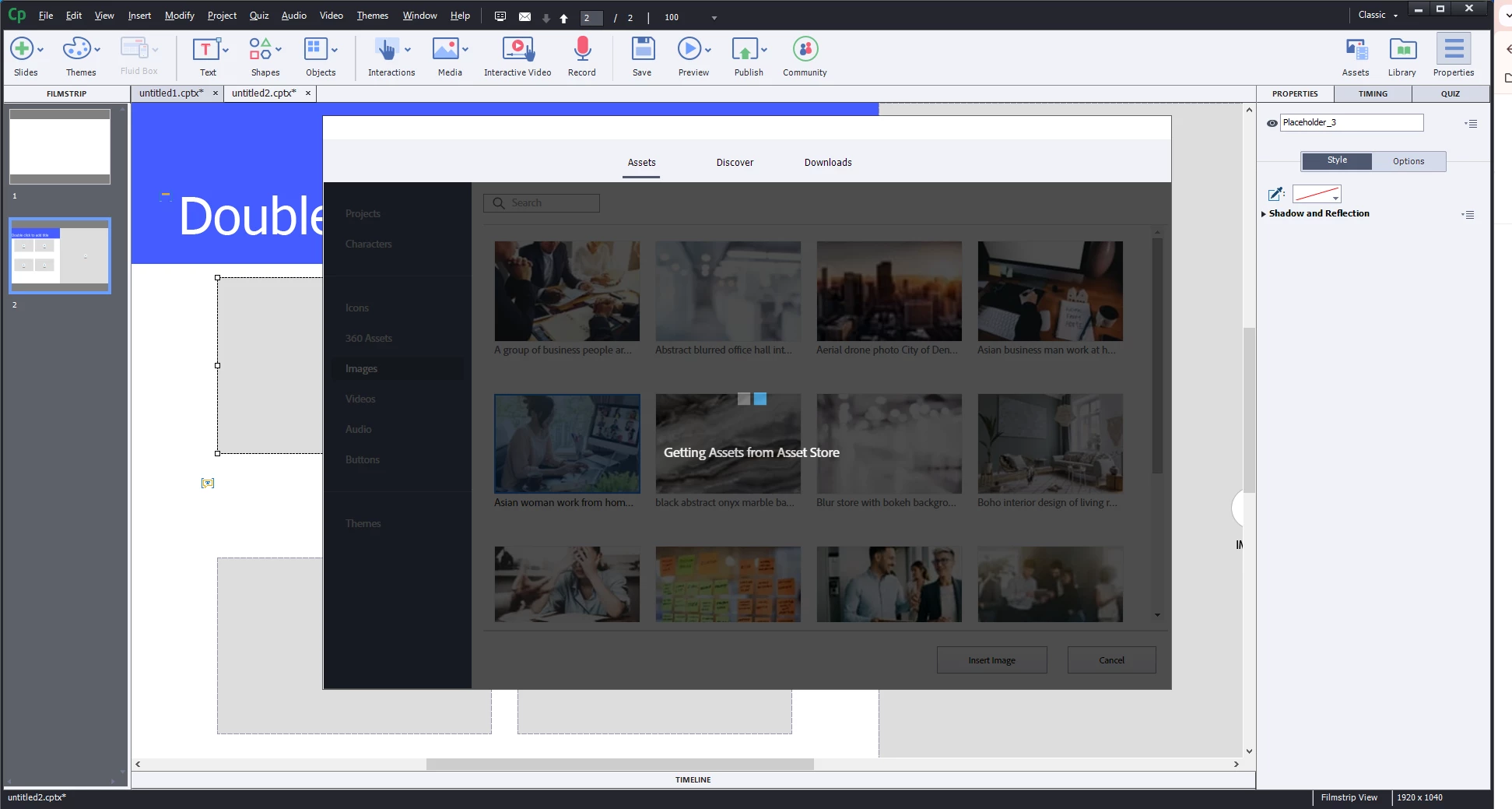
unable to download assets, screen doesn't go past "Getting Assets from the Asset Store"

  • July 17, 2024
  • 1 reply
  • 621 views

Hello, 

I've just recently started using Captivate, and any time I attempt to download any type of asset the screen stops at "Getting Assets from the Asset Store". The "loading" icon keeps moving, but nothing happens no matter how long the screen is kept open. 

I was unable to find this same topic elsewhere- am I missing something? 
 

This topic has been closed for replies.
Correct answer Lilybiri

Version 11.5.5.553 is the most stable, bugfree version I have ever known. I am using that version for professional jobs, not the buggy 11.8 versions nor the limited 12 versions.

Did you already try the common troubleshooting workflows? Clearing the cache and cleaning the Preferences? It is also possible that something has corrupted and reinstalling the eLearning assets could help. I don't know what you mean by 'Cancel' missing? Is it a screen resolution problem? Did you try to get out with the ESC key?

1 reply

Lilybiri
Legend
July 18, 2024

From the screenshot I detect that you are NOT using the new Captivate version 12. However it would be great to know exactly which version you are using. You find the full version number under Help, About Caotivate (you are on Windows). Some versions had issues with the Assets Library.

Participant
July 22, 2024

Thank you for your response- the asset library has now decided that it's not going to allow me to press the "Cancel" button, and I had to close out of Captivate and reopen, losing a few hours of work. 

I am using version 11.5.5 - is this version associated with Assets Library issues? And if so, is there any workaround, or is switching versions the only way to go? 

Lilybiri
LilybiriCorrect answer
Legend
July 22, 2024

Version 11.5.5.553 is the most stable, bugfree version I have ever known. I am using that version for professional jobs, not the buggy 11.8 versions nor the limited 12 versions.

Did you already try the common troubleshooting workflows? Clearing the cache and cleaning the Preferences? It is also possible that something has corrupted and reinstalling the eLearning assets could help. I don't know what you mean by 'Cancel' missing? Is it a screen resolution problem? Did you try to get out with the ESC key?
