
Unable to get online Assets Release 2019 11.5.0.476
I am trying to add to my character asset list with other ethnicities and gender mix than the ones that come pre-installed.
I have figured out the new regime used by 2019 for storing its assets and have moved all the High Res assets from 11 to 11_5 so they don’t
download when I want them.
The Process so far
- Click on Discover
- Find the character I want and the pose I need
- Click on character pose and choose resolution then click download
- Wait for download
- Dialogue says asset is now available under downloads
- Go to downloads it tells me I am yet to download something.
Went looking for where these assets could have been downloaded to and I have tracked these assets to:
C:\Users\Public\Documents\Adobe\eLearningAssets\Characters_11_5\Assets\Assets\Images\high
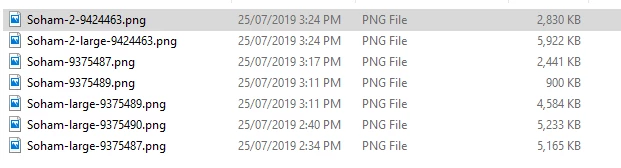
However, if I try to open these I get:
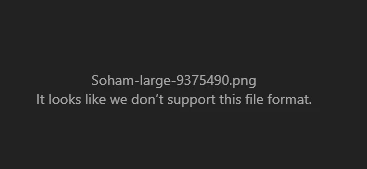
Inside of photos and
if I try to use these as an image in Captivate I get:
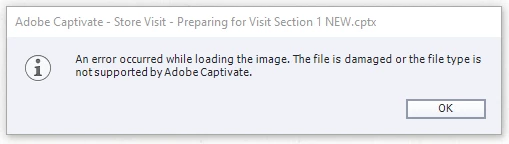
I have tried running captivate in Admin mode and using my phone as the internet source as I read in one of the support blogs being behind
a company firewall could be an issue.
Nothing works.
Is there anyone else out there with this issue? It was working in 2018.
Plus, as others have mentioned I would like to get all the character assets without having to download each of the 141 with 4 different
image qualities one at a time. Just seems to be a point of frustration for those who have paid for the software.
All help is appreciated.


 AdChoices