
Question
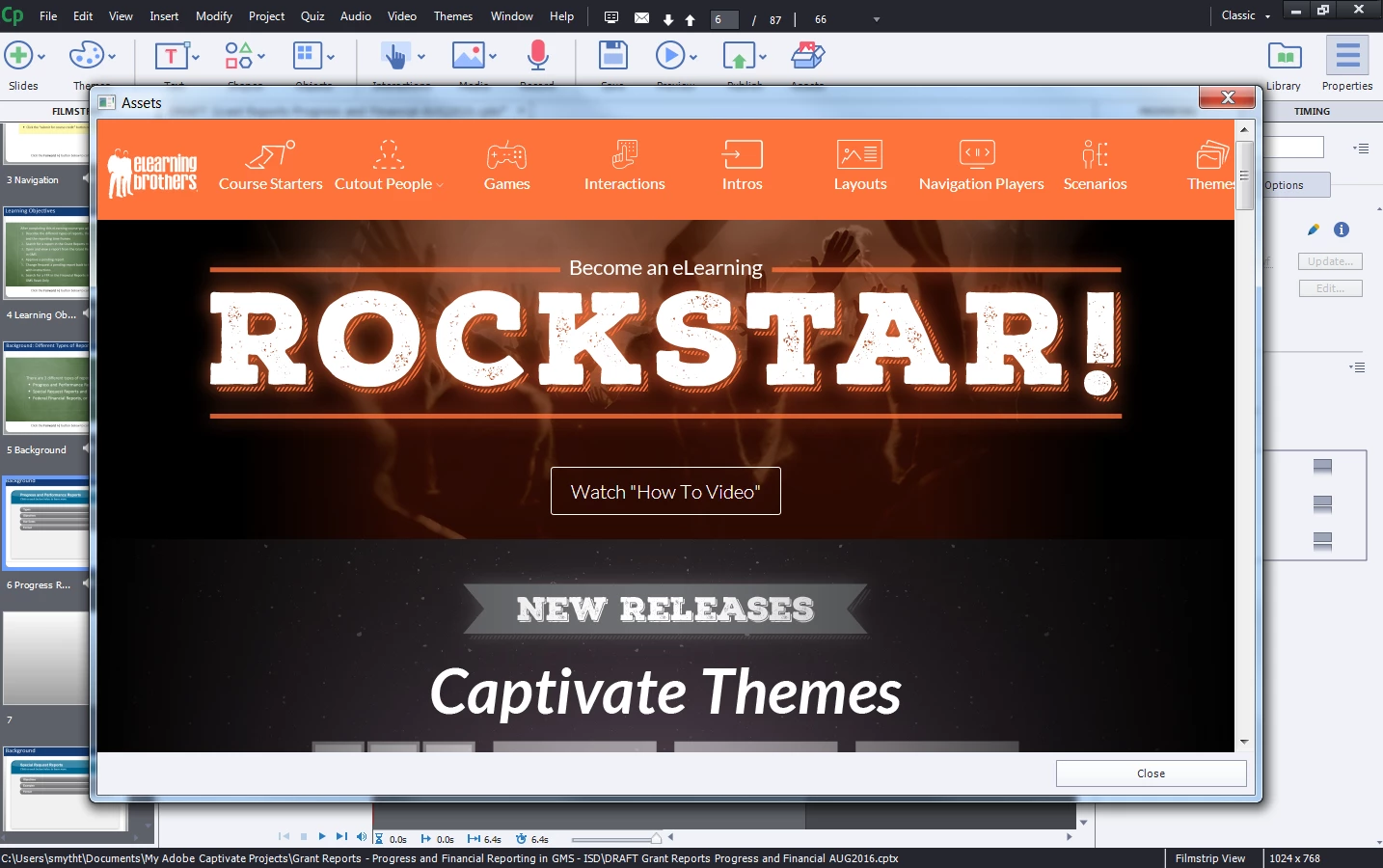
Unable to open Assets in Captivate 9
In Captivate 9 (Windows7), when I open Assets, I don't get the 3 tabs with "My Assets" across the top and I can't figure out how to use Layouts that I have downloaded? I tracked down the CPTX file (Notes and Paper Layout) that I downloaded and opened it but it was essentially blank/empty?
I am working on a Department of Justice computer with their license. It's possibly that there is some security setting or something was not fully installed or set up but I need to know what it is so I can get it fixed. Please advise?


 AdChoices