
stevens9017641
Participant
September 13, 2017
Question

Unable to Open Project!

  • September 13, 2017
  • 1 reply
  • 149 views

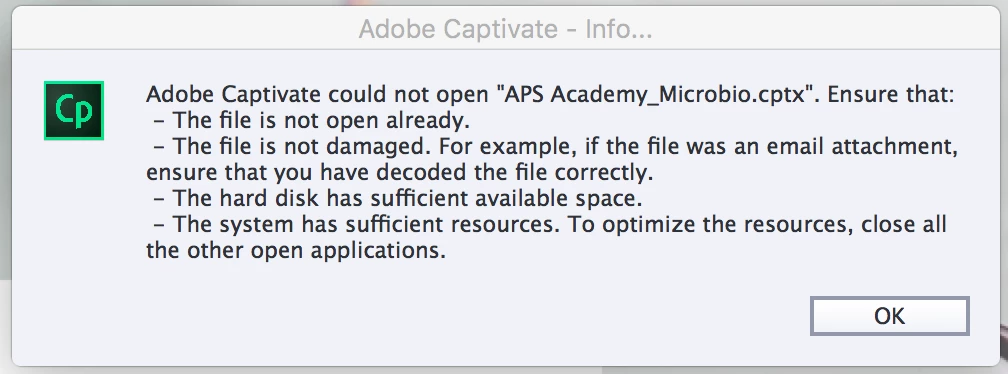
I can no longer open a project I'm working on and have received the following message: I'm going to have my IT guy revert to an earlier version of the file from a day or two ago and hopefully not lose too much work. How do I avoid this from happening?!
    This topic has been closed for replies.

    1 reply

    RodWard
    Community Expert
    Community Expert
    September 13, 2017

    First of all make sure you NEVER open a CPTX file in Captivate unless that file is already in a folder somewhere on your local hard drive (NOT on a network drive).

    Second, NEVER save a CPTX file from Captivate directly to a network storage or backup location.  Always save and close the file first, then copy it to any backup location using Windows Explorer or similar.

    Thirdly, set the Default Locations for Project Cache and Publish Folder to local folders on your hard drive.  NEVER allow these locations to default to some network location.