

Unable to publish software demonstration as HTML 5 - hangs at Optimizing Content
I am on Captivate Version 8.0.1.242.
I have recorded a software demonstration that I need to publish as HTML 5. The presentation is 226 slides. No slides were imported, everything has been generated by the software. The demonstration previews fine as HTML 5. I am also able to publish it as an SWF version. Unfortunately using the SWF version is not an option due to the devices that will be viewing it.
When I try to publish it as a HTML 5 version the files seem to get generated except for the index.html file (that is the only obvious file I can see that is missing).
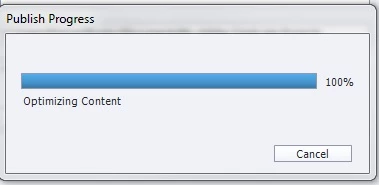
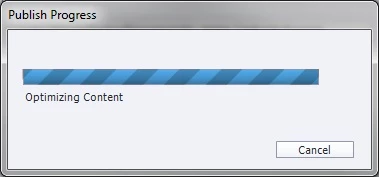
The progress bar also changes from a solid blue to two different diagonal shades of blue going left to right and it seems to stick on Optimizing Content. I have left it running for over 3 hours and still it hasn't completed (the preview opens in a couple of minutes).
I would like to know the following:
1) Is there a log I can view to see what the problem might be?
2) Is there a way to grab the preview files so I can use them if it isn't possible to publish it properly?
3) Are there any known issues using HTML 5 and publishing?
4) Is there a limit on the amount of slides that could be causing this issue to happen?
5) What settings are used by the Preview so I can use those settings to Publish?
When I check Updates it is greyed out so I am assuming I am on the latest version.
I have excluded Captivate from being scanned by our AV software to try and remove that possibility from the equation of what is causing the issue.
It took the best part of a day to produce this software demonstration so I am really keen to get this working.
Shorter software demonstrations seem to work fine so I think my installation is OK.
Any help would be hugely appreciated.
 AdChoices