
katherinei82485596
Participant
July 2, 2019
Question

Updated to 11.5 release and can no longer preview in HTML5

  • July 2, 2019
  • 2 replies
  • 909 views

I installed the update to the new release last week and since then things have been wonky.  The main issue is that I can no longer use the option to  preview HTML5 in browser.  I get a message that the site can't be reached.  These are the same files I was able to preview a week ago.  Instead, I have to publish then click through 50 slides to get to the one button on one slide I need  to preview ... PITA.
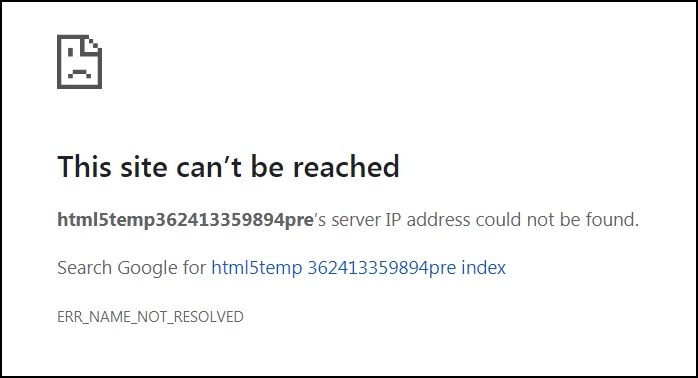
Another major issue since the upgrade is that all my advanced and shared actions no longer work.  I can rewrite the same exact script and it works, but the originals are dead. I realize this is a separate issue in its own right, but mention it here in the off chance that they might in some way be related.  Also can't get the image as button option to work, which is the reason I upgraded in the first place! 

Very frustrated!!

Katherine

    This topic has been closed for replies.

    2 replies

    Adobe Employee
    July 3, 2019

    Hello Katherine,

    Apologies for the inconvenience caused.

    Regarding HTML 5 preview not working: Please restart Captivate and maybe the machine and then try HTML5 preview. It should work. Still if it doesn't then you can share the project with us.

    Also, regarding scripts not working post upgrade, we need the project to see the problem.

    You can email the project to: shrgupta@adobe.com

    Regards

    Shreya

    Adobe Captivate Engineering

    Participant
    April 18, 2020

    was there a final resolution to this? I am having the same issue when trying to preview in HMTL5 when I wasn't having that issue yesterday. 

    Lilybiri
    Legend
    April 18, 2020

    Did you try another browser, and which browser are you using? Responsive or non-responsive project? Which exact version number (Help, About Captivate).

    RodWard
    Community Expert
    Community Expert
    July 2, 2019

    When you upgraded, did you follow all the instructions about resetting Preferences and Layouts etc?  If not, that might be worth trying.

    If it still misbehaves, please log a bug report.  This particular release has had quite a few issues and Adobe needs to step up to the plate.

    katherinei82485596
    Participant
    July 2, 2019

    My IT department did the upgrade so I will have to check with them.  Where can I find those instructions now that the update is complete?  Is there any way to roll back to the previous version?