
User exit in the middle of the quiz and couldn't resume from where they left off
I created a very simple course with a quiz that only has 2 questions using Captivate 2019. Then I uploaded it to the SCORM Cloud to test. I found that if user exit/close the course right after click the "Submit" button and before press "y" or any key to continue, when they try to re-launch the course, the system will prompt "Continue from where you stopped last time?",
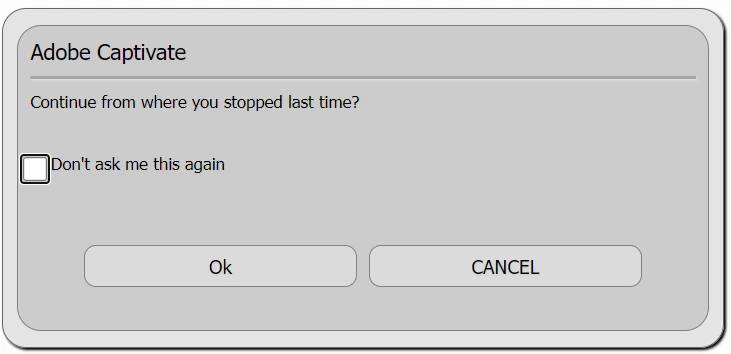
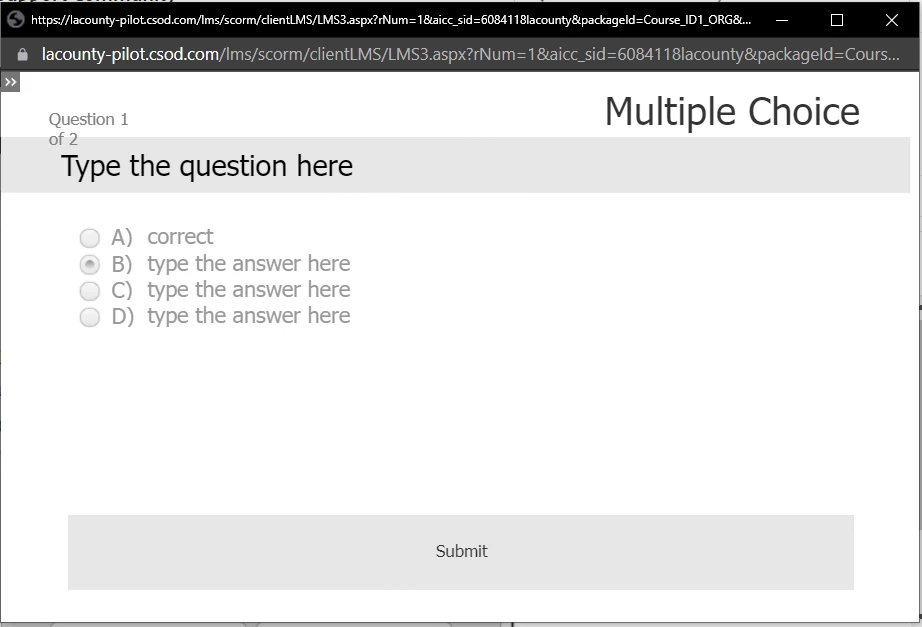
if user choose Ok, then the course will freeze and stuck at the 1st question slide, no matter where I click, the course is simply non-responsive (see screenshot below).
But if I choose "Cancel" at the prompt "Continue from where you stopped last time?", then the quiz will continue to the next question slide.
Since most of users will choose Ok, how can I fix this bug so the quiz won't freeze?
Plus, isn't "Cancel" suppose to erase the progress and take the user to the begining of the course? Why it is not doing it?


 AdChoices