Inspiring
October 2, 2012
Question

Using Crop results in Rescale

  • October 2, 2012
  • 2 replies
  • 2463 views

I've been trying to crop my project using Modify > Rescale project. I select a smaller size, and then select Crop. I click Next, select the Crop position, click Apply to All Slides, and then click Finish. The result is a rescaled project, not a cropped project. What am I doing wrong?

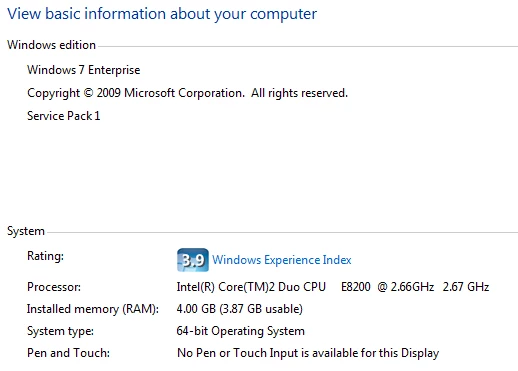
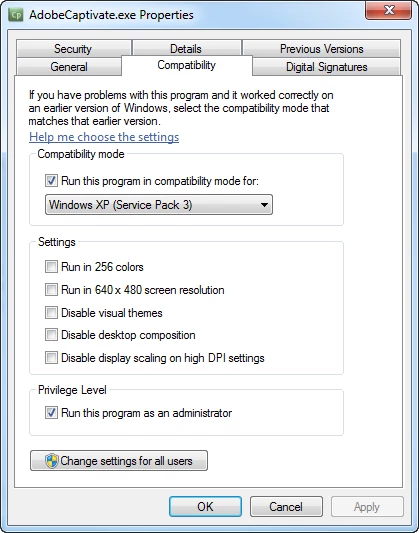
I'm using Captivate 5.5 on 64-bit Windows 7 Enterprise, Service Pack 1. My computer has 4 GB of RAM. I have run Captivate in Administrator mode, and with Windows XP compatibility. Nothing seems to work.

See screenshots:

The orginal size was 800x600.
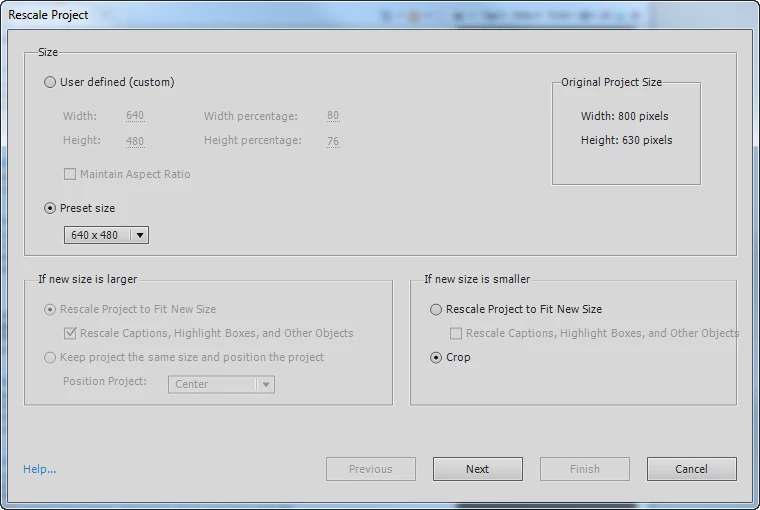
I'm trying to crop out most of the browser menues and dead space on the right.
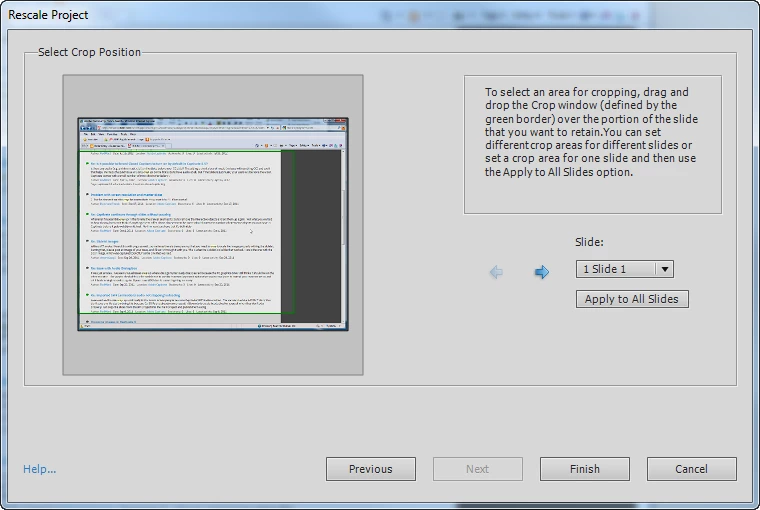
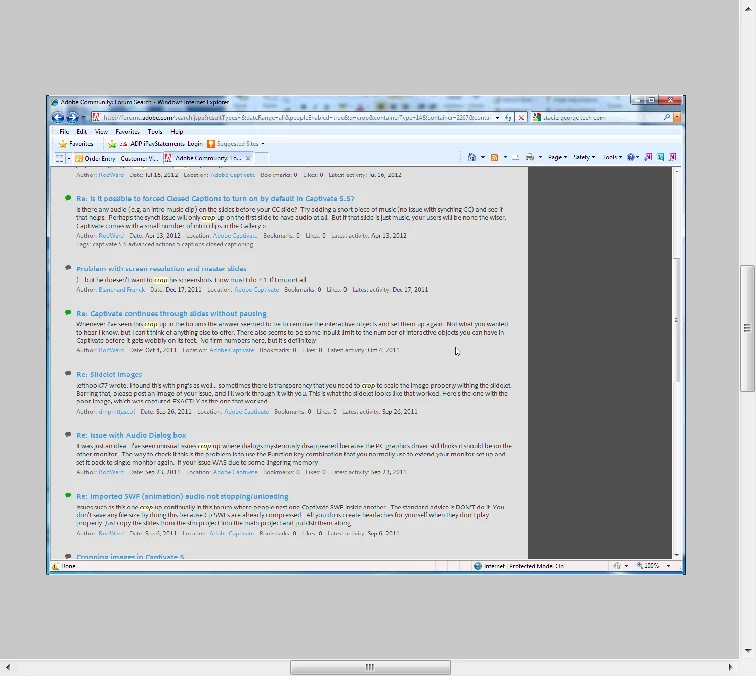
The result is Rescaled, not cropped.
And finally, some info about my system.
I have run Captivate as Administrator.

And I have run it in XP Compatibility mode.
This topic has been closed for replies.

2 replies

Known Participant
April 24, 2014

Hi

We had the same problem and solved it the following way:

Project 1 contains all slides, lncluding the one with the fmr that wont crop correctly

Project 2 contains all slides but the slide with the fmr has been replaced by an empty slide

In Project 1

Export the full motion recording from the library

In Project 2

Import exported swf-file to library

Drag the swf-file from the library onto the empty slide

Now the swf is  an object on the slide

Crop the project

The swf-object's lower right hand corner is outside the slide area and after publish that part is "cropped"

Works fine!

Anjaneai_Srivastava
Adobe Employee
Adobe Employee
October 2, 2012

Hi Joe,

When you publish the output, do you still see the complete dimension of objects or are the objects cropped in output, What I think from screenshot, it is showing you the dimension of object, while the slide in background has shrunk to the dimensions you chose while rescaling.

Thanks,
Anjaneai

Joe@MajiqAuthor
Inspiring
October 2, 2012

Anjaneai,

The Project is NOT cropped when I save as .swf. It is still rescaled. Please see the screenshot below.

Thanks for the help!

-Joe

vishu_13
Inspiring
October 2, 2012

Hi

Just create a new project in Captivate 5.5 with 1-2 slides and then perform the same test. In this way you can rectify whether it is a captivate specific issue or project specific issue.

Thanks

VJ