

Using SVG as Buttons
Hi Everyone,
I am creating a non-responsive, scalable project in Cp 2019 (v11).
I am using images as buttons.
Client sent me a PPT with images and I did a right click on each image and saved each as an SVG. (He wants to use SVGs because this is something that will be going up on the web and quality is better.)
Everything looked fine as I was working in Cp and when I previewed in HTML5. What I saw in the output was not what I expected. (I have screenshots below.)
I researched and played around with images and settings and I think the cause of what I am seeing might have to do with saving images as SVGs, but I'm still not sure how that is causing the issues I'm experiencing or how to resolve it. Sidenote - I really don't have any experience with using or creating SVGs.
This is what I'm seeing as I work in Captivate: All Good
(Note - The resizing happened within Captivate in the Properties panel)
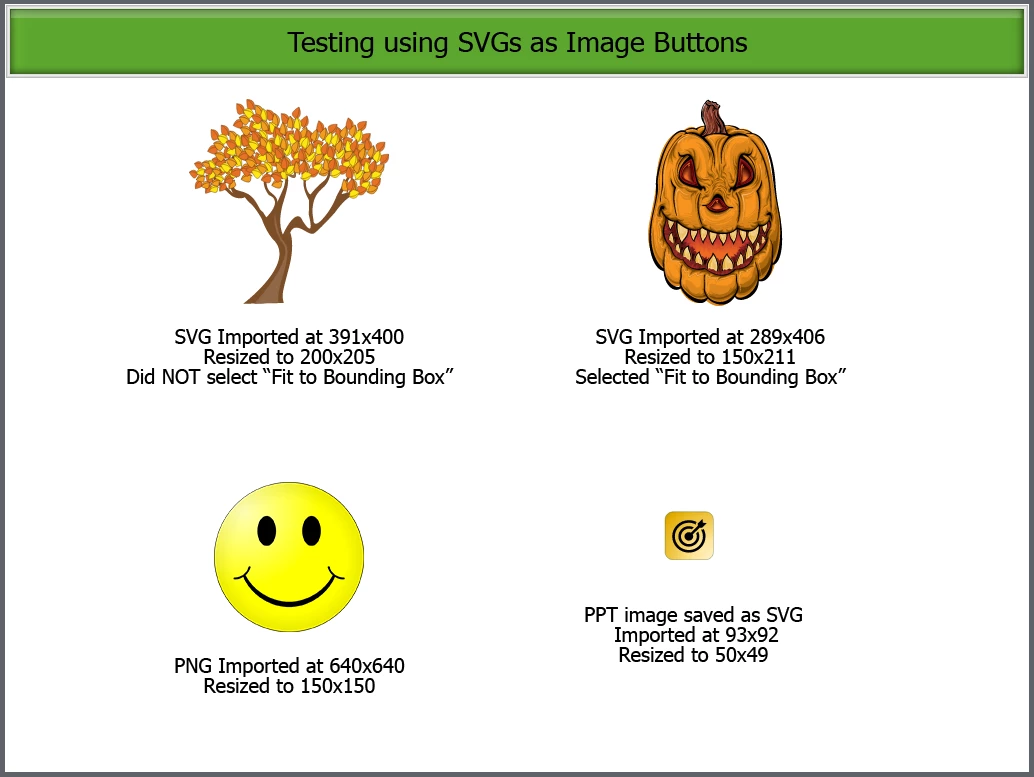
This is what I see when I preview in HTML5: All Good
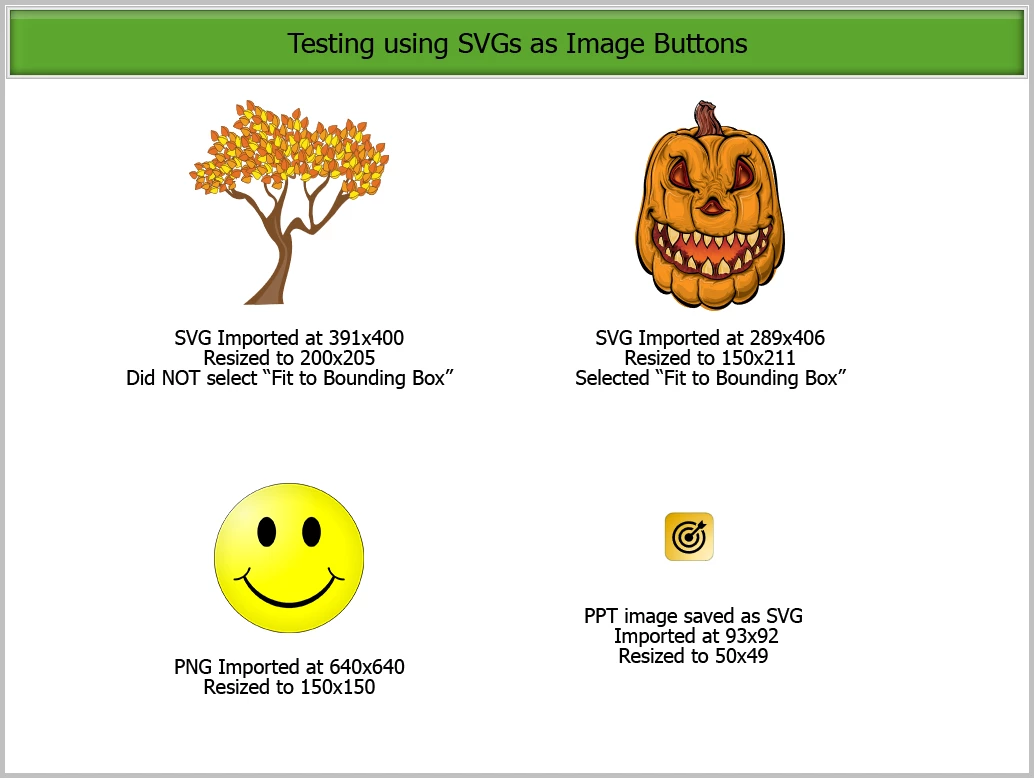
This is what I see when I publish the project:
See button in bottom right corner. It's like it wants to display at the original size, but it's only showing the amount of the resize. I've tried selecting and deselecting the option of "Fit to Bounding Box" and get the same result.
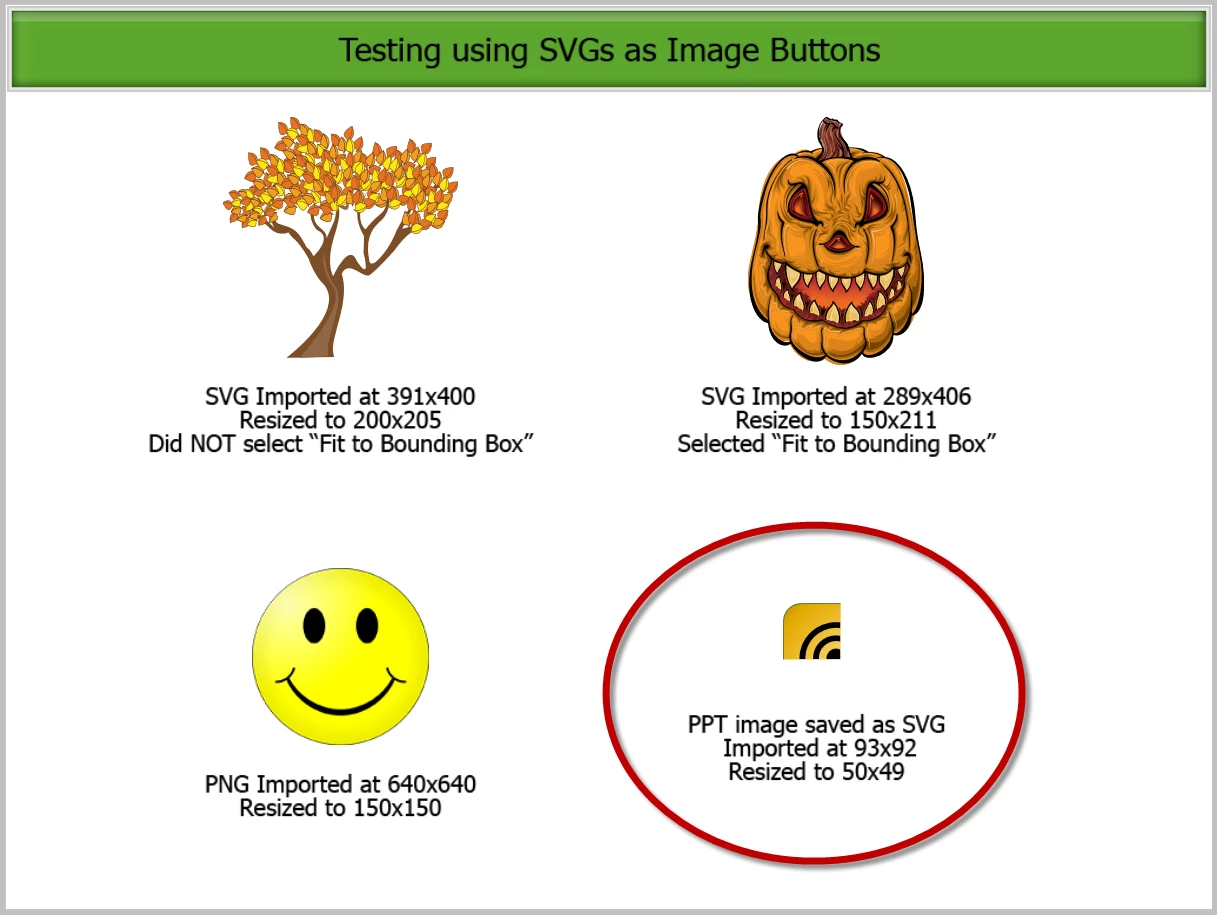
Does anyone know why this is happening or how to resolve it?
Thanks,
Bernadette


 AdChoices