
Known Participant
January 2, 2019
Question

Variable Placeholder and State Views: Text Entry Not Showing

  • January 2, 2019
  • 1 reply
  • 1465 views

I've created a project in which the learner is prompted to enter his/her last name into text entry boxes. That text is retained as a variable: [First_Name] and [Last_Name].
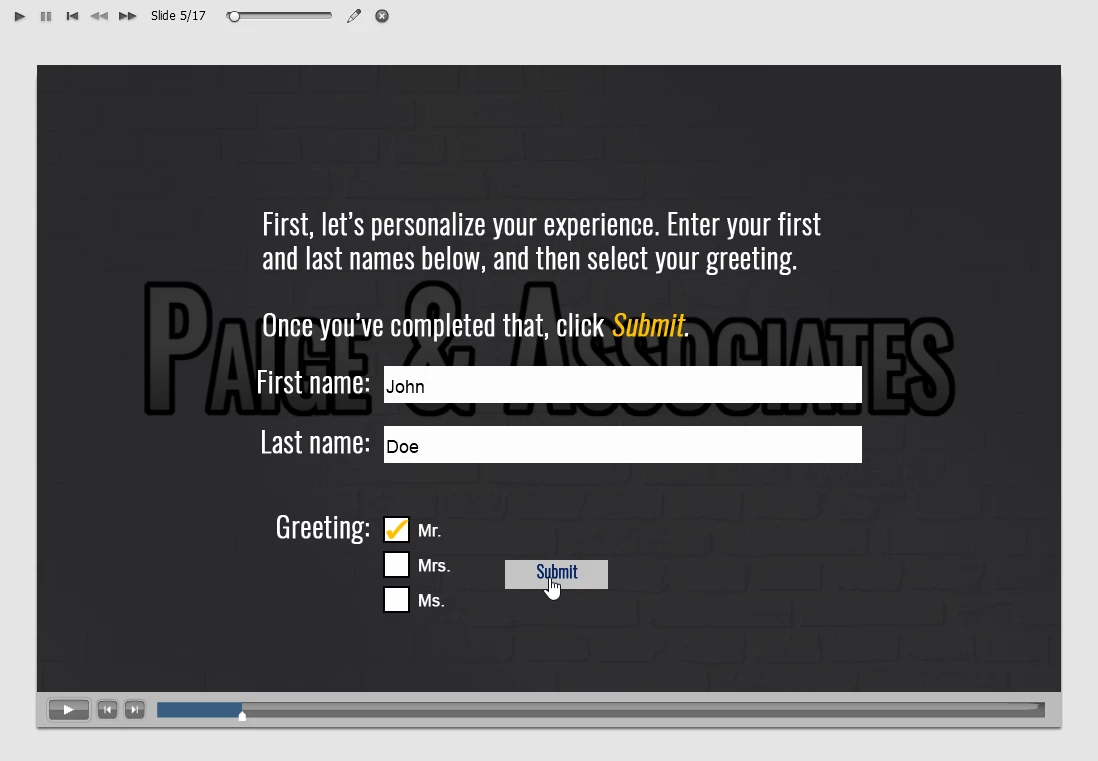
At a later slide, the learner's entry appears in a button. This is the normal state of the button. (It's the one in the middle.)
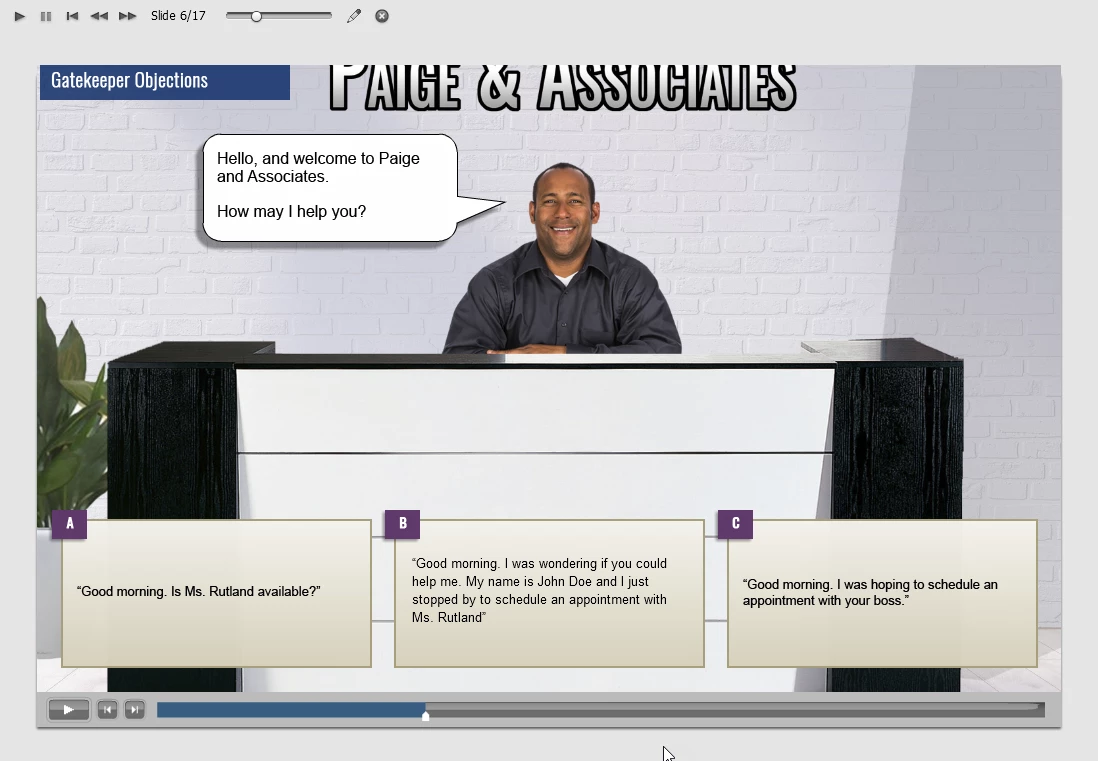
It might be difficult to see, but when I preview the project, the text entry displays in all of the different states.

Rollover state...

Down state...
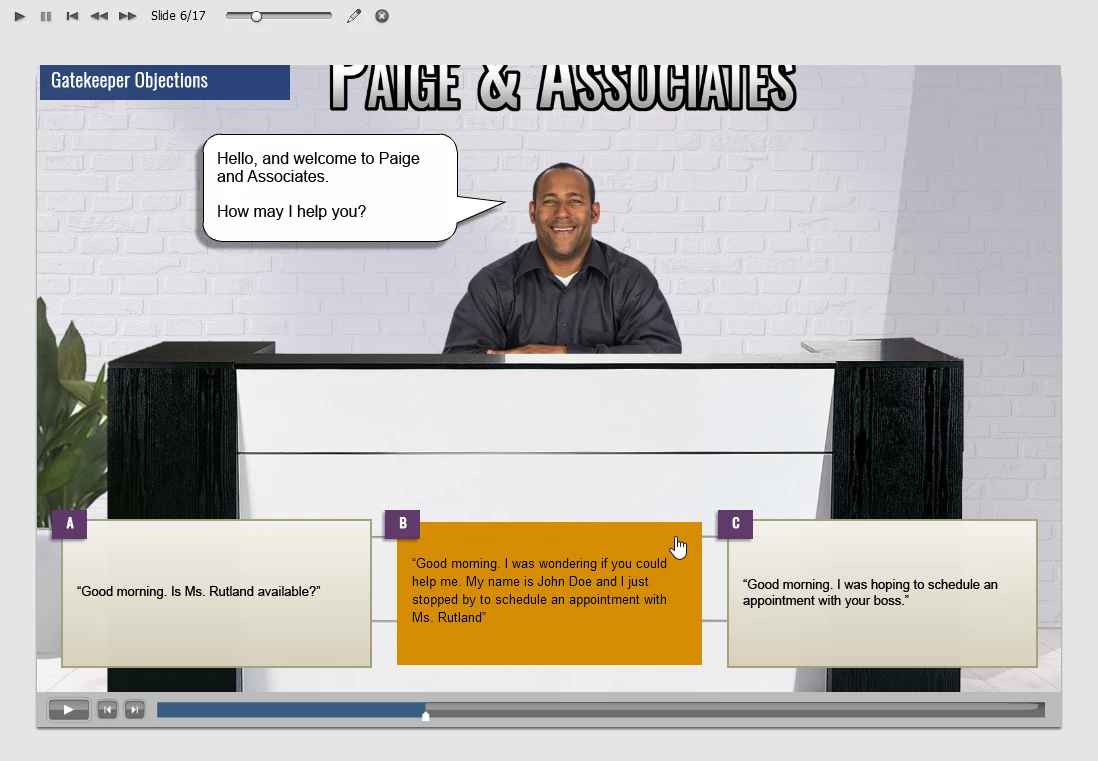
However, when I preview HTML5 in Browser, the normal state displays the variable information, but that information is not retained in the different states. Only the variables are displayed.

Rollover state...

Down state...

Unfortunately, this is also the case when we publish to SCORM on our LMS.

Any insights?

This topic has been closed for replies.

1 reply

Lilybiri
Legend
January 2, 2019

Indeed, the rollover and the down states are linked in a way to the Normal state but they will not be generated on runtime, which is needed to convert the variable to its value. That happens only for the Normal state (I call that type of buttons 'dynamic buttons'). I once wrote a blog, probably also posted a feature request but fear that this will be very low on the priority list. Let me do some testing to see if I can come with a workaround. In such a case I would take out the rollover and down states, just keep the Normal state and use the Hand cursor as indicator for the learner that this is a button.

Lilybiri
Legend
January 2, 2019

Hmmm.... I don't need a workaround, it works perfectly for me.

I am using CP2019 version, 11.0.1.266. What is your version, and what was your workflow? It is possible that my feature request was 'heard' if you are on an older version? I tested with Preview in Browser.

mwjrAuthor
Known Participant
January 2, 2019

I'm using CP2017 version 10.0.0.192