
Variables not persistent between login for the same user
The course is hosted on SharePoint2010 and the only way to resume where the user left was to check the appropriate box in the TOC set up.
The course was originally build in Captivate 7 and Upgrade to Captivate 8 for the completion of the project.
The current flash plugin is 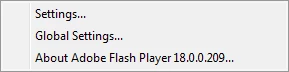 .
.
Also the course uses variables to track progress on a main menu. The TOC behaviour is normal and the user is prompted to resume where he left, everything works but as regard the MAIN Menu that does not work when I close my browser and return the tracking of the variables does not work.
My variables track the current completion status of this module. Default values are Not Attempted, Incomplete, Completed. The image shown is an empty battery when the variable is Not Attempted, the orange battery is shown when the status is Incomplete and the image is a green battery when the module is Completed.
For example
I completed Module 1 and clicked on Module 2, started module 2. Clicked on the TOC to manually check progress indicators, everything is OK. I get my green battery (completed) for Module 1 and my orange battery for Module 2 since I started it. (See first image). If I do not close my session in Internet Browser, my tracking is kept.
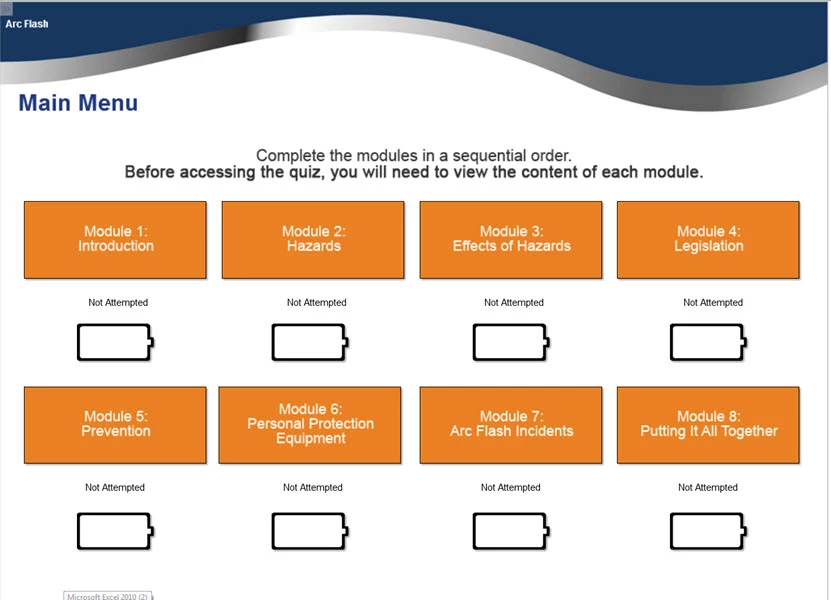
But when I close the browser and start again and say YES I want to resume where I left I go back to my Menu Slide (this where I left when I check by progress bar) and all my battery indicators green and orange are back to their initial state. (Image 2)
What I am missing in code in my Advanced Actions.
If the resume function works well how can I make my Variables stick between session
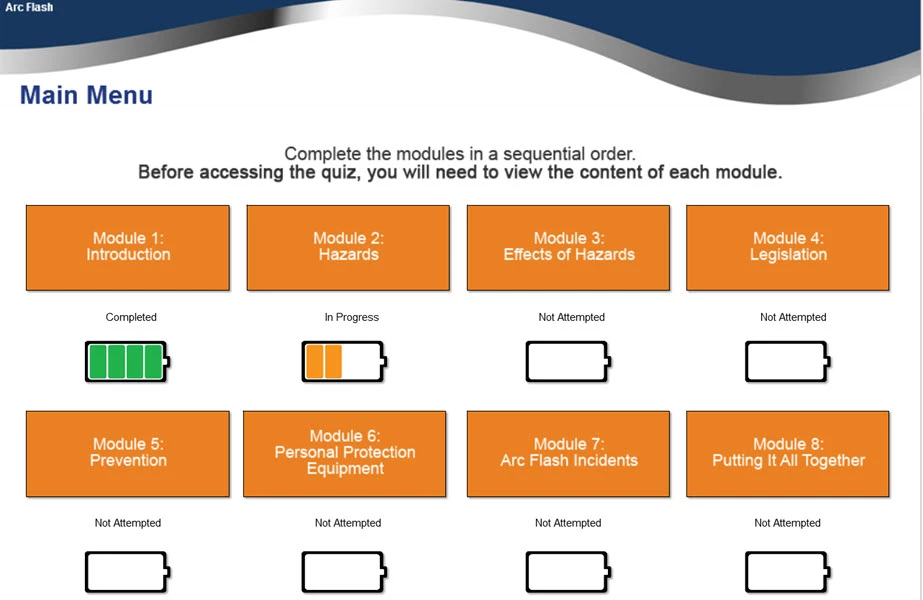
Image 2
 AdChoices