Known Participant
November 1, 2018
Question

Video Demo - Snap to Window

  • November 1, 2018
  • 2 replies
  • 198 views

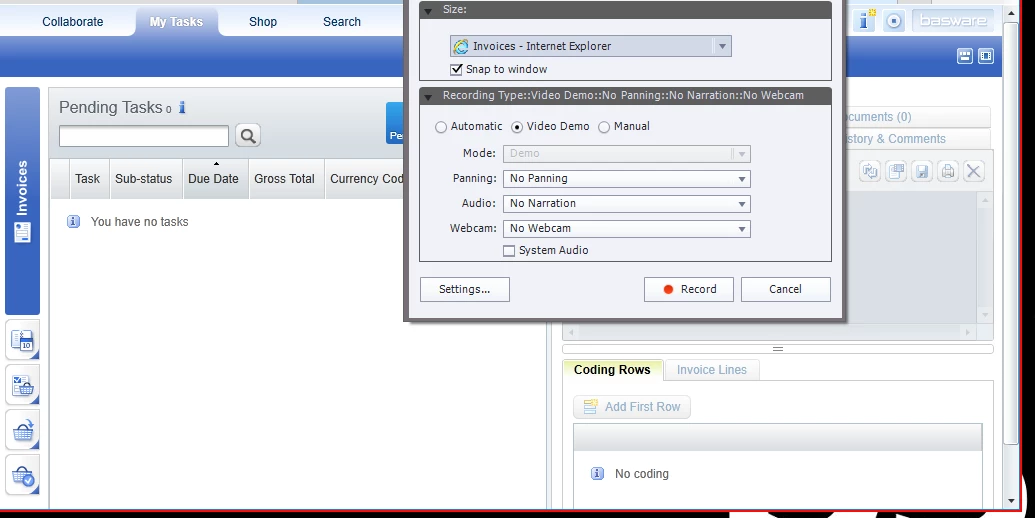
Hi sorry I am still learning Captivate 2019 and when I am setting up a video demo I am only seeing about a quarter of the screen I need to record. See image 1.

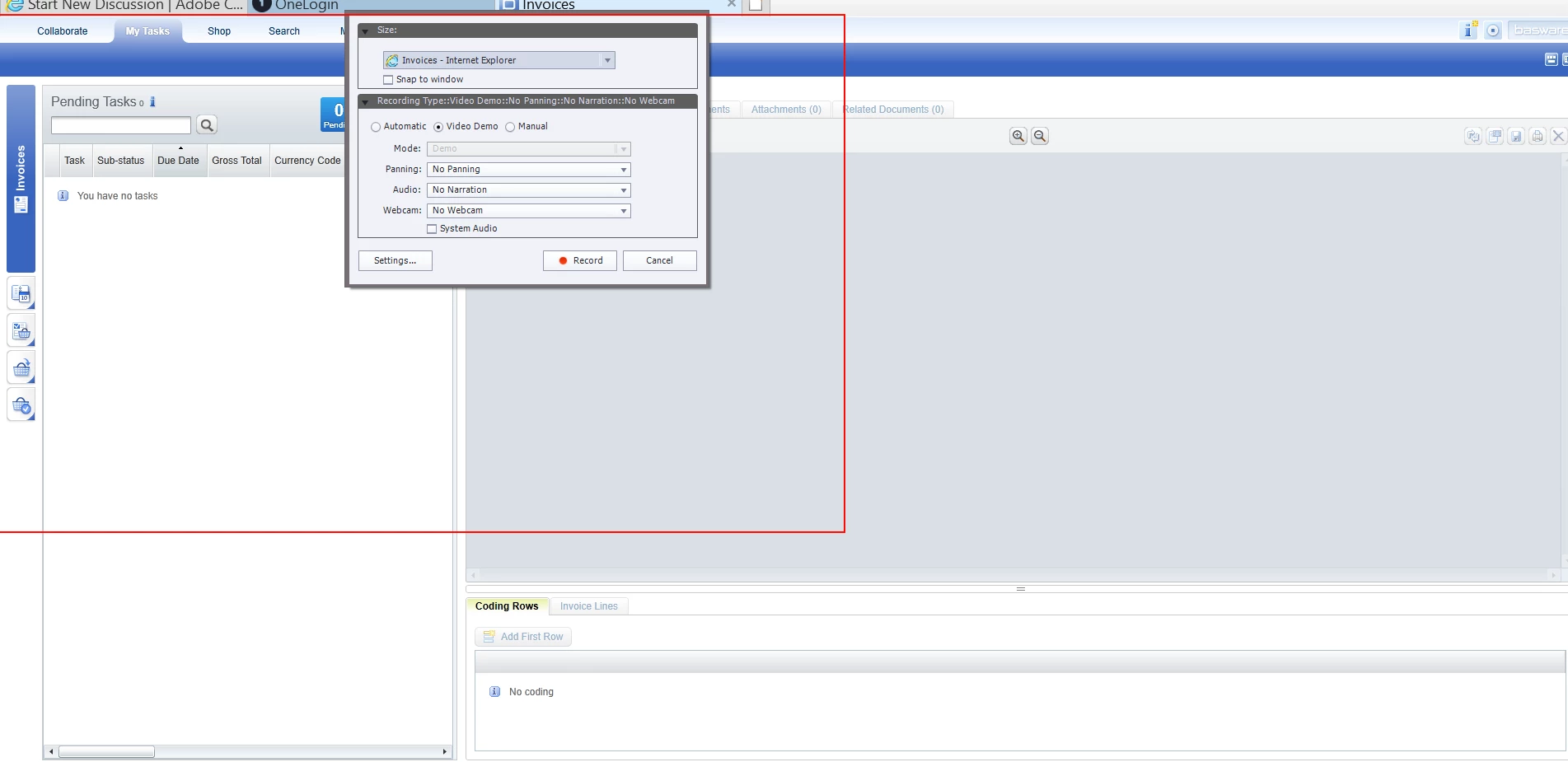
When I use the snap to window function this locks the red rectangle in position over the quarter of screen. See image 2 .

How do I set this to record the whole screen?
    This topic has been closed for replies.

    2 replies

    Lilybiri
    Legend
    November 1, 2018

    Are you using a retina screen?

    RodWard
    Community Expert
    Community Expert
    November 1, 2018

    Don't try to add the Video Demo to an existing presentation, otherwise the capture area will only be allowed to be the same size as the existing CPTX file.  If you want to record full screen Video Demo, start a new project.