Participant
January 11, 2016
Question

Video Editing Buttons

  • January 11, 2016
  • 1 reply
  • 163 views

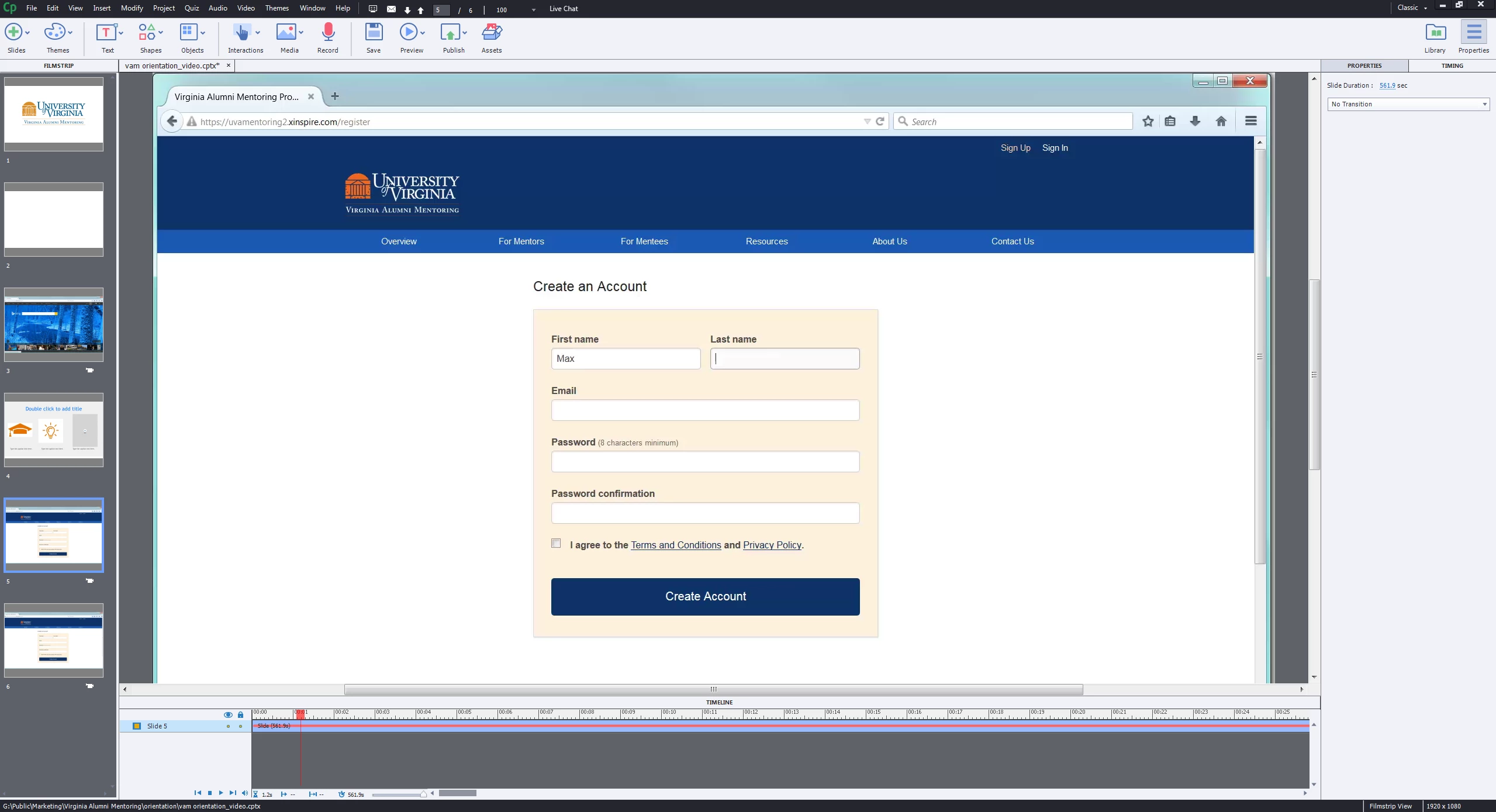
The video editing buttons have shrunk, so I cannot use them. How can I fix this?
This topic has been closed for replies.

1 reply

Lilybiri
Legend
January 11, 2016

Your screenshot is too small, I don't know what you mean? Is this a cpvc-slide?

Participant
January 11, 2016

Thank you for your response. I am trying a video demo in Adobe Captivate. I am having trouble finding the edit button in the video preview window. (I'm using the instructions found Adobe Captivate Help | Record video demonstrations to edit the video). I want to be able to split and edit the video.

Lilybiri
Legend
January 11, 2016

From what I can see on your screenshot, you are in a cptx-project, and this will be a cpvc-slide.  That is what I asked about.

That tutorial will probably have shown the situation when you create a standalone Video Demo recording, right from the welcome screen. In that case you'll find the Edit button at the bottom right. But when you insert a CPVC-slide, or do the recording from within a cptx-project, the button is in the Properties panel of the slide, tab Style. It is very vague because of the small size, but it looks like you have the Timing panel active in the right docking station, not the Properties panel:
