


"Video encountered an internal error" YouTube videos fail in Captivate 11.5.5
I receive errors when attempting to link a YouTube video using the following methods:
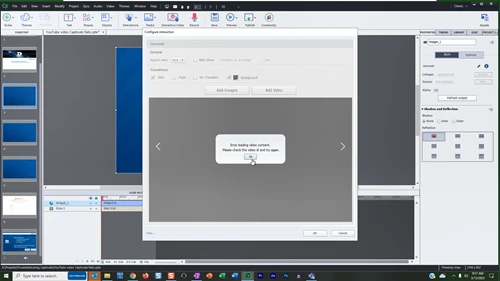
- Interactions - Learning Interactions - Carousel "Error loading video content. Please check the video id and try again."
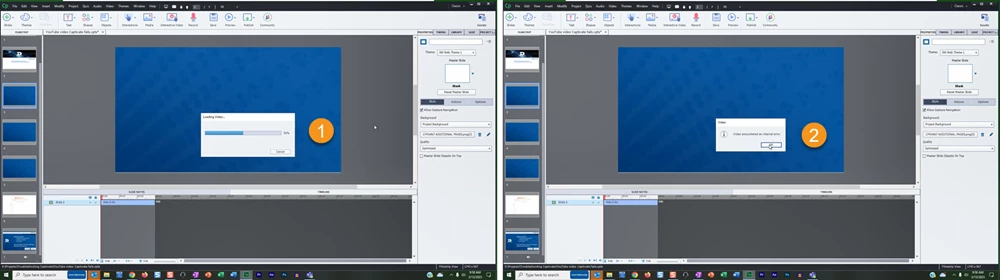
- Media - Video - Slide Video - YouTube . Freezes at 50%; cancel then get error "Video encountered an internal error."
- Interactive Video - Insert Video - YouTube. Freezes at 50%; cancel then get error "Video encountered an internal error."
- From the ribbon - Video - Insert Video… - Slide Video - YouTube. Freezes at 50%; cancel then get error "Video encountered an internal error."
Then I used our old template that we created when we had to manually embed YouTube codes in order for the videos to work. Captivate has removed this from their program, but since it is in the template, I was able to access it. This is what happened when I used this method and selected Address rather than Embed Code as the method "Please update your browser":
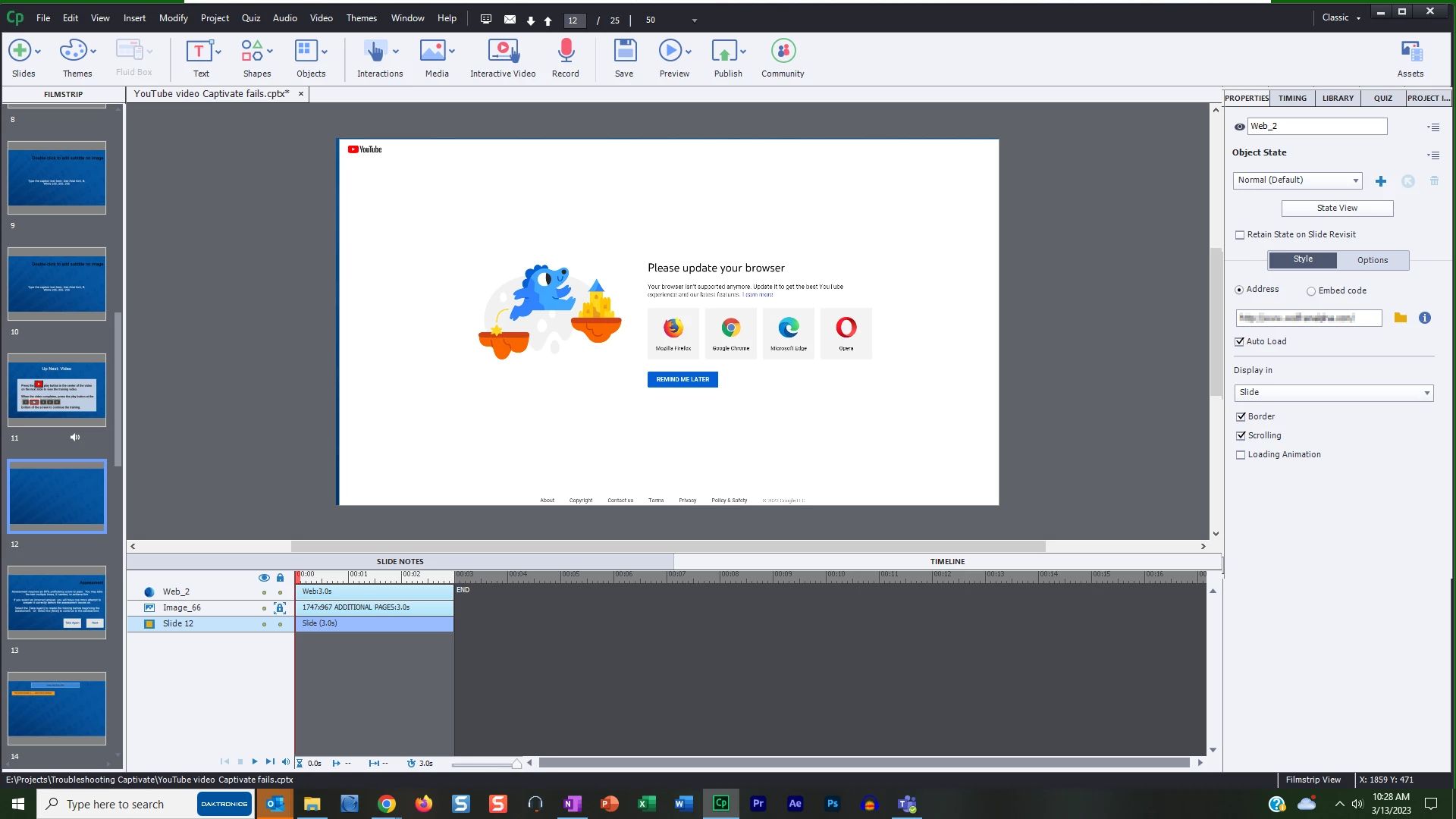
I updated my default browser, Chrome, and rebooted and now the YouTube video works for me. (Settings - About Chrome will run the update) If I had not still had access to the embed slide menu, I would never had known the browser was causing the issue. I have spent a good 10 hours researching why I had this problem.
 AdChoices