


Video Issues on Captivate Version 9.0.0.230
I have a curriculum in Adobe Connect Solutions from the 5 Captivate projects uploaded to their server. Video files were inserted to various slides but when accessing them from the curriculum, there were lot of buffering. Re-encoded video files to about a tenth of the original size but still buffering. Uploaded the smaller video files separately to the Adobe Connect server and inserted web part where video files used to be. Better streaming but still a bit of buffering when our connection gets bogged down. However, playing directly from the source location in Adobe Connect, they play flawlessly every time.Is this just a limitation with Captivate? I've opened a support ticket with Adobe but have not heard back.
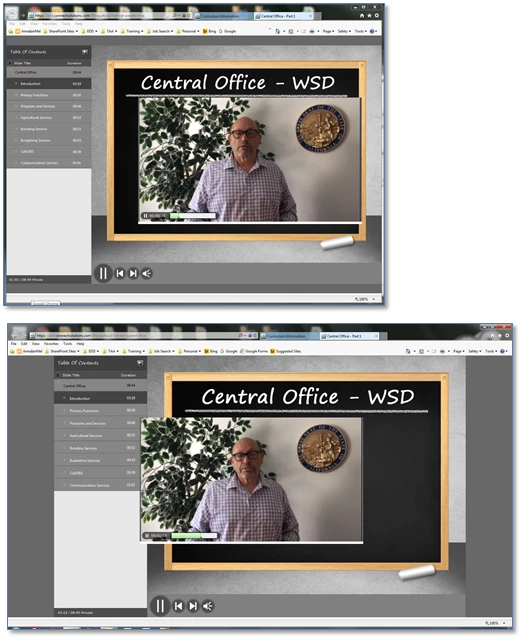
But the real weird thing is, when the video is playing and I try to adjust the volume from the Windows taskbar, the video will disappear but the audio would continue. And on certain computers position of the video will vary within the browser (screenshot below)
 AdChoices