



Video using web object option not publishing
Video using web object option not publishing as
I am having a couple of issues going on with web object inserted into a slide on a blank project.
I am setting up a training module that links to another company’s updated training video on their software update we are about to implement. They utilized captivate 7 to create a .swf module. Unfortunately I only have access to the .swf output file via direct web link and not access to the captivate project file.
My problems are:
- When I open the project in captivate 9.0.1.320 the web object video automatically starts playing in the background the moment I navigate to that page.
- I have experienced this issue before and had even uninstalled and reinstalled captivate to try remedy this issue to make sure it was not a bad install.
- I also tried recreating the project from scratch and in both cases the web object auto plays when the project is opened. Even when I navigate to other pages the audio file keep playing in the background of the project only stopping when I close down captivate completely or when the swf object has finished (9.5 minutes long).
- As a side note I have other modules that experience the same issue with the web object streaming a video/audio file in the background as I work on other slides in the project but they have all exported the project fine and have no issues uploading the content to our lms etc.
- I have also cleared out the project cache files and restarted the pc and these had no effect on the outcome.
2. When I preview the module locally in browser the module works correctly, the web object auto loads the web link containing the .swf page. The moment I try and publish the project the web object does not get exported with the page and all I get is my blank background
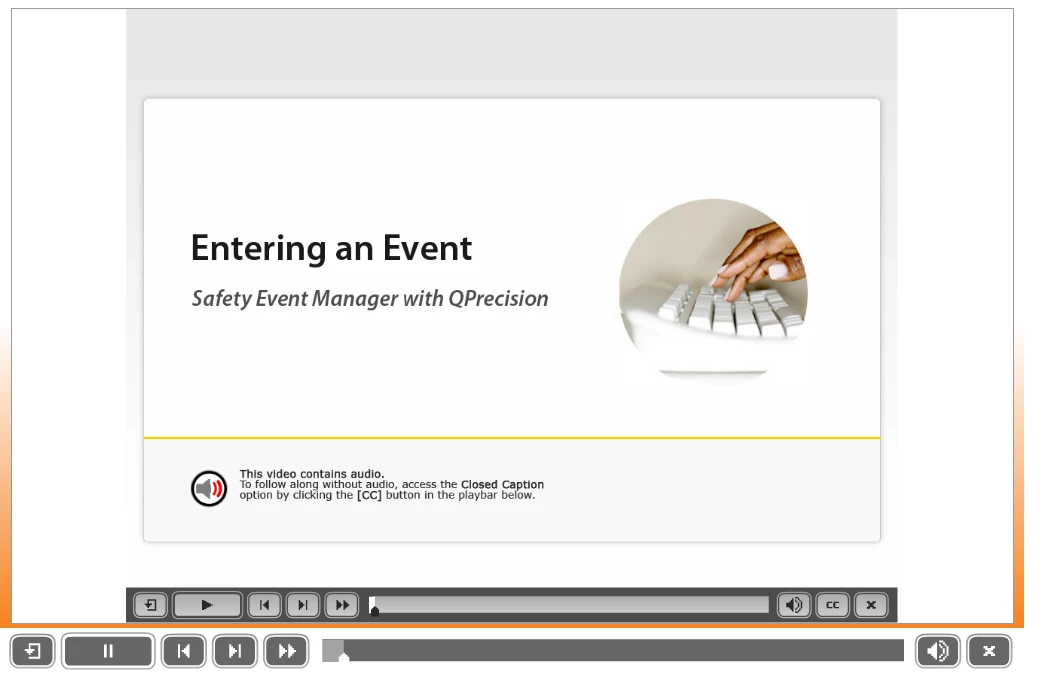
a. If I preview the project in my browser the web object loads up correctly.
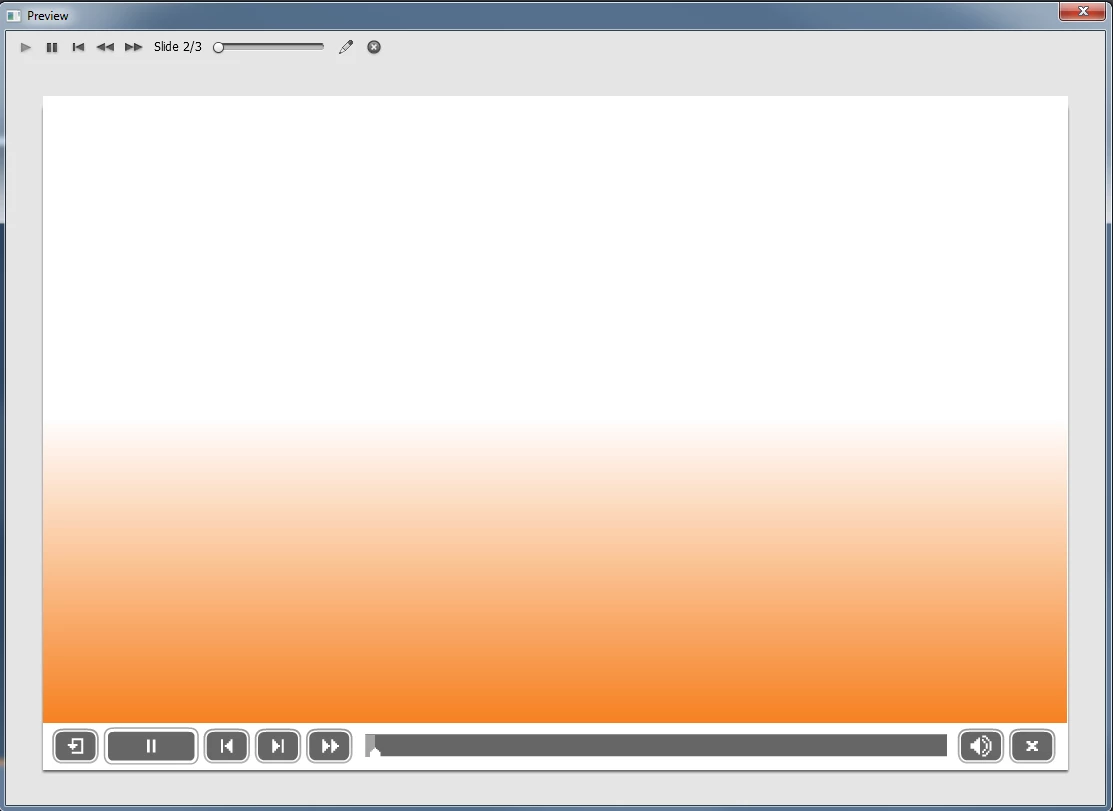
b. When I select preview project option my web object page does not load correctly and only displays the background slide.
c. When I publish the project my web object page (page 2 of the module) does not load correctly and only displays the background slide.

3. My project settings are as follows (see image below). I have tried outputting the project as swf, swf/html5 and html5
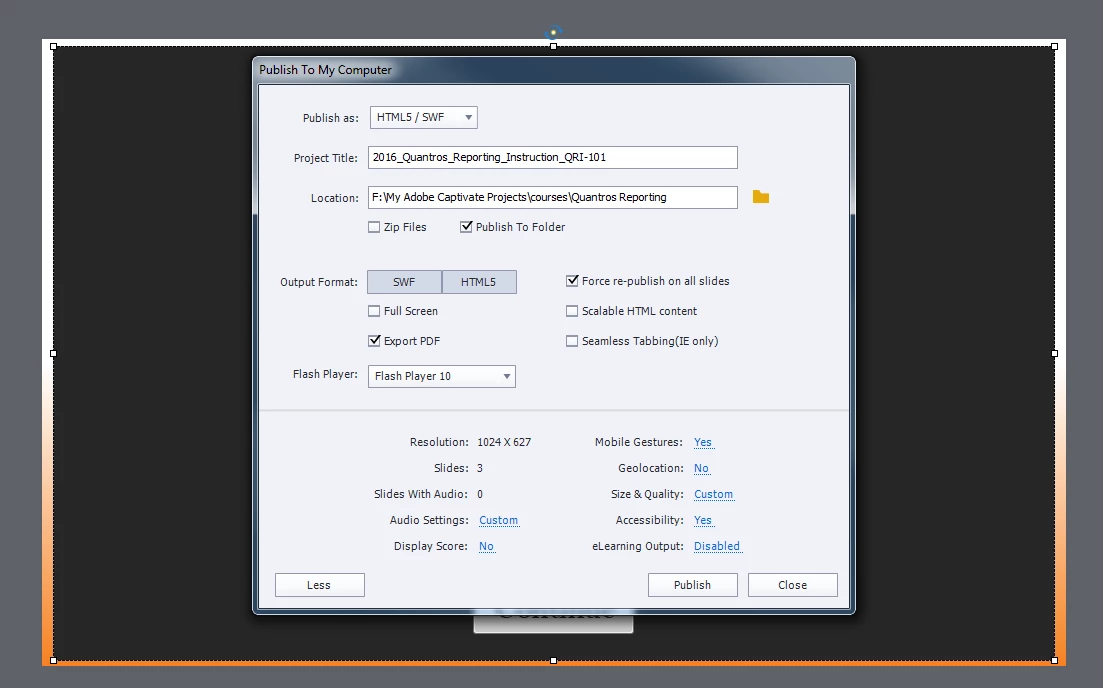
I did find that when testing the output in html5 IE9 did not load the web object but Chrome and Firefox allowed the web object to load. Unfortunately IE 9 has to be my test base for IE browser as that is what the majority of users will be using.
Does anyone have any idea how to stop the audio running in the background when working on a web object inserted video etc and is anyone familiar with what could be causing the project to not publish correctly?
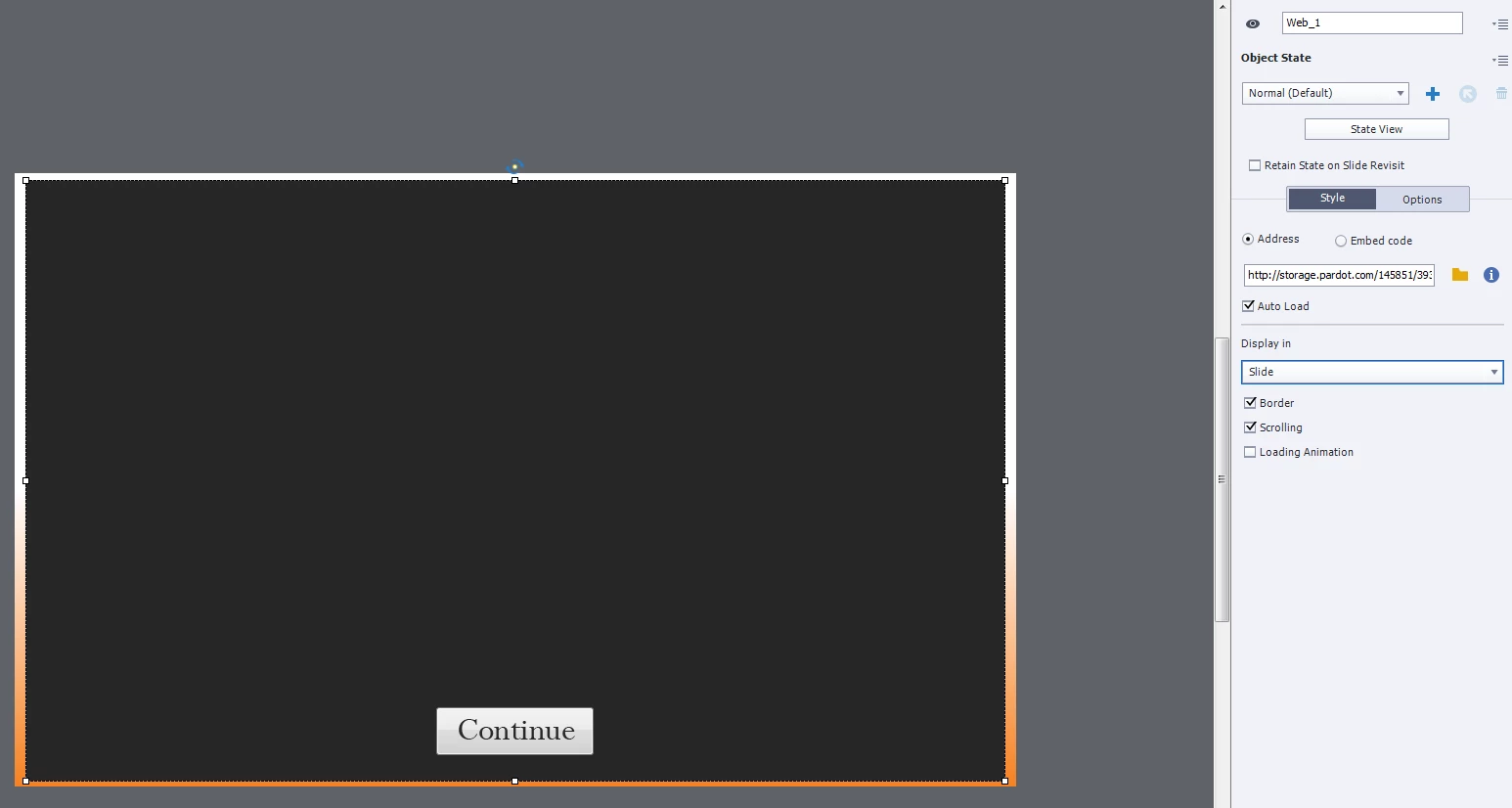
P.S This is what the object looks like on the slide in captivate.

 AdChoices