Participant
November 13, 2017
Question

Video with chapters

  • November 13, 2017
  • 4 replies
  • 625 views

Hello, I would like to use chapters in my video that is added with Adobe Captivate into SCORM.

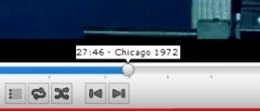
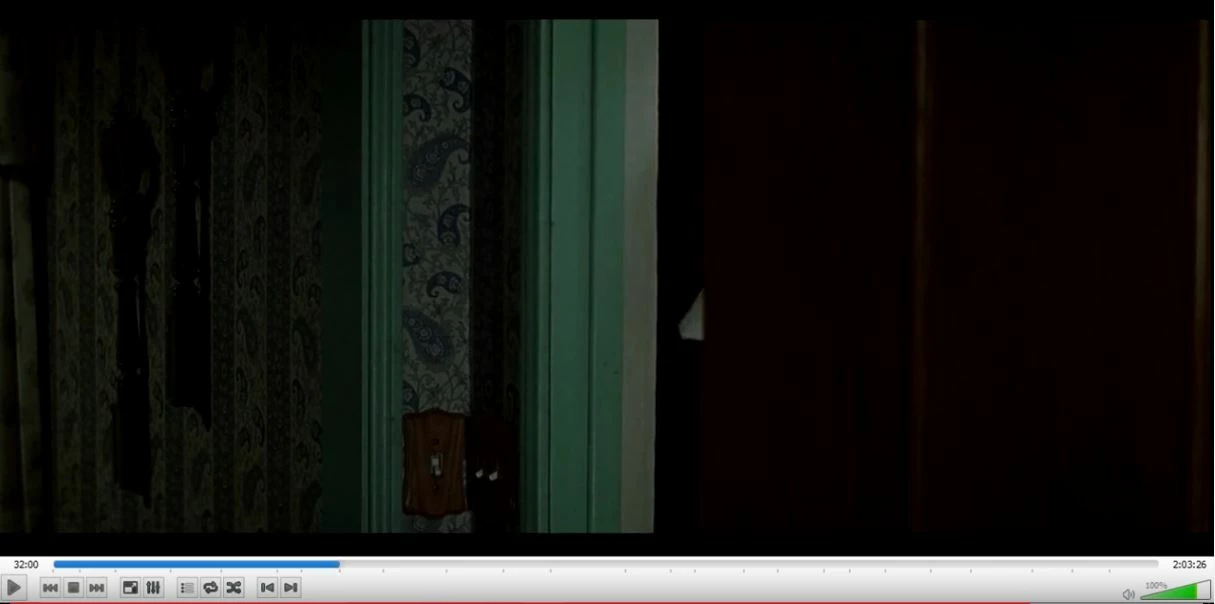
Is it possibel to add those chapters into SCORM as it plays for example VLC?
Thanks for your answers.

This topic has been closed for replies.

4 replies

Known Participant
November 13, 2017

Maybe I'm misunderstanding something.

If you have a SCORM file in Captivate and you want parts of the video to play at certain times during the e-learning module, I think a simpler solution would be to cut down the video into multiple, smaller videos each fitting a chapter. Any video editing tool should allow you to do that, including free ones such as iMovie or Movie Maker. Unless it's a video on a streaming service like YouTube or Vimeo, and you don't actually own the video you want to use?

To echo Lieve: If your whole module is just the video, why does it go through Captivate? Doesn't your LMS allow you to directly import video files?

Inspiring
November 13, 2017

@baumgartner - Lynda.com has a topic on "Video jump points with Javsacript".

Couple of buttons underneath video.

Click a button to go to that part of video.

Create this in a HTML page then add it to Cpativate as a HTML animation like TLCMediaDesign said.

(i'm not sure about the SCORM implications)

TLCMediaDesign
Inspiring
November 13, 2017

This would need to be coded with JavaScript in an HTML page and inserted as an HTML5 animation.

Lilybiri
Legend
November 13, 2017

It is probably a terminology problem. A Video (mp4) is always passive, never interactive. It cannot be ussed at all to create a SCORM object. To have reporting using SCORM to a LMS you need interactive output, either to SWF or to HTML5.