



Virtual Reality – Captivate and browser issues
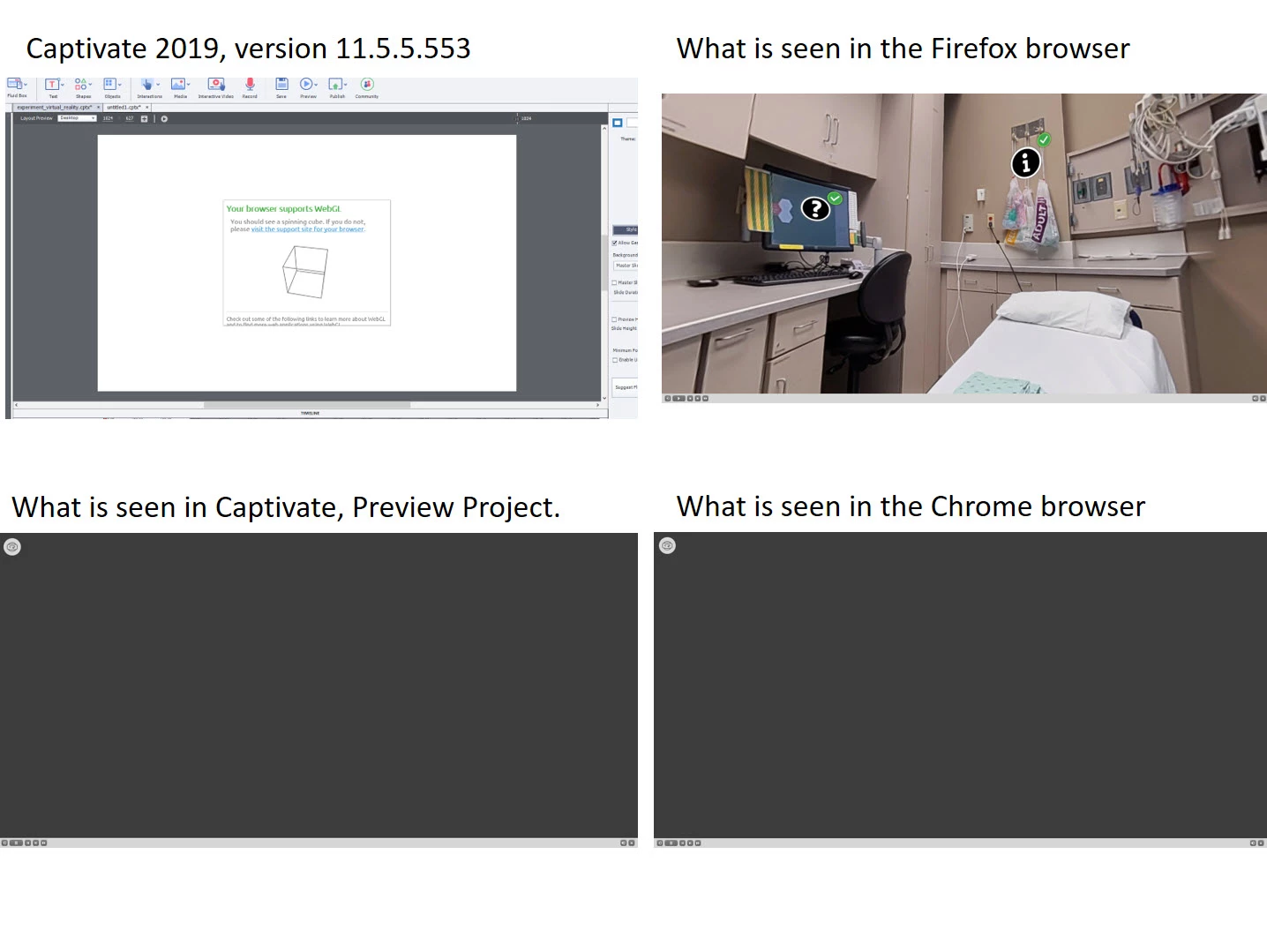
I have problems with VR. I can see it when I create a Virtual Reality project in Captivate 2019. However, I cannot see it in preview, or when it is published to the LMS and using the Chrome browser. It is visible and runs the published application through the LMS using Firefox. Our company uses Chrome as their default browser. We will in no way use Firefox. Used various browsers and Firefox worked. But I need it to work in Chrome.
I noticed on another thread, the following
To confirm the same, open a responsive project by adding a web object in Captivate and adding the following link:
I see the rotating cube in authoring mode. This would seem to verify that the WebGL is functioning. I can also see my program in author mode. But when I try to preview the project through the LMS, I see a blank screen with the VR goggles in the upper left corner. I see the same blank screen with goggles when I run the published application in the Chrome browser. Again, I need it to work in the Chrome browser.
Thanks for any insight.
 AdChoices