
Inspiring
August 29, 2018
質問

VR Projects in Captivate - How to preview

  • August 29, 2018
  • 返信数 1.
  • 818 ビュー

Hi there,

I am playing with the Captivate 2019 and I created a VR project. I use the photos in the folder C:\Program Files\Adobe\Adobe Captivate 2019 x64\Gallery\360BGAssets

I checked the notes on the Adobe site too, but I could not find an explanation about the preview of the VR projects.

Do I absolutely need a VR device to be able to see the project?

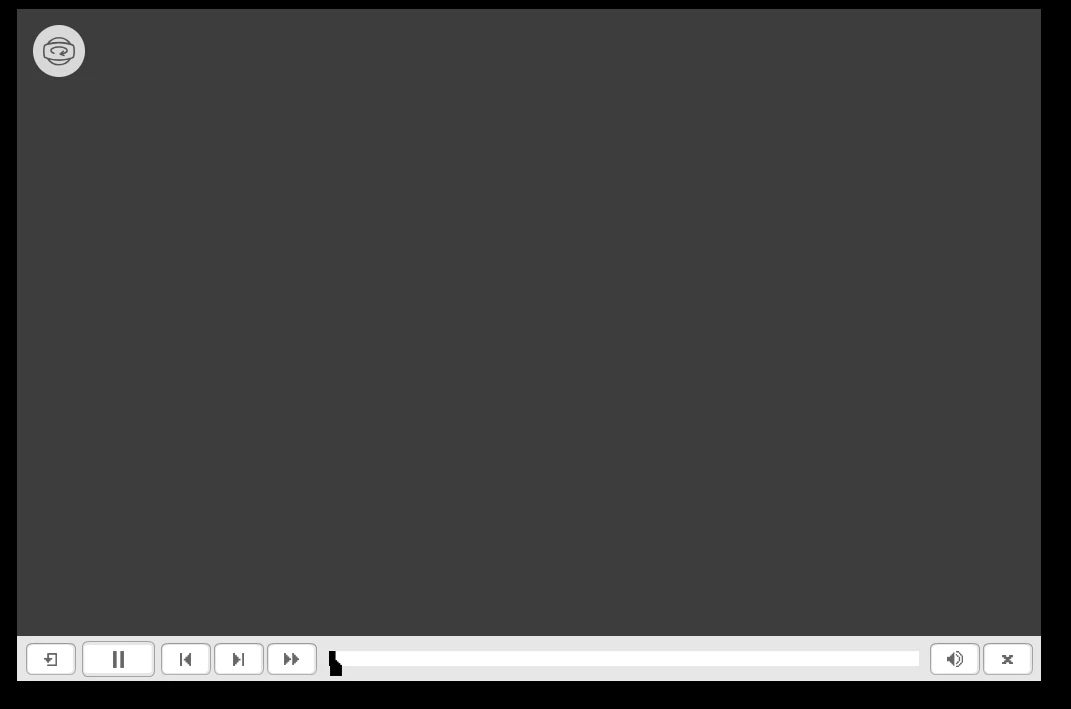
When I try to preview with F11 this is what I get (see image).

What am I missing? Can we use the VR projects in a browser and drag with the mouse?

Thanks in advance

Bobby
このトピックへの返信は締め切られました。

返信数 1

Lilybiri
Legend
August 29, 2018

No, Bobby. I do not have goggles, but watch on my laptop with the normal

Preview and use the mouse. Works great, just finished a CP class, we took a

360 image, imported it in a project and added hotspots and questions.

Nobody had a virtual device,

Bobby Jourdan作成者
Inspiring
August 29, 2018

Thank you Lieve,

Here is the error I get.

"THREE.WebGLRenderer: Error creating WebGL context."

It cannot create the WebGL contenxt that is needed for the VR to work. I use version 66 of Google Chrome and cannot update it. Maybe that is the reason. I tried it on another pc with the latest version 68 of Chrome and it worked.

Lilybiri
Legend
August 29, 2018

I am using Crhome as well, most recent version.  Did you try another browser? I am on the road (teaching in Germay) and have only my Surface Pro here. Tested on Edge, works perfectly there as well. No other browsers on this more limited device, which has no graphics card and only 8GB of RAM. But works well.