



Timothy B 78253
Participating Frequently
August 7, 2020
Answered

VR Slide Editor Blank

  • August 7, 2020
  • 1 reply
  • 404 views

I have Cp version 11.5.1.499 on a Windows 10 system in an enterprise environment.

I created a new VR presentation. Cp loads a VR Demo presentation. It plays (mostly), but because the slides are blank in the editor, I cannot place any buttons, text, etc.


As you can see from the screenshot here, it is a VR slide and I am able to preview it in Chrome.
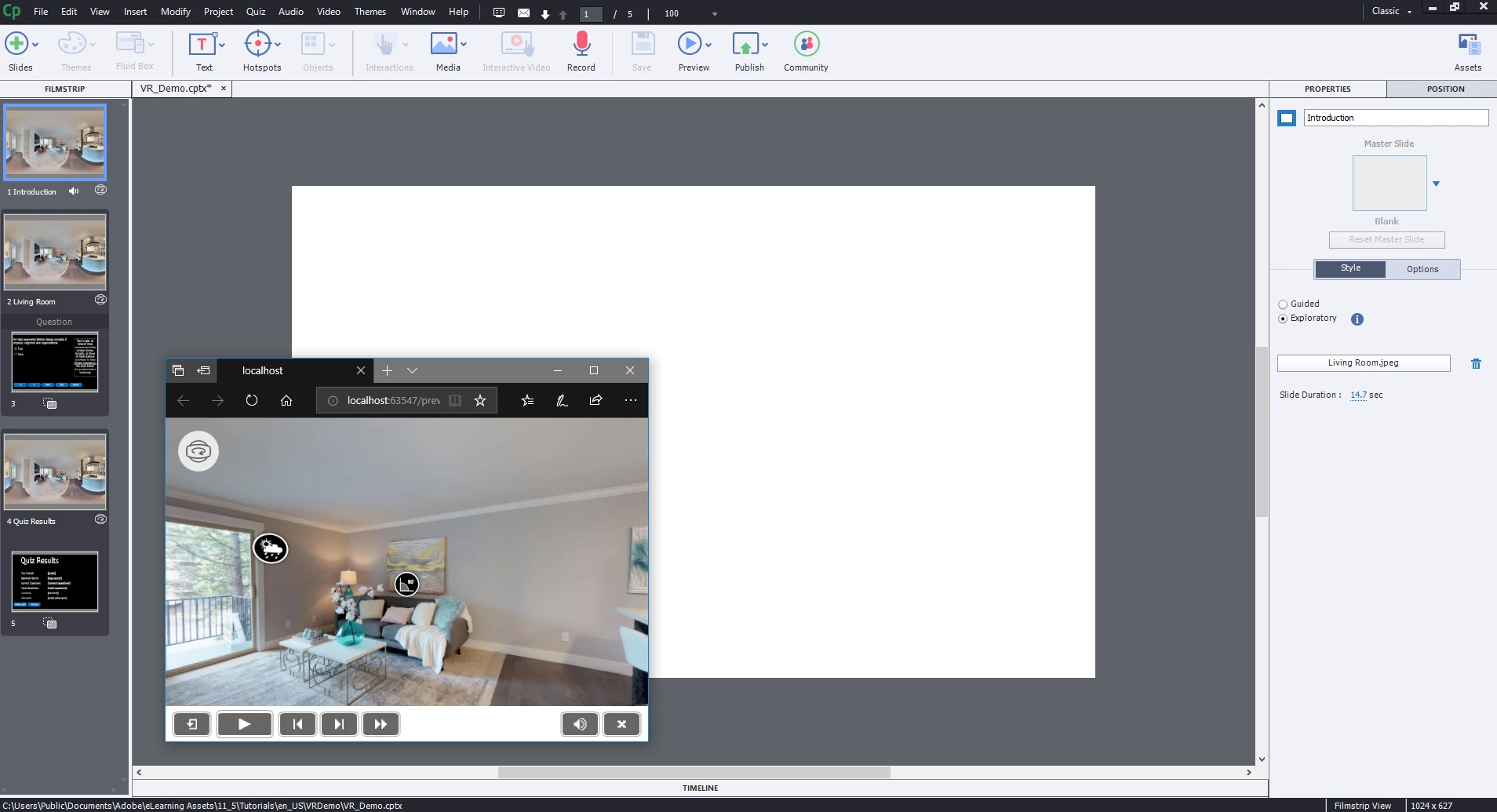
 

This is repeatable every time I try clicking: Project > New Project > Virtual Reality Project.

I have already tried restarting, clearing cache, and reviewing this forum for similar experiences.

 

    This topic has been closed for replies.

    1 reply

    Timothy B 78253
    Participating Frequently
    August 17, 2020

    This is still an issue. As I watched Paul Wilson's video demonstration of how this should work, I know this isn't right. It's like some dll or other technology isn't present on my install. Does Captivate still require flash to be present on the system for this to work? Because that has all been removed now. Note that this isn't a playback issue, it's an editing issue. 

    Lilybiri
    LilybiriCorrect answer
    Legend
    August 17, 2020
    Timothy B 78253
    Participating Frequently
    August 17, 2020

    Thank you. That article did help. I uninstalled and reinstalled, and that didn't help. But a comment down in the thread told about it not working while docked. So I undocked, but it still didn't work--restarted undocked, opened captivate and it works. I docked while Captivate is open and it still functions. I suspect it's an unhandled exception when checking the graphics support in some way that's causing that functionality to not work. This is resolved, but not really. There still exists a bug in Captivate that needs to be addressed. At least there is a workaround.