
Participant
February 7, 2018
Question

What happened to the Demo Menu within Captivate 2017?

  • February 7, 2018
  • 2 replies
  • 125 views

Hello,

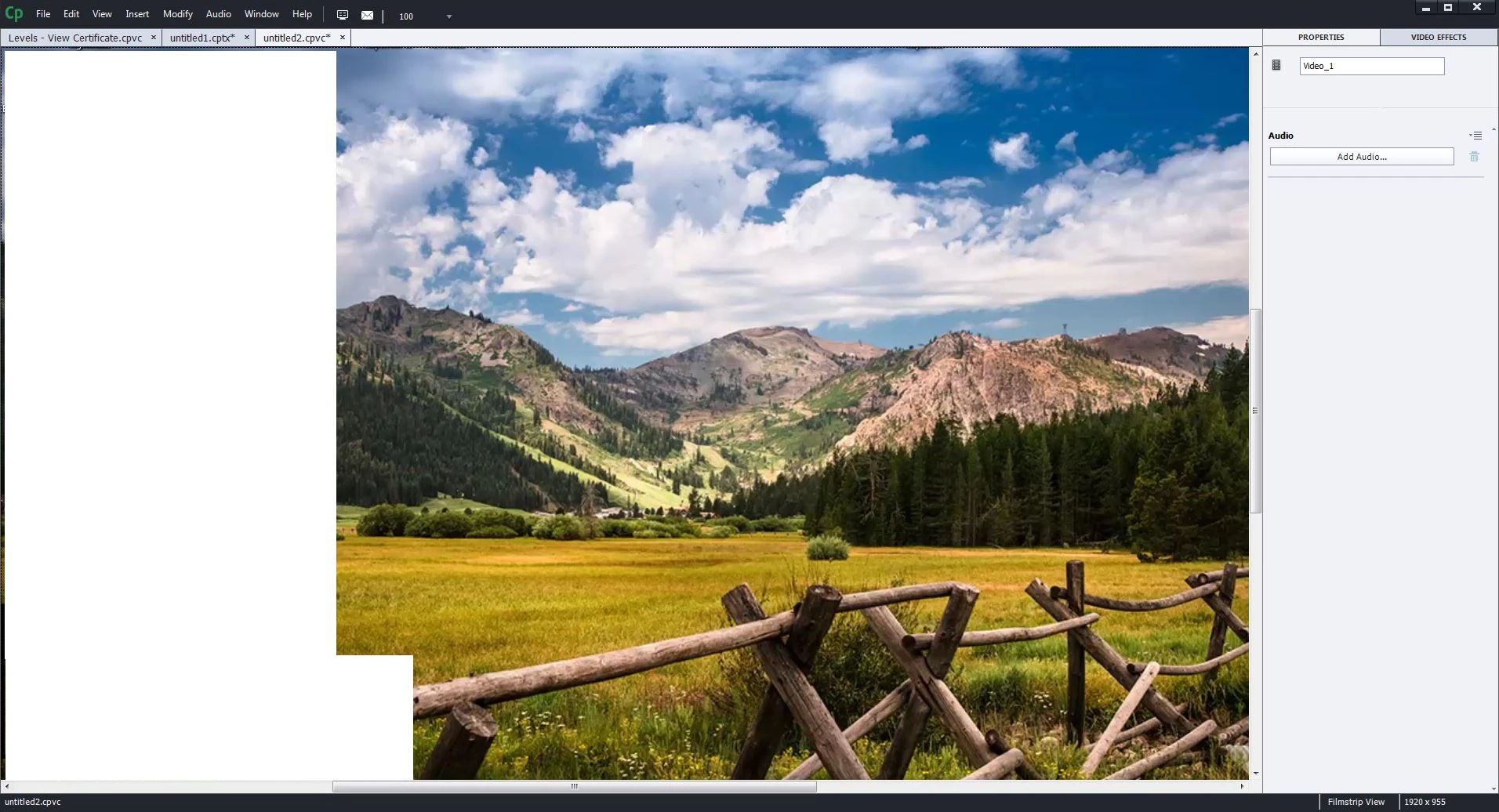
I was previewing a Video Demo project and when I pressed Esc (to exit the preview) the Menu on top where you can insert object from is gone. I can't seem to find how to put it back. The timeline is also gone, and even thou I can put it back manually it doesn't stick to the workstation. Is tech second time that happens and the first time, the IT department had to re-install captivate for me which is not what i want this time because of the downtime.

Is there anything that im missing to bring it all back to normal?

Thank you.

Before:
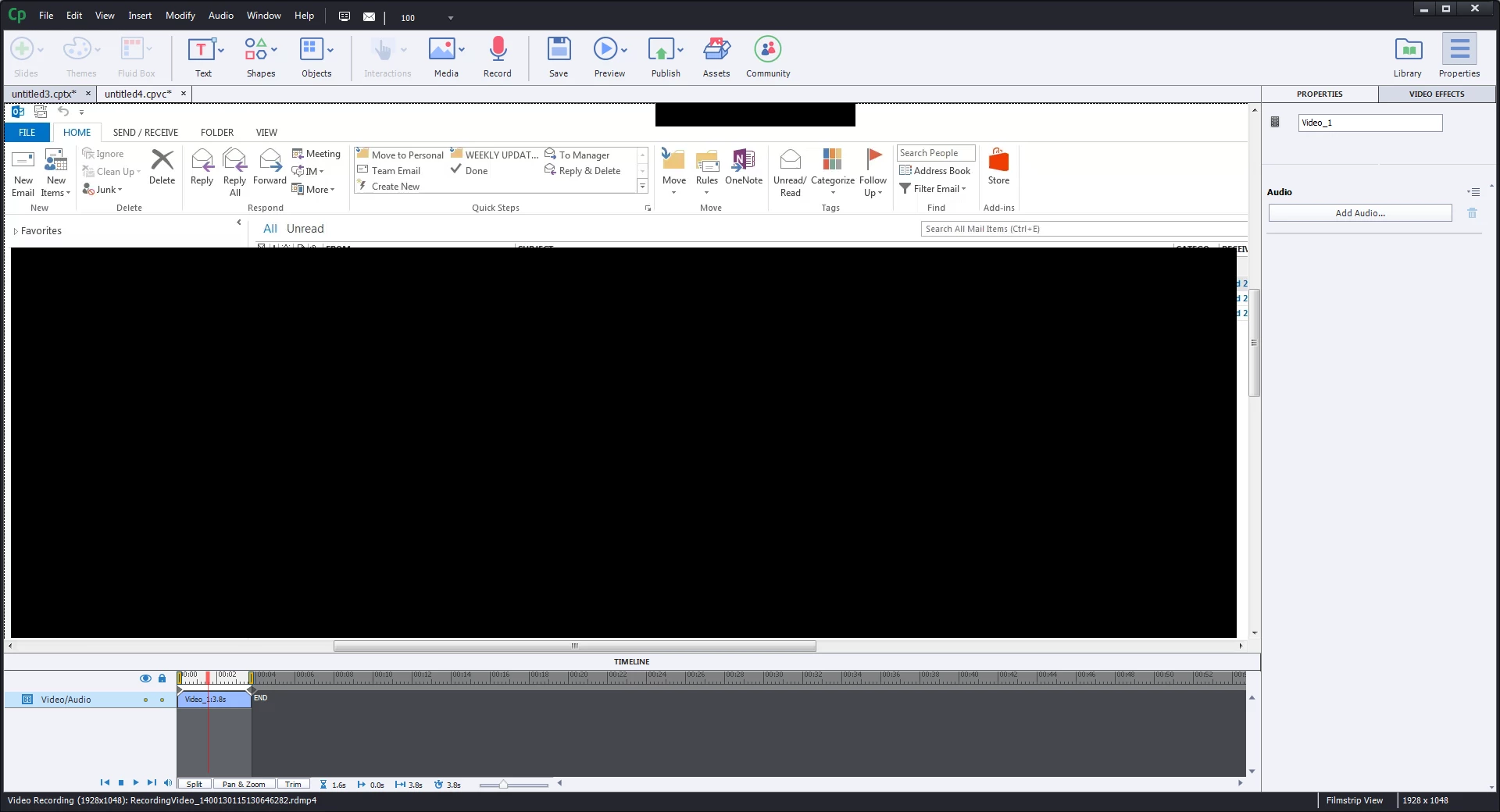
After: the menu and the timeline dissapear
I appreciate your help.

Regards.

This topic has been closed for replies.

2 replies

PaulaS8Author
Participant
February 8, 2018

Hello again,

I have managed to find another forum: Deleting preferences

Where they explain how to delete the preference from the Captivate folder within Windows:

I used this path but looked for Captivate 2017 and deleted the latest Workspace view:

C:\User\AppData\Local\Adobe\Captivate 10.0\Workspace

Hope it helps to others that have the same issue... and thanks Rod for the hint.

RodWard
Community Expert
Community Expert
February 7, 2018

Try resetting your Preferences.

PaulaS8Author
Participant
February 8, 2018

Hey Rod,

Thank you for your help.

I'm not sure where to do this, are you able to provide a step by step?

Thank you again for your time.

Paula.