

해결됨
When in preview of my project, one slide has a "Submit" box showing. It only shows in preview - I cannot remove it.
See the below screen shots. The first is in edit mode and the second in preview. How do I get rid of that "submit" box?
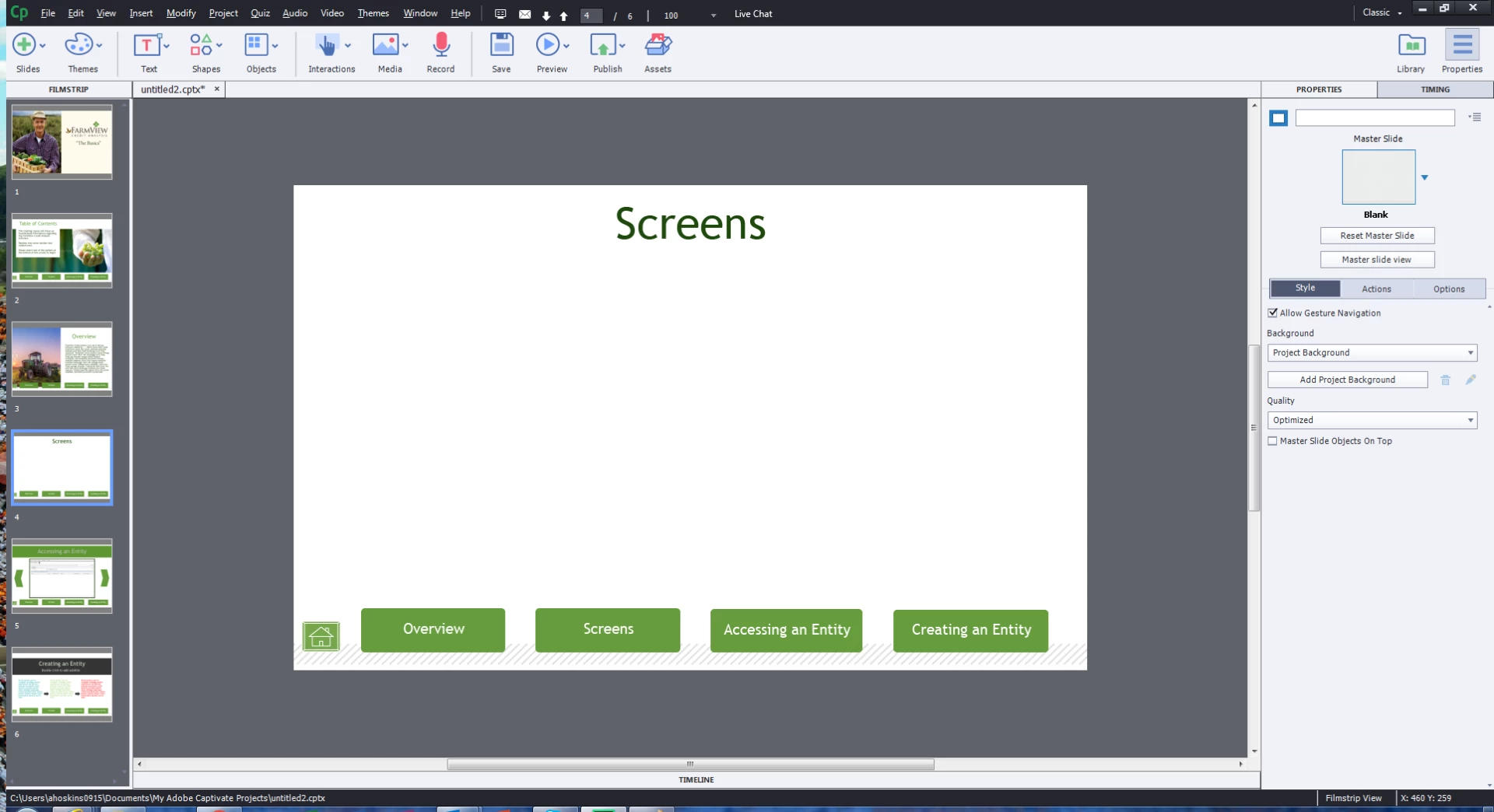
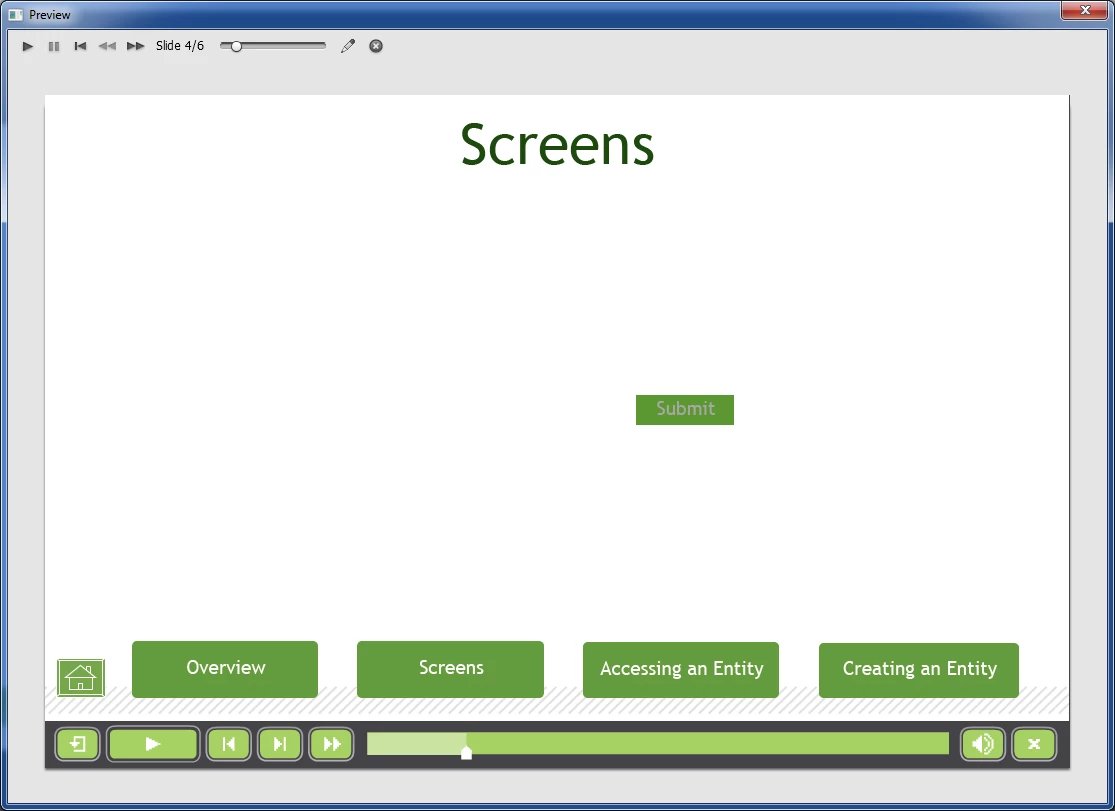
See the below screen shots. The first is in edit mode and the second in preview. How do I get rid of that "submit" box?
Edit mode
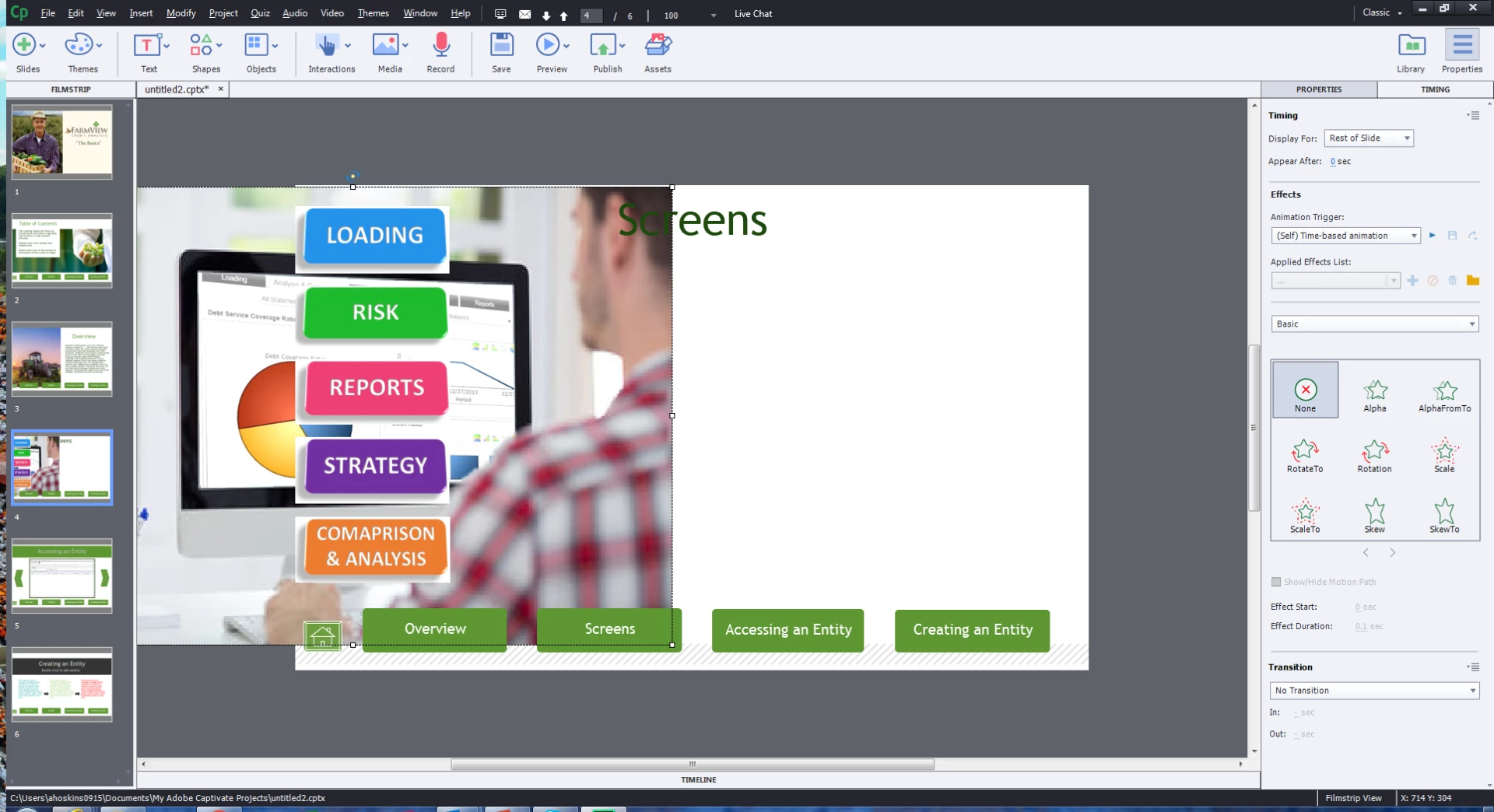
Preview mode
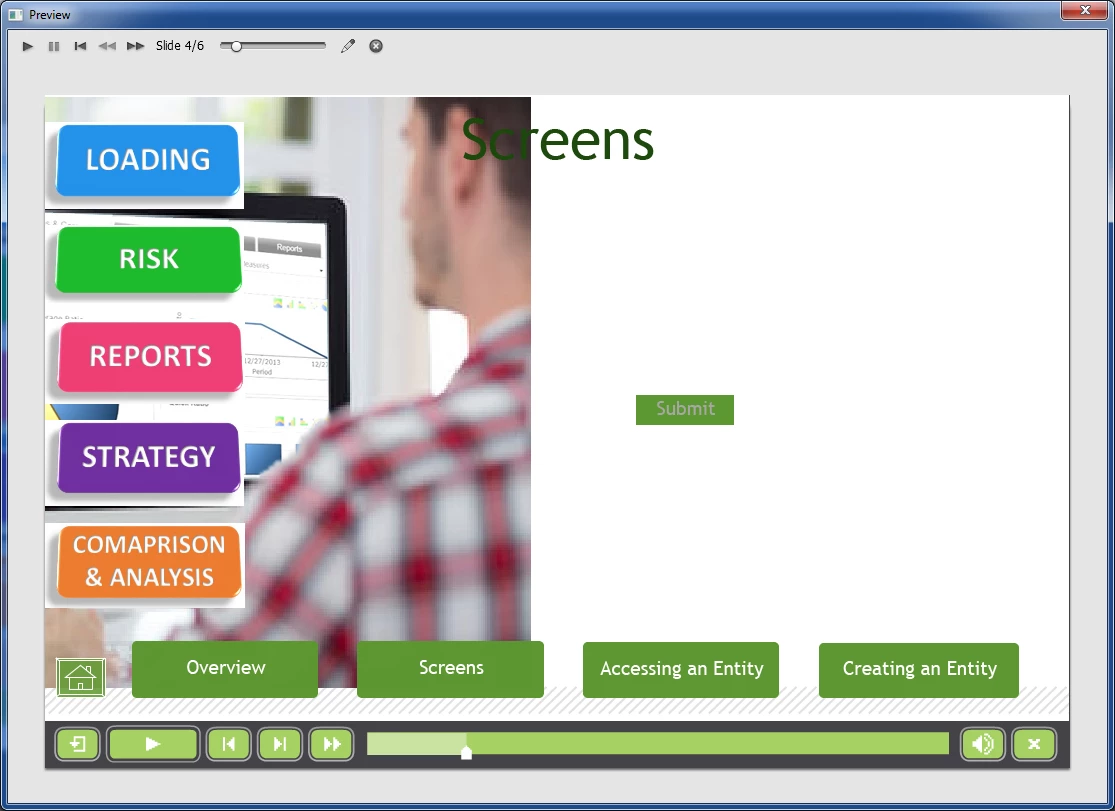
work around was to create a new project and copy all of the slides from the flaws project. The button was now available to be deleted.
Enter your E-mail address. We'll send you an e-mail with instructions to reset your password.
 AdChoices