July 18, 2013
Question

When publishing my project to word as a "Step by Step format the images and text on the slide no no

  • July 18, 2013
  • 1 reply
  • 482 views

When publishing my project to word as a "Step by Step format the images and  text on the slide no not match up (see Fig 1 below).

Could someone help me out with a solution please.
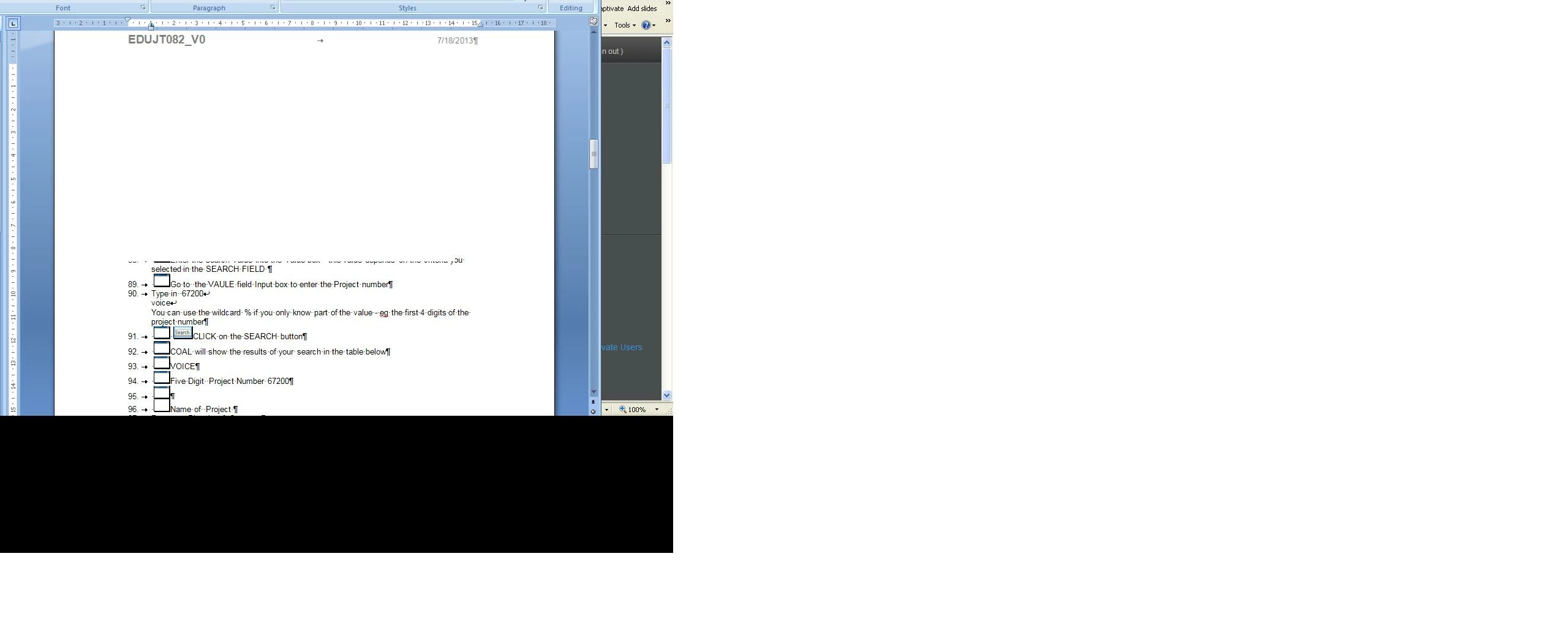
Cheers,'

Mel

    This topic has been closed for replies.

    1 reply

    Adobe Employee
    July 19, 2013

    Hi Mel,

    Please let me know:

    1) Which version of Captivate are you using?

    2) Which OS do you have?

    3) Please ellaborate more about how you are publishing and also check the .swf output.

    Thanks

    Vikas

    July 22, 2013

    Captivate 6 Build 6.0.1.240

    OS XP Professional Ver2002 SP3

    Going to the Publish command  and clicking on the Type arrow and choosing Step by step from the drop down list.Then clicking on the Publish button.