
Inspiring
January 14, 2020
Answered

Why are my quiz questions not starting from 1 (1 of x)?

  • January 14, 2020
  • 1 reply
  • 368 views

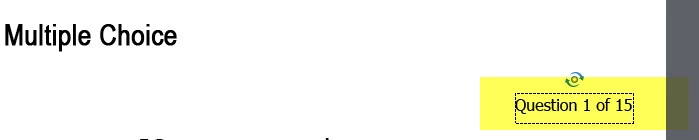
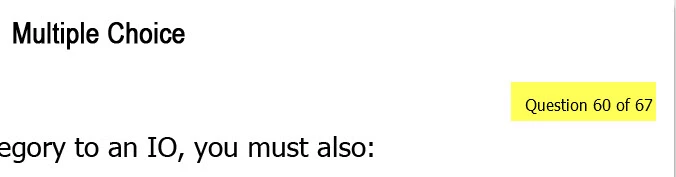
For some strange reason, the numbering on my quiz questions are starting with a continuation number from the main course slides. I've never seen this before. They've always started from 1 (e.g., 1 of x) as expected.


What numbering looks like in the project:
What numbering looks like in the publish preview:
Also -- and maybe this is a clue -- in the project slides, the numbering is appearing as "# of 15" even though there are only 7 quiz questions. 

This topic has been closed for replies.
Correct answer Lilybiri

Did you post this twice, also in another location. Have answered this question already, asked to check the Advanced Interaction panel (F9) to check which scored objects you have.


Indeed a double post, here is where I answered already:

https://elearning.adobe.com/2020/01/why-are-my-quiz-questions-not-starting-from-1-1-of-x/

1 reply

Lilybiri
LilybiriCorrect answer
Legend
January 14, 2020

Did you post this twice, also in another location. Have answered this question already, asked to check the Advanced Interaction panel (F9) to check which scored objects you have.


Indeed a double post, here is where I answered already:

https://elearning.adobe.com/2020/01/why-are-my-quiz-questions-not-starting-from-1-1-of-x/

Inspiring
January 14, 2020

Yes, sorry about the confusion. I originally posted this via the Community tab directly from Captivate. I'm finding that interface confusing, and difficult to find my original entries. So I just opened a browser, went to the community, and re-posted. Anyway, thanks for the response. I'll check it out!