
Why do drop down widgets only provide the correct value on first use but fail to do so after coming back to a slide?
This problem is described below in a project with two slides.
The first slide contains two widget with drop down values and a button which is used to divide the value of the first widget by the value in the second widget e.g. 200/10. The calculate button is linked to advanced actions.
This works correctly the first time that I enter this slide. However, if I go onto the next slide but then come back to the first slide, it does not work. Below is a sequence of images which shows this:
fig 1 - First option in widget 1 is "Choose cost" and in widget 2 is "Choose amount". The other values in the first widget are 200 and 400 and the values in the second widget are 10 and 20.
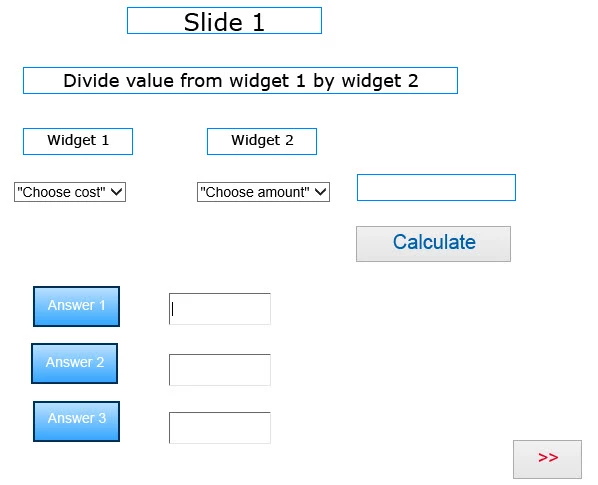
fig 2 - works correctly and shows 20 in the result box. I then store the result in a text area next to the label Answer 1
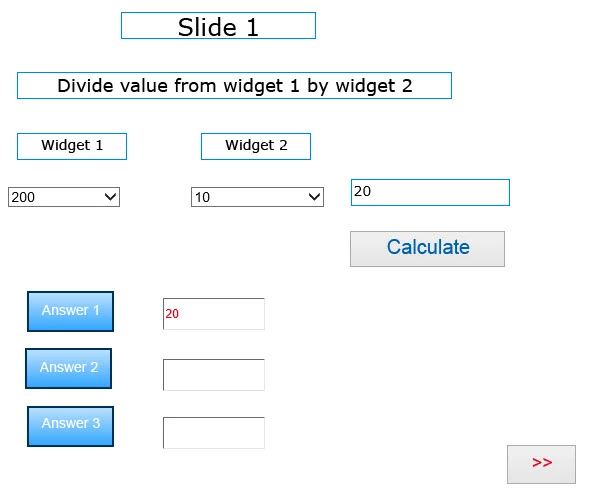
fig 3 - I have now moved on to slide 2. This just contains a button to return to slide 1.
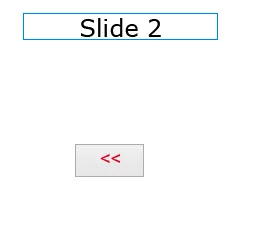
fig 4 - Now back on slide 1 again. This time I get a NaN error message. Despite the fact that the widgets are showing 400 and 10 respectively, the underlying values appear to be the text strings from the first options in the widgets i.e. "Choose cost" and "Choose amount" and this is why NaN has appeared in the result box.
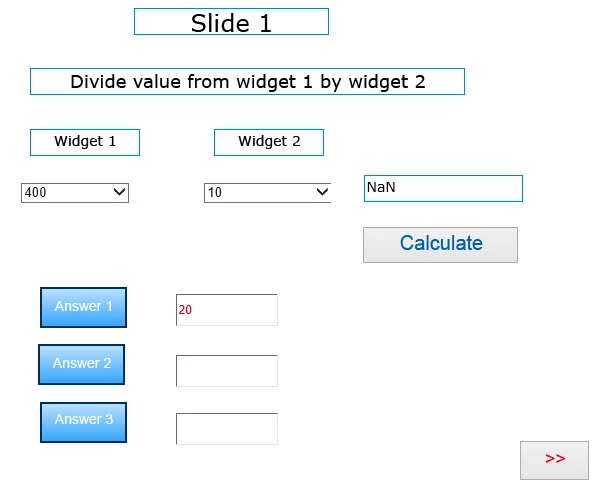
fig 5 - now back on slide 2 again for a second time.
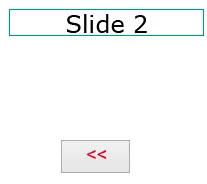
fig 6 - now back on slide 1 for third time - this time the widgets will work correctly again. The correct result of 40 is shown and I can store this next to Answer 2.
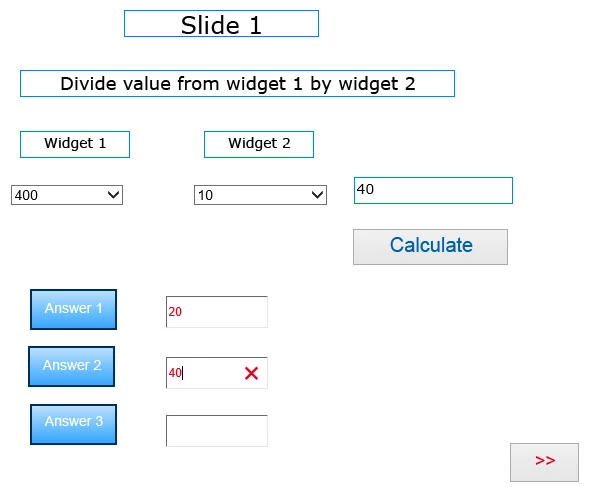
It seems then, that the widgets will only provide the correct values after a second entry onto a slide i.e. they work on the 1st, 3rd, 5th, etc. entries on to a slide but not on the 2nd, 4th, 6th, etc. entries.
The captivate development screen looks like this:
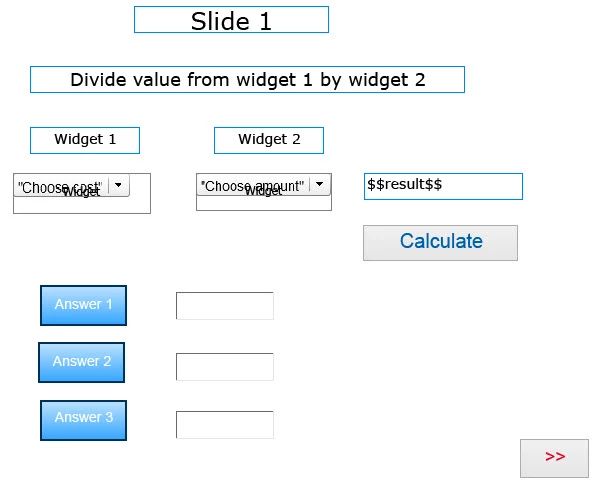 .
.
And the advanced action screen looks like this:
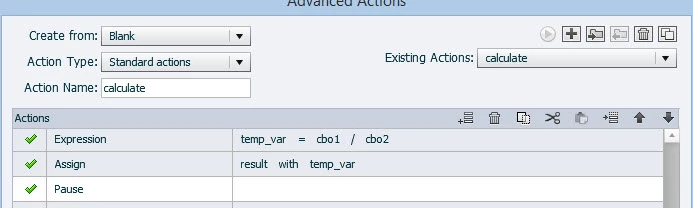
Would appreciate any thoughts on how to resolve this issue.
 AdChoices