Participating Frequently
July 17, 2015
Answered

Widget not displaying/displaying over other objects on the slide - Adobe Captivate 8

  • July 17, 2015
  • 2 replies
  • 2596 views

Hi,

I have two questions;

1. I'm using the image zoom learning interaction and I'm trying to place an object over top of it but when I preview the slide the image zoom interaction is on top of the object. I've tried sending the object to front and the image zoom send to back but that didn't work. How can I get the object to appear above the interaction? Is this possible?

2. My widgets/learning interactions work and display just fine in preview but when I go to publish they're gone and don't display at all. How can I fix this?

Thanks for any help or suggestions!
This topic has been closed for replies.
Correct answer Lilybiri

I checked it on my laptop and the project is targeted toward mobile. No I don't have edge inspect.

The notes widget is on one page and the image zoom widget is on a separate page.

I've been working in the mobile break point but the widget is on every break point.

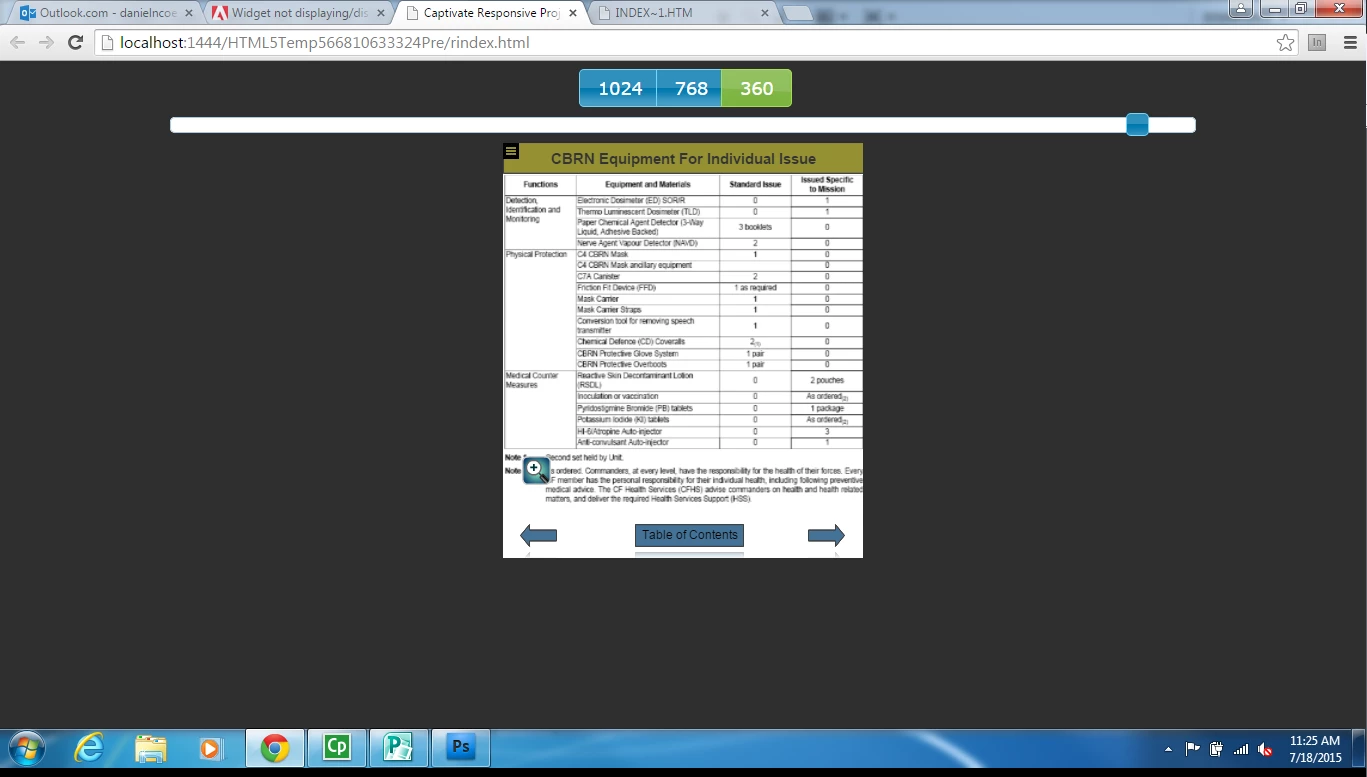
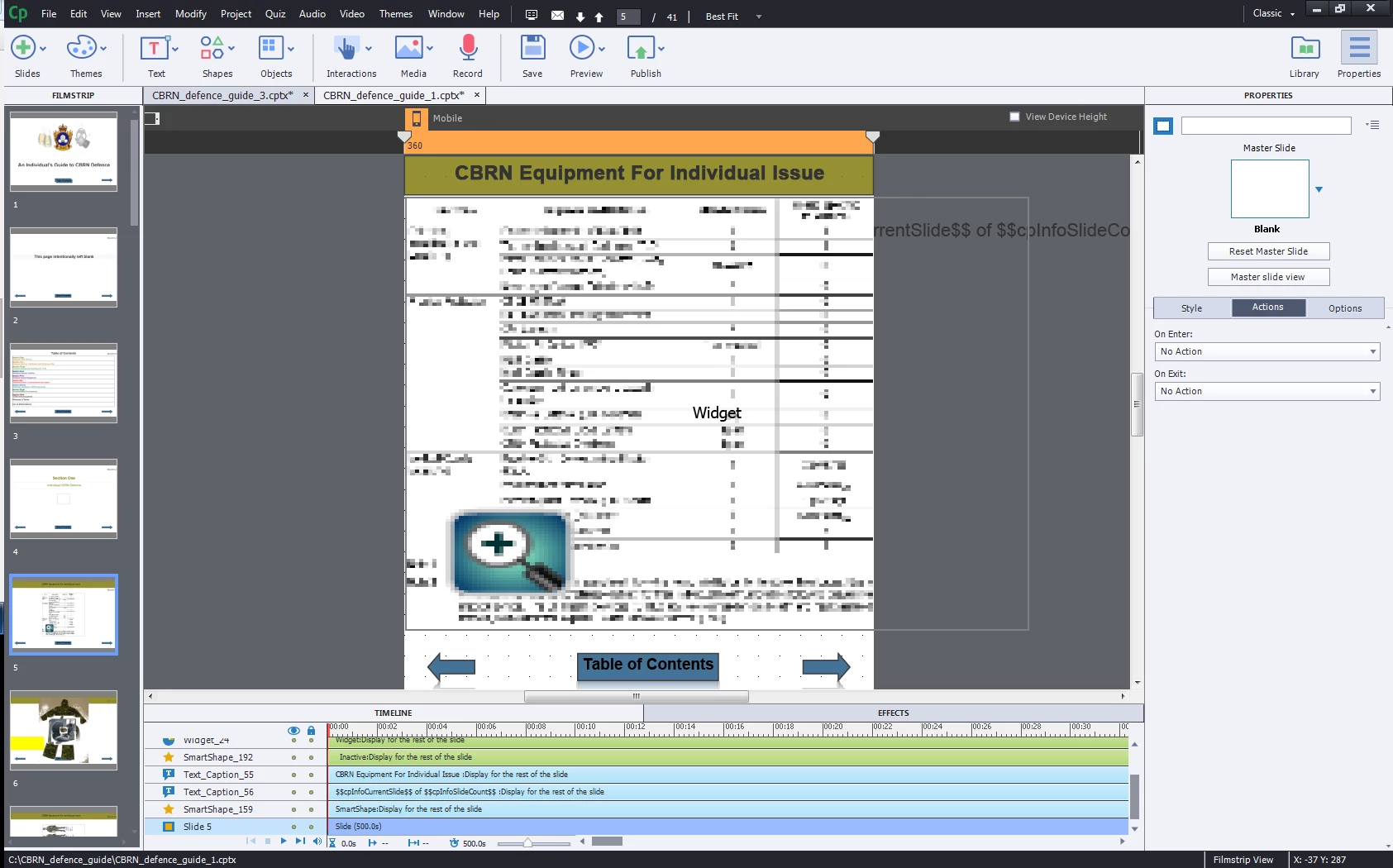
Here is the slide with the image zoom widget.

Here is the preview of the page with the image zoom widget

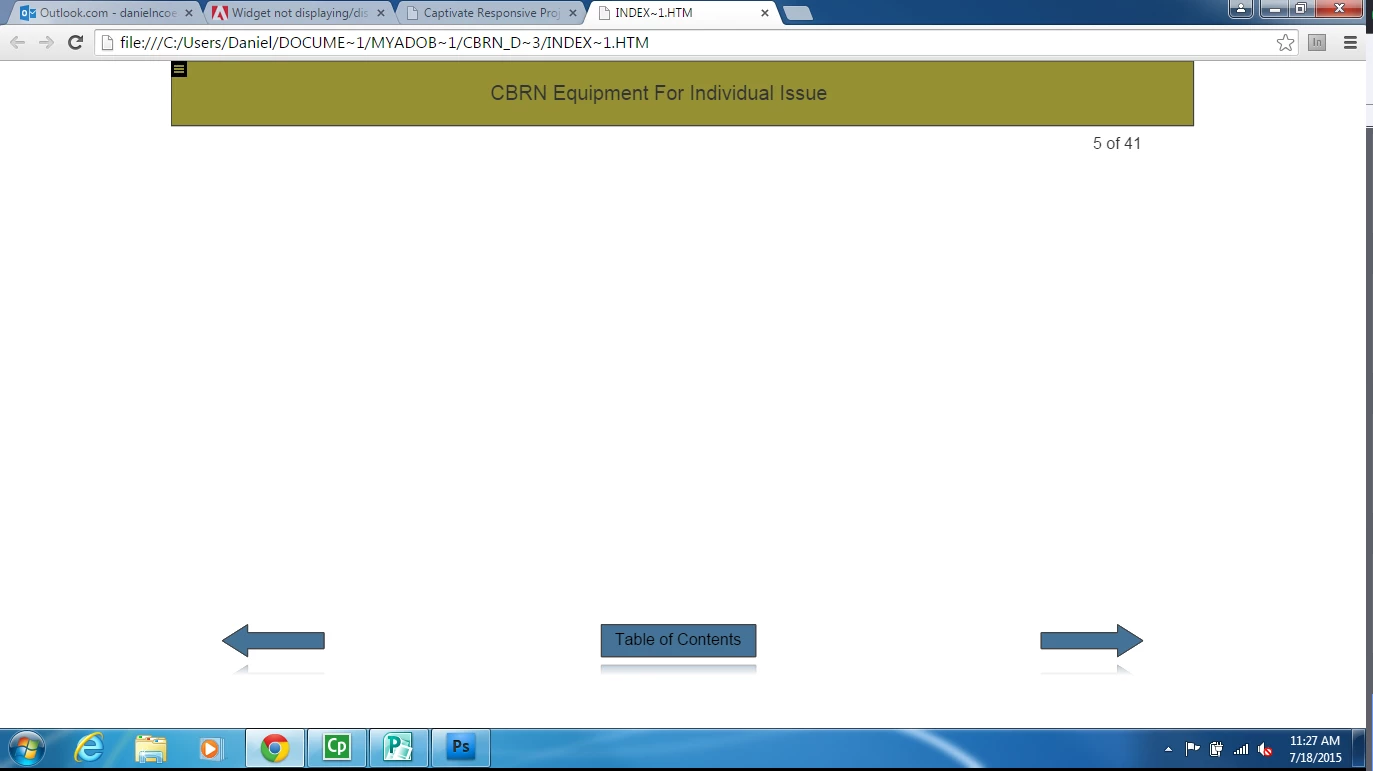
here is the published version of that image zoom page (in primary/full width view)

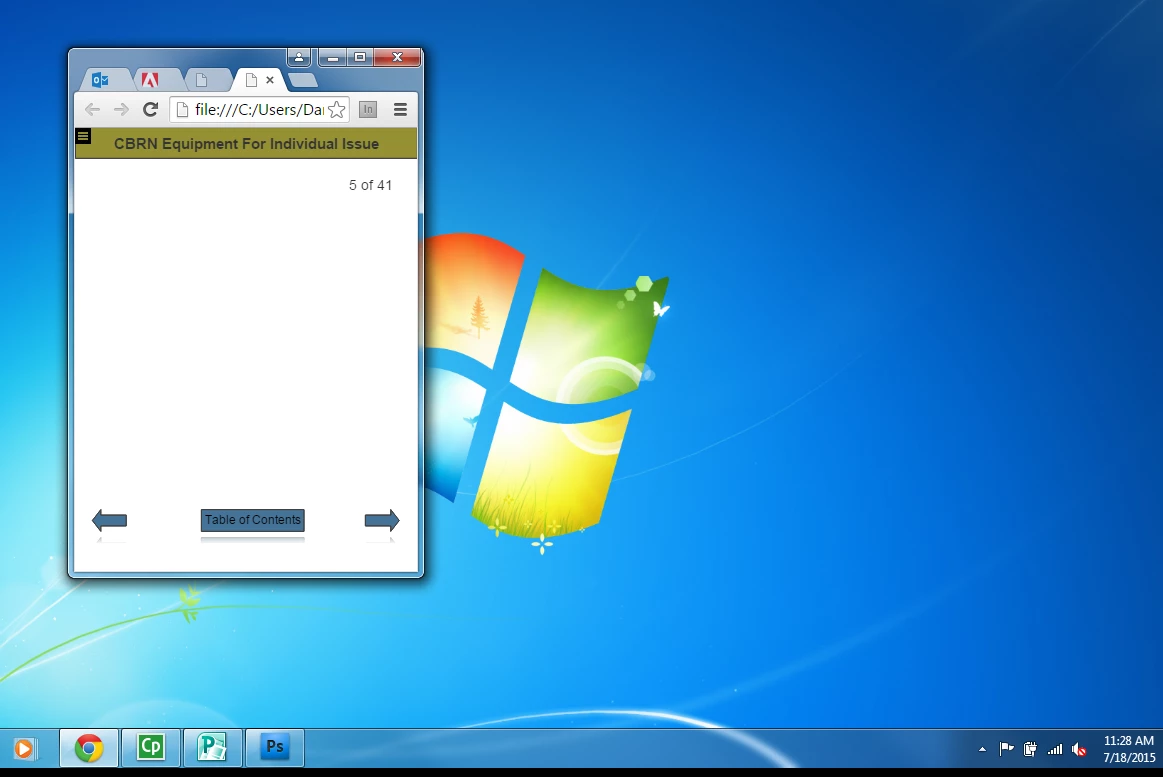
here is the published version of that image zoom page resized to mobile widths.


I see that you are testing locally. To see the real output, since you cannot use Edge Inspect, you have to upload to a webserver!

2 replies

Participant
July 19, 2017

I am having this same issue too. Captivate 9, non-responsive project, and no edge inspect.

Captiv8r
Legend
July 17, 2015

HI there

Likely no way to overcome the whole zoom issue.

On the Widgets/Interactions thing, if you are placing them on a slide without anything causing the slide to pause, such as a Button or a Click Box, it's likely that simple timing is making them disappear quickly. So you will probably find that you need a Button, Click Box or Smart Shape configured as a button that will keep the slide paused until the user is ready to move forward.

Cheers... Rick

Participating Frequently
July 17, 2015

Hi Rick,

I have the slide set to pause on enter and pause on exit, the widgets are set to display for rest of slide and i have previous and next button on the slides as well. The slide takes a while to load and then it loads without the widget. Do you have any other suggestions?

Thanks!

Lilybiri
Legend
July 17, 2015

That is not a good idea, to use the Pause command On Enter, and certainly not On Exit.

Learning interactions and widgets come in two types: either static or interactive. The interactive ones have a default pause at 1 sec, but it is not visible on the Timeline (bummer). The static ones do not have a pausing point, and Rick points out the way: insert a button, a click box or a shape button with a pause. That can be a next button, since most static interactions will be viewed by the user as long as they want, it looks OK if you give them control over that 'viewing time'.

More tips in this blog post: Tips - Learning Interactions - Captivate blog

It is not possible to have an interaction/widget (or an animation) behind another object.