

Question
Windows Media Player Issue
I recorded a brief 5 minute video, and published it from Captivate 8. Everything worked fine.
Then, I went in and edited the video. I trimmed it, and added a few graphics and text boxes.
I republished, and now when I open the video it shows me a squashed copy of the opening screen. The audio sounds fine, but the video never changes from the squashed opening screen.
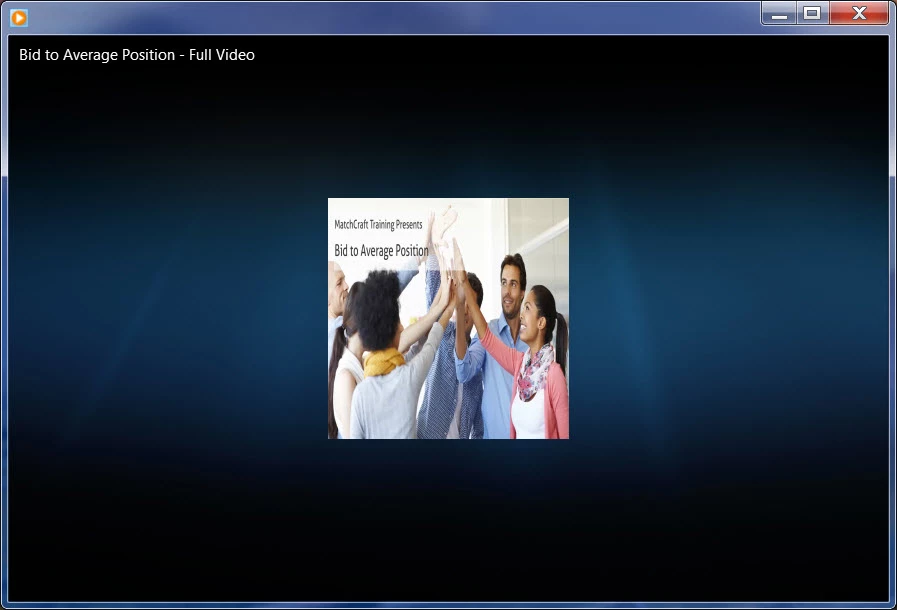
If open the same file in QuickTime, it plays beautifully.
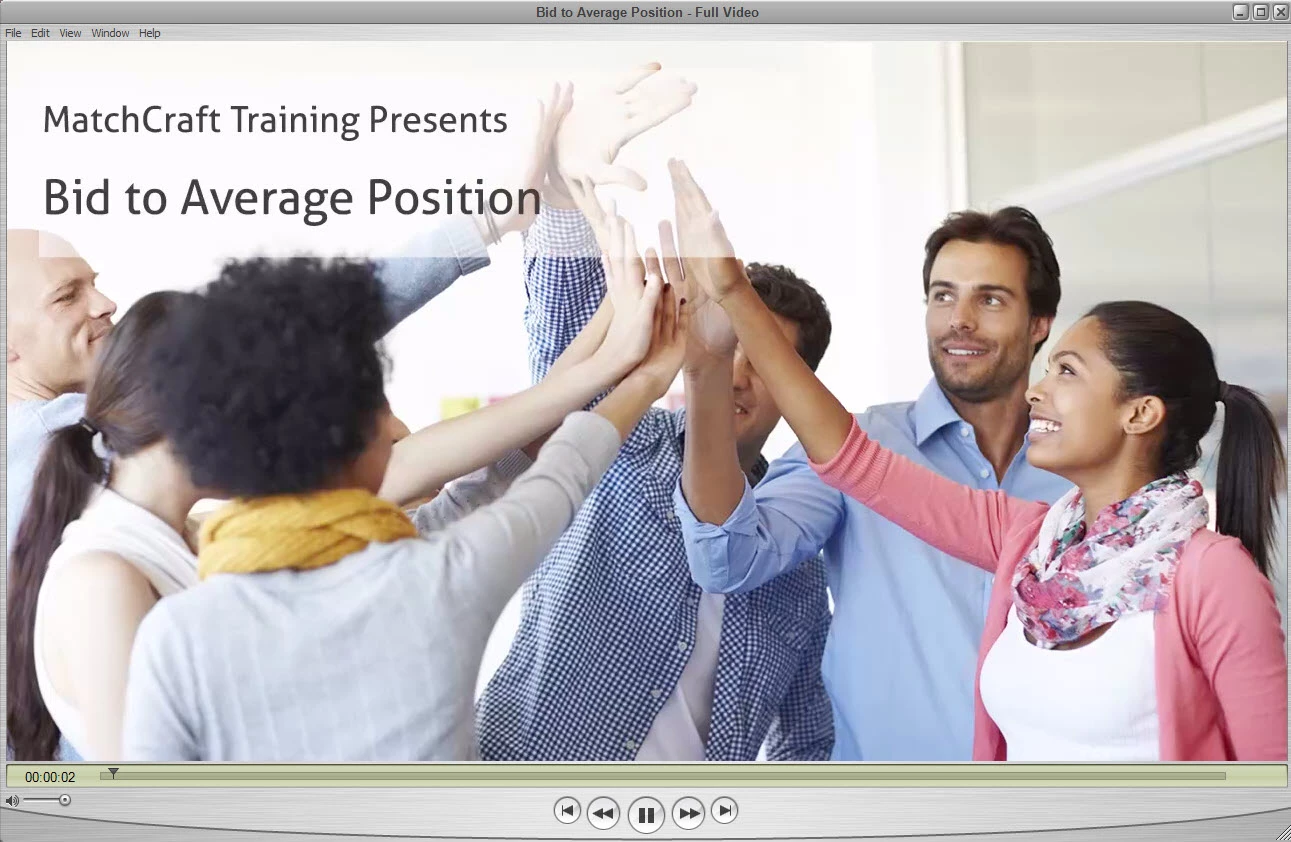
Has anyone had a similar experience? And solution?
Thank you!
 AdChoices