
elearningbuilder11
Inspiring
January 9, 2018
Question

YouTube Learning Interaction WTH?

  • January 9, 2018
  • 3 replies
  • 670 views

Hello,

I am trying to stream a YouTube video in my course rather than load it into the project.

It's not working.

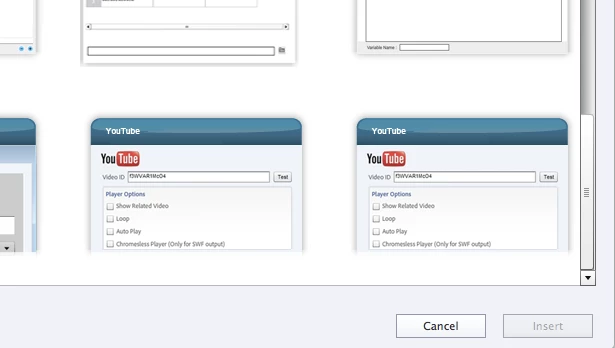
1. I Insert the video from the menu:  (why I have 2 of them I dont know...?)
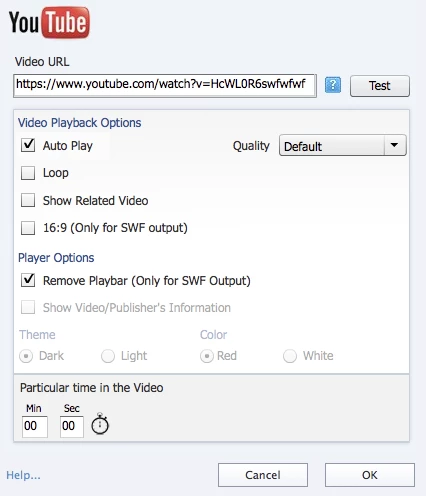
2. I fill out the window form:
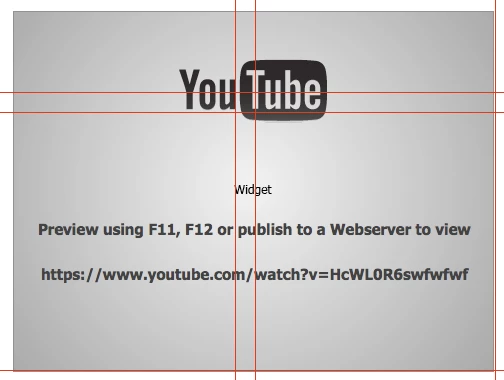
3. I get this:
4. I upload the CP project to the server, play the project through the browser, but no go.

What am I doing wrong or where can I go to find out a step by step process for making this interaction work properly.

Thank you.

This topic has been closed for replies.

3 replies

Participant
July 11, 2018

Same problem. Why doesnt Adobe just answer these questions directly? @$#$%#$^^ ANNOYING!

RodWard
Community Expert
Community Expert
July 12, 2018

Have you tried calling them 'directly'?

elearningbuilder11
Inspiring
September 21, 2018

Yes, they could not offer any kind of solution. They are blaming it on YouTube...

Inspiring
January 9, 2018

You followed the right steps, I did the same thing and it works for me. See here: http://dev.keypointlearn.com/xcl76_CP/CP2018/YouTubeWidget/ I would test the same file on another server (e.g. SCORM Cloud) to see if the problem persists.

Inspiring
January 9, 2018

Are you sure the URL is correct? There doesn't seem to be a YouTube video with ID HcWL0R6swfwfwf.

elearningbuilder11
Inspiring
January 9, 2018

Yes, I am sure.

The link was changed in the screenshot for confidentiality.